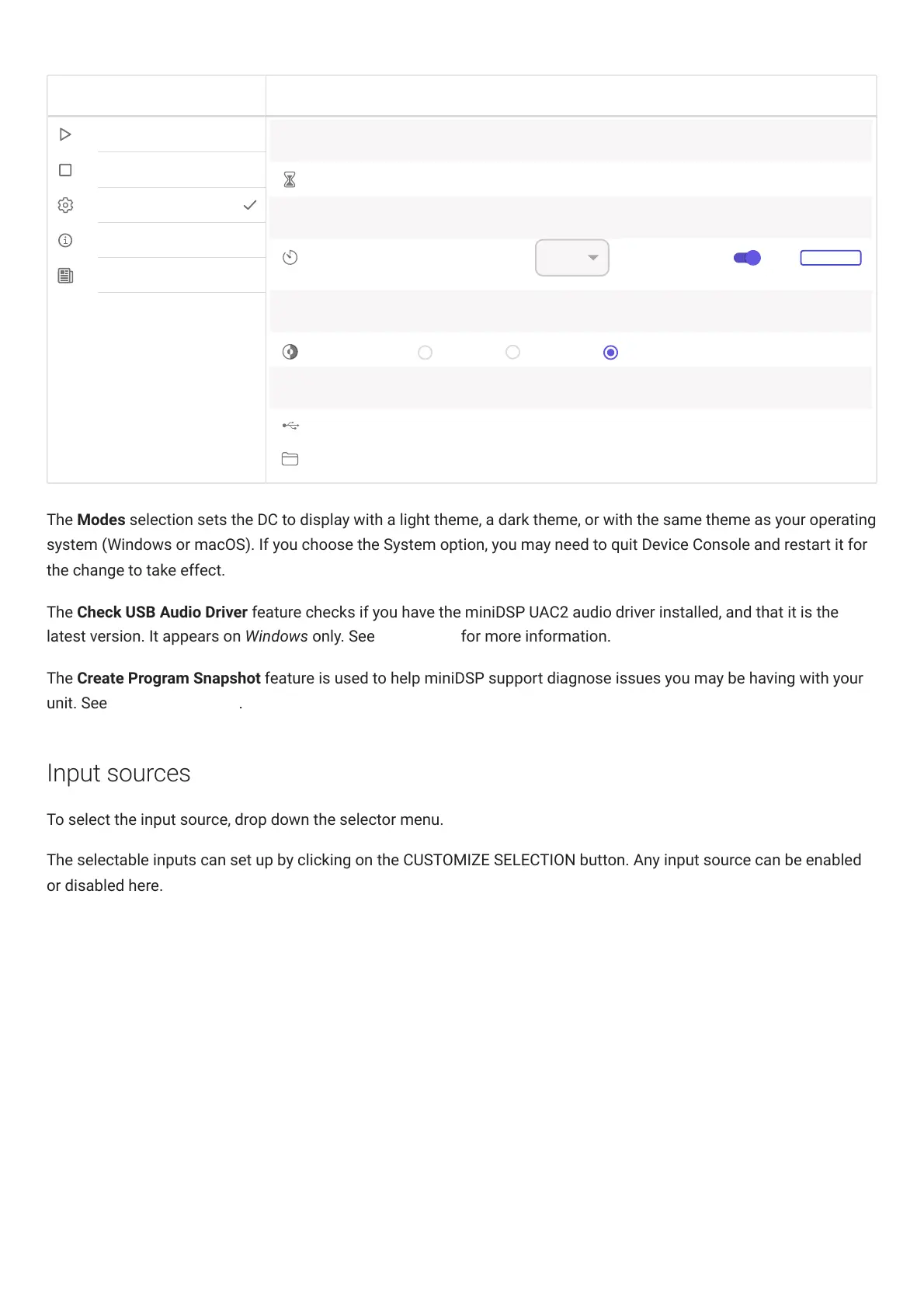
The Modes selection sets the DC to display with a light theme, a dark theme, or with the same theme as your operating
system (Windows or macOS). If you choose the System option, you may need to quit DeviceConsole and restart it for
the change to take effect.
The Check USB Audio Driver feature checks if you have the miniDSP UAC2 audio driver installed, and that it is the
latest version. It appears on Windows only. See Installation for more information.
The Create Program Snapshot feature is used to help miniDSP support diagnose issues you may be having with your
unit. See Obtaining Support.
Input sources
To select the input source, drop down the selector menu.
The selectable inputs can set up by clicking on the CUSTOMIZE SELECTION button. Any input source can be enabled
or disabled here.



 To Next Page