Print or save - miniDSP Flex
https://docs.minidsp.com/product-manuals/flex/print_page.html
[390 Hz] -15.1 dB
Output 3
Crossover mode
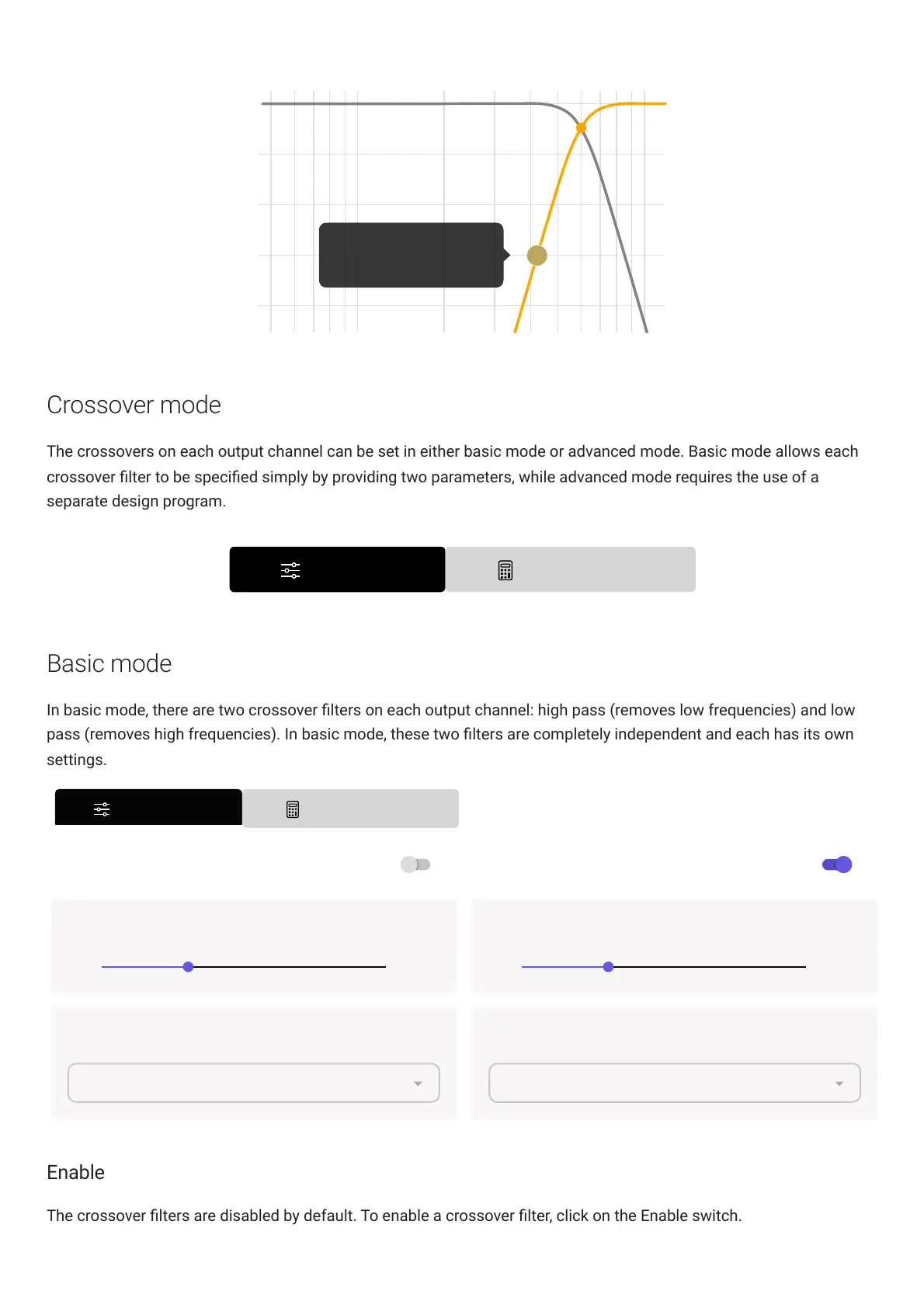
The crossovers on each output channel can be set in either basic mode or advanced mode. Basic mode allows each
crossover lter to be specied simply by providing two parameters, while advanced mode requires the use of a
separate design program.
Basic mode
In basic mode, there are two crossover lters on each output channel: high pass (removes low frequencies) and low
pass (removes high frequencies). In basic mode, these two lters are completely independent and each has its own
settings.
Changing mode will
ADVANCED MODE
BASIC MODE
not
convert Frequency/Filter-Type to biquads.
HIGH-PASS FILTER Enable LOW-PASS FILTER Enable
100Cut-off Frequency Hz
10 20000
Filter Type
100Cut-off Frequency Hz
10 20000
Filter Type
Butterworth 24 dB/OctaveButterworth 24 dB/Octave
Enable
The crossover lters are disabled by default. To enable a crossover lter, click on the Enable switch.



 To Next Page