Print or save - miniDSP Flex
https://docs.minidsp.com/product-manuals/flex/print_page.html
Disabling individual lters
All 10 lters are enabled by default. To disable a lter, select it with the row of buttons. Click on the Enable button to
turn it off.
Filter is enabled Filter is disabled
Note that all other lters are still operational unless individually bypassed. A lter will also have no effect if its gain is
set to 0.0.
Filter mode
The parametric EQ lters can be set in either basic mode or advanced mode. Basic mode allows each lter to be
specied simply by providing four parameters, while advanced mode requires the use of a separate design program.
BASIC MODE ADVANCED MODE
Changing mode will
not
convert Frequency/Gain/Q/Filter-Type to biquads.
100Frequency Hz
10 20000
6.2Gain dB
-16 16
0.9Q
0.5 25
Filter Type
Low Shelf
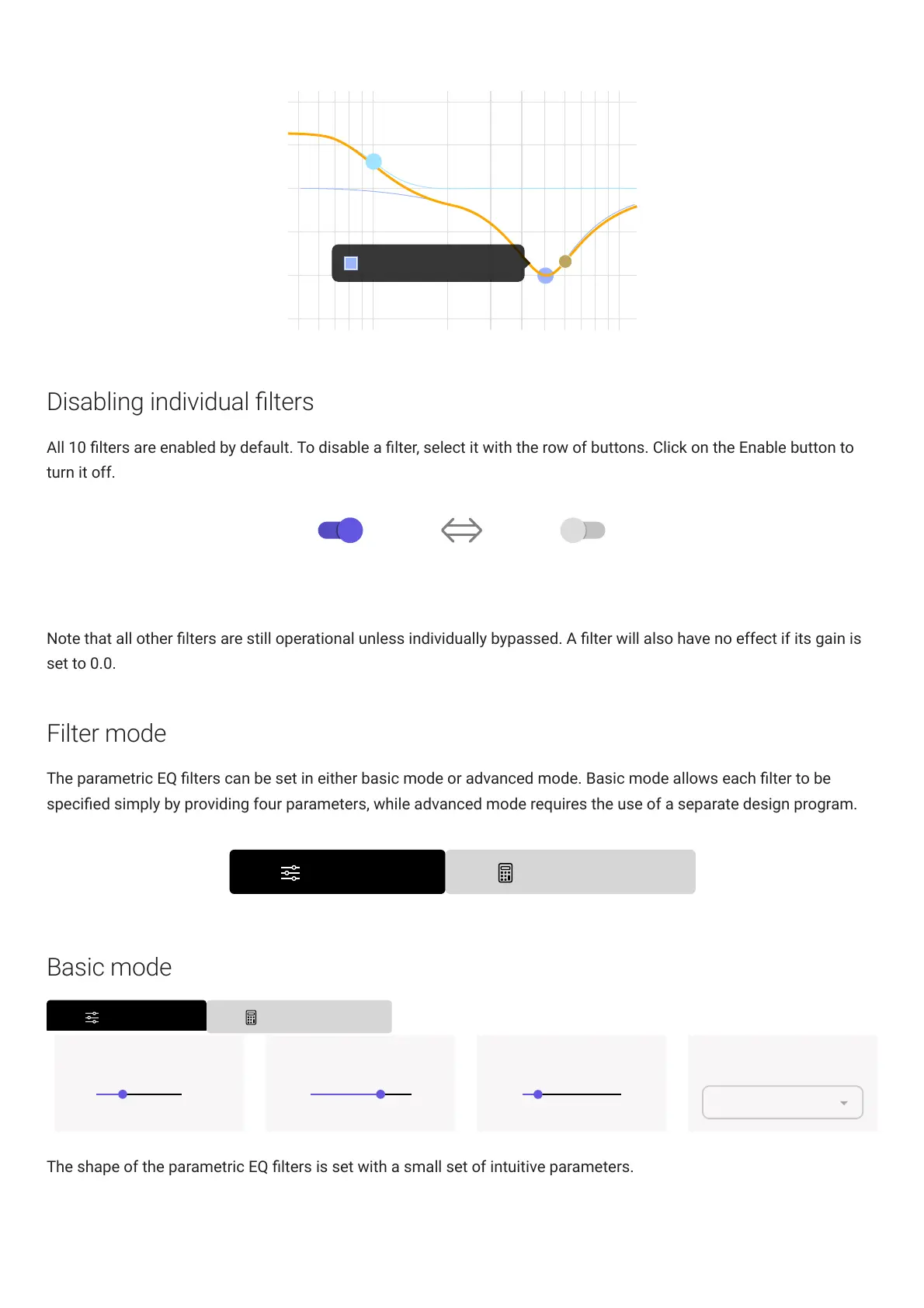
The shape of the parametric EQ lters is set with a small set of intuitive parameters.



 To Next Page