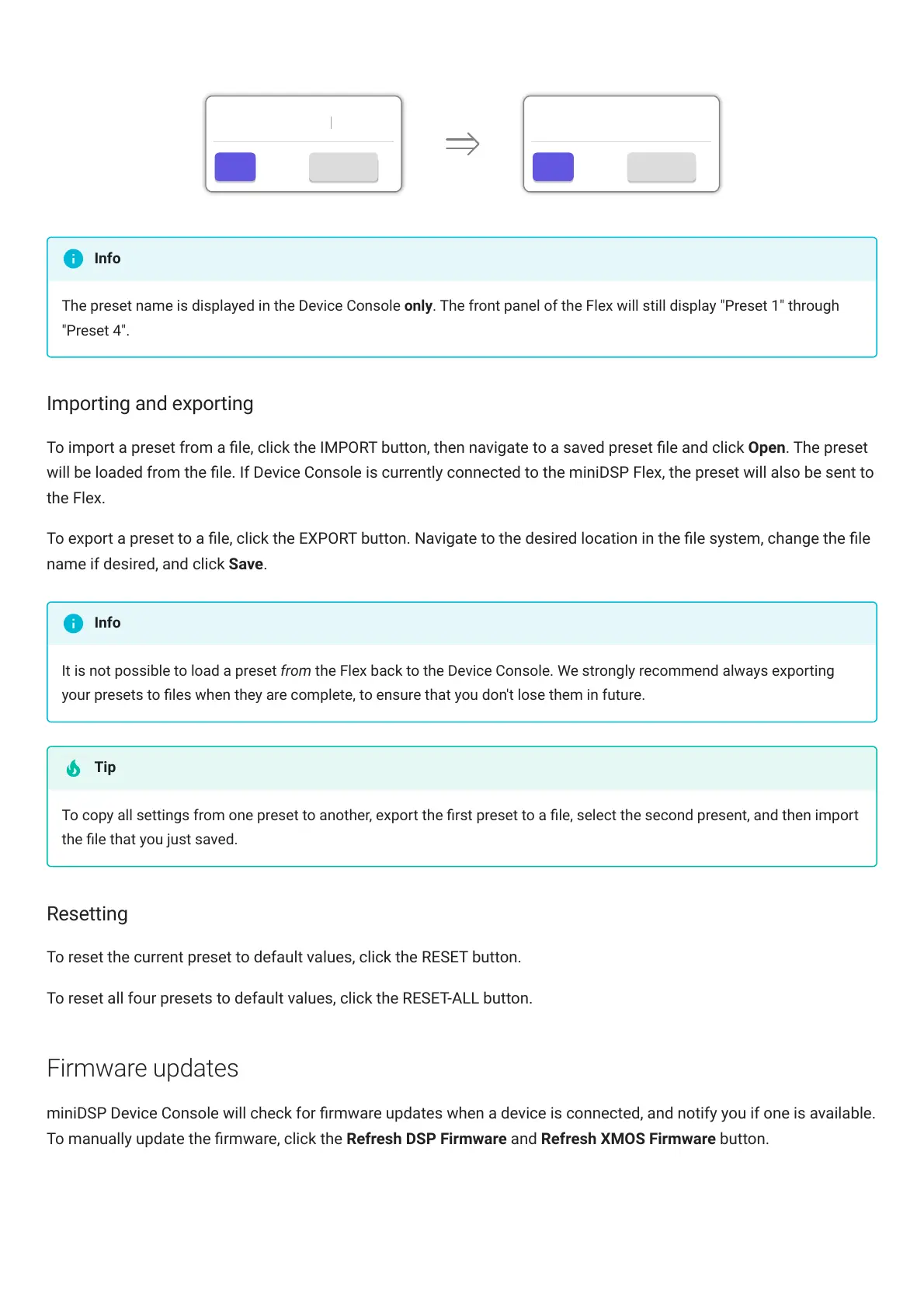
The preset name is displayed in the DeviceConsole only. The front panel of the Flex will still display "Preset 1" through
"Preset 4".
Importing and exporting
To import a preset from a le, click the IMPORT button, then navigate to a saved preset le and click Open. The preset
will be loaded from the le. If Device Console is currently connected to the miniDSPFlex, the preset will also be sent to
the Flex.
To export a preset to a le, click the EXPORT button. Navigate to the desired location in the le system, change the le
name if desired, and click Save.
It is not possible to load a preset from the Flex back to the Device Console. We strongly recommend always exporting
your presets to les when they are complete, to ensure that you don't lose them in future.
To copy all settings from one preset to another, export the rst preset to a le, select the second present, and then import
the le that you just saved.
Resetting
To reset the current preset to default values, click the RESET button.
To reset all four presets to default values, click the RESET-ALL button.
Firmware updates
miniDSPDeviceConsole will check for rmware updates when a device is connected, and notify you if one is available.
To manually update the rmware, click the Refresh DSP Firmware and Refresh XMOS Firmware button.
Info
Info
Tip



 To Next Page