To cancel the operation, click UNLOAD FIR.
Manual mode
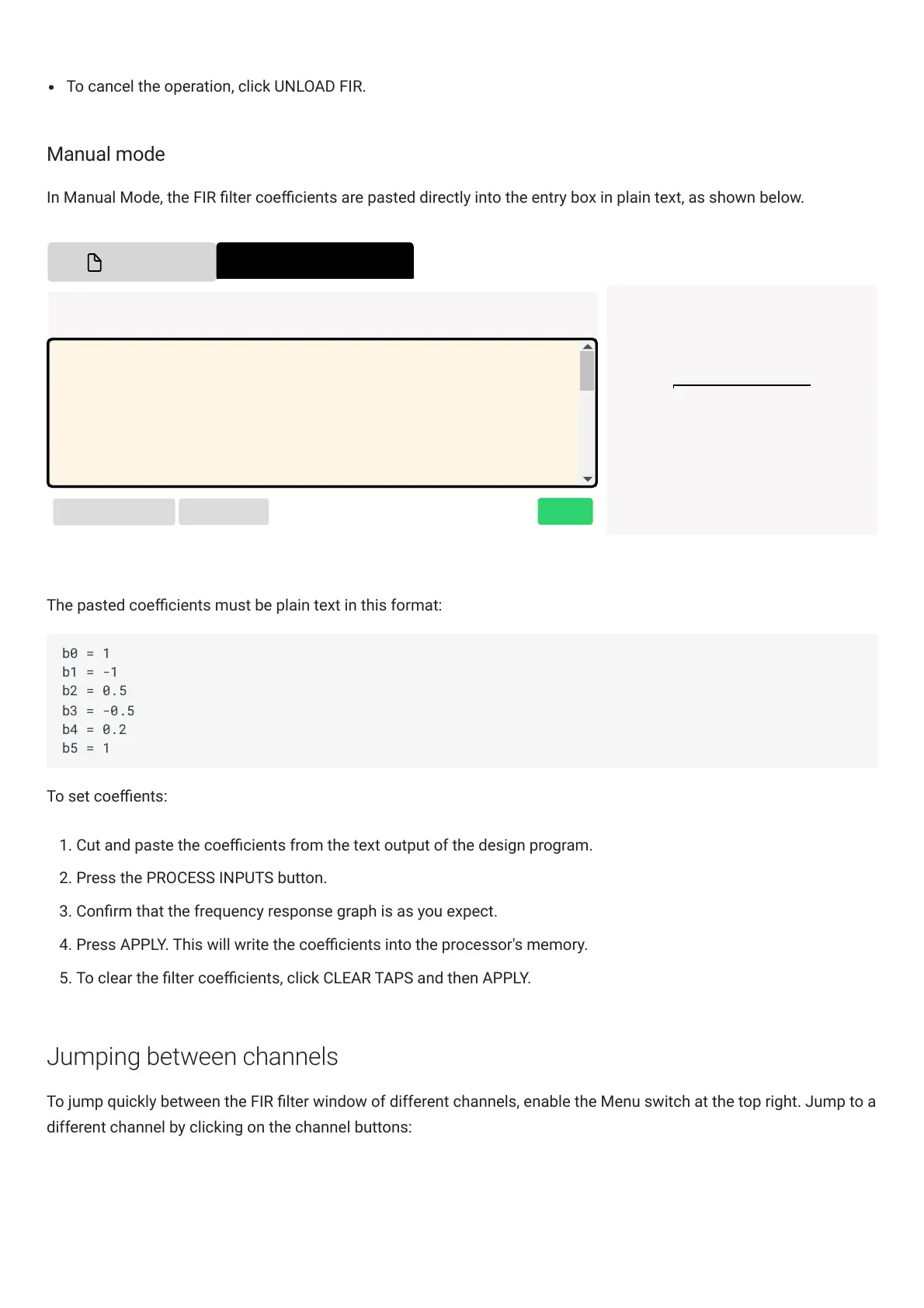
In Manual Mode, the FIR lter coecients are pasted directly into the entry box in plain text, as shown below.
FILE MODE
MANUAL MODE
Aa
PROCESS INPUTS
CLEAR TAPS
APPLY
Taps Input Area Usage by Channel
Input 1 1024
Input 2 1024
Available 2048
Total 4096
Note: There must be at least 6 taps, and no more than 2048 Taps.
b0=1
b1=0
b2=0
b3=0
b4=0
b5=0
b6=0
b7=0
The pasted coecients must be plain text in this format:
To set coeents:
1. Cut and paste the coecients from the text output of the design program.
2. Press the PROCESS INPUTS button.
3. Conrm that the frequency response graph is as you expect.
4. Press APPLY. This will write the coecients into the processor's memory.
5. To clear the lter coecients, click CLEAR TAPS and then APPLY.
Jumping between channels
To jump quickly between the FIR lter window of different channels, enable the Menu switch at the top right. Jump to a
different channel by clicking on the channel buttons:



 To Next Page