Front and rear panels
Basic operation
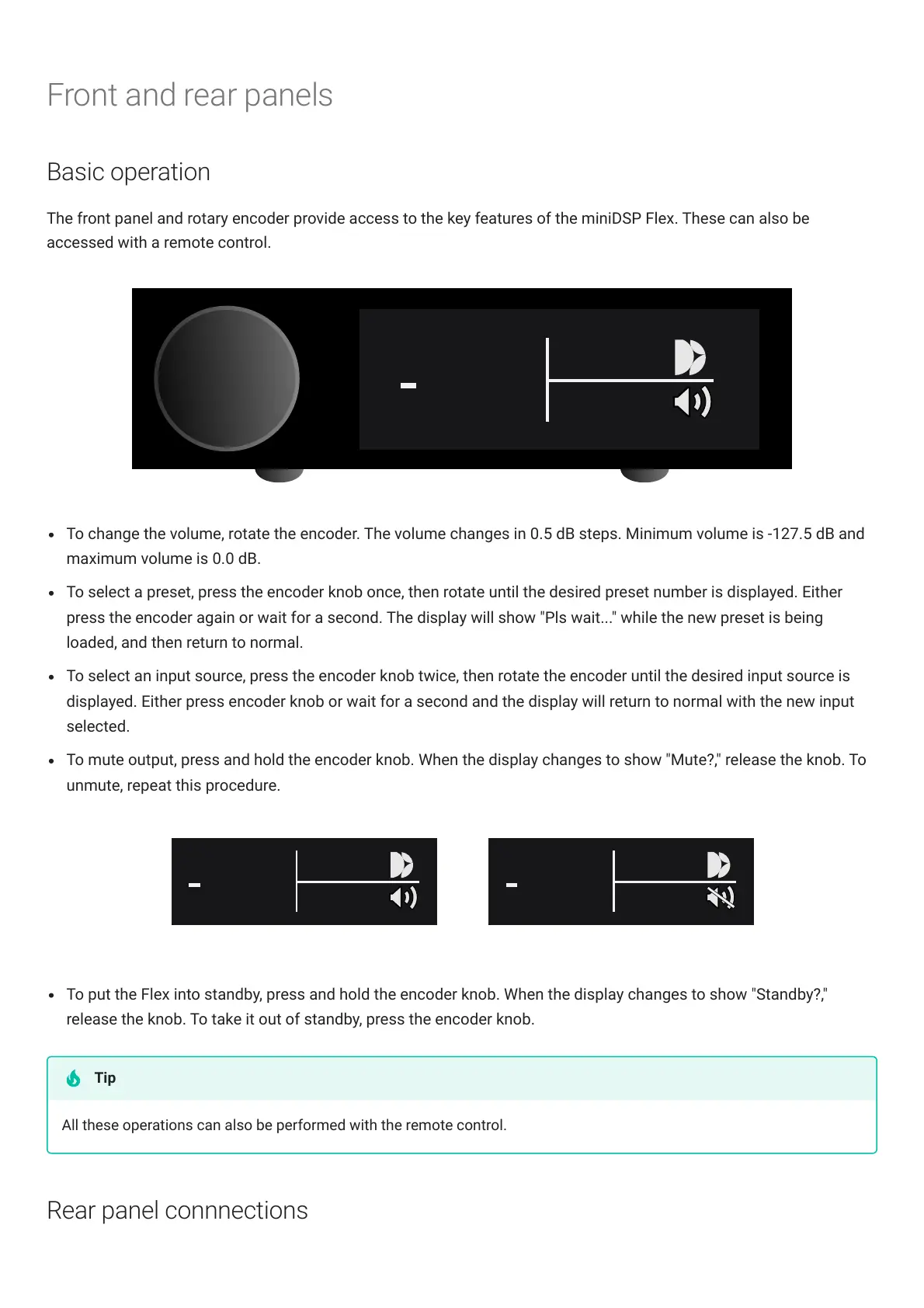
The front panel and rotary encoder provide access to the key features of the miniDSPFlex. These can also be
accessed with a remote control.
To change the volume, rotate the encoder. The volume changes in 0.5 dB steps. Minimum volume is -127.5 dB and
maximum volume is 0.0 dB.
To select a preset, press the encoder knob once, then rotate until the desired preset number is displayed. Either
press the encoder again or wait for a second. The display will show "Pls wait..." while the new preset is being
loaded, and then return to normal.
To select an input source, press the encoder knob twice, then rotate the encoder until the desired input source is
displayed. Either press encoder knob or wait for a second and the display will return to normal with the new input
selected.
To mute output, press and hold the encoder knob. When the display changes to show "Mute?," release the knob. To
unmute, repeat this procedure.
To put the Flex into standby, press and hold the encoder knob. When the display changes to show "Standby?,"
release the knob. To take it out of standby, press the encoder knob.
All these operations can also be performed with the remote control.
Rear panel connnections
Tip



 To Next Page