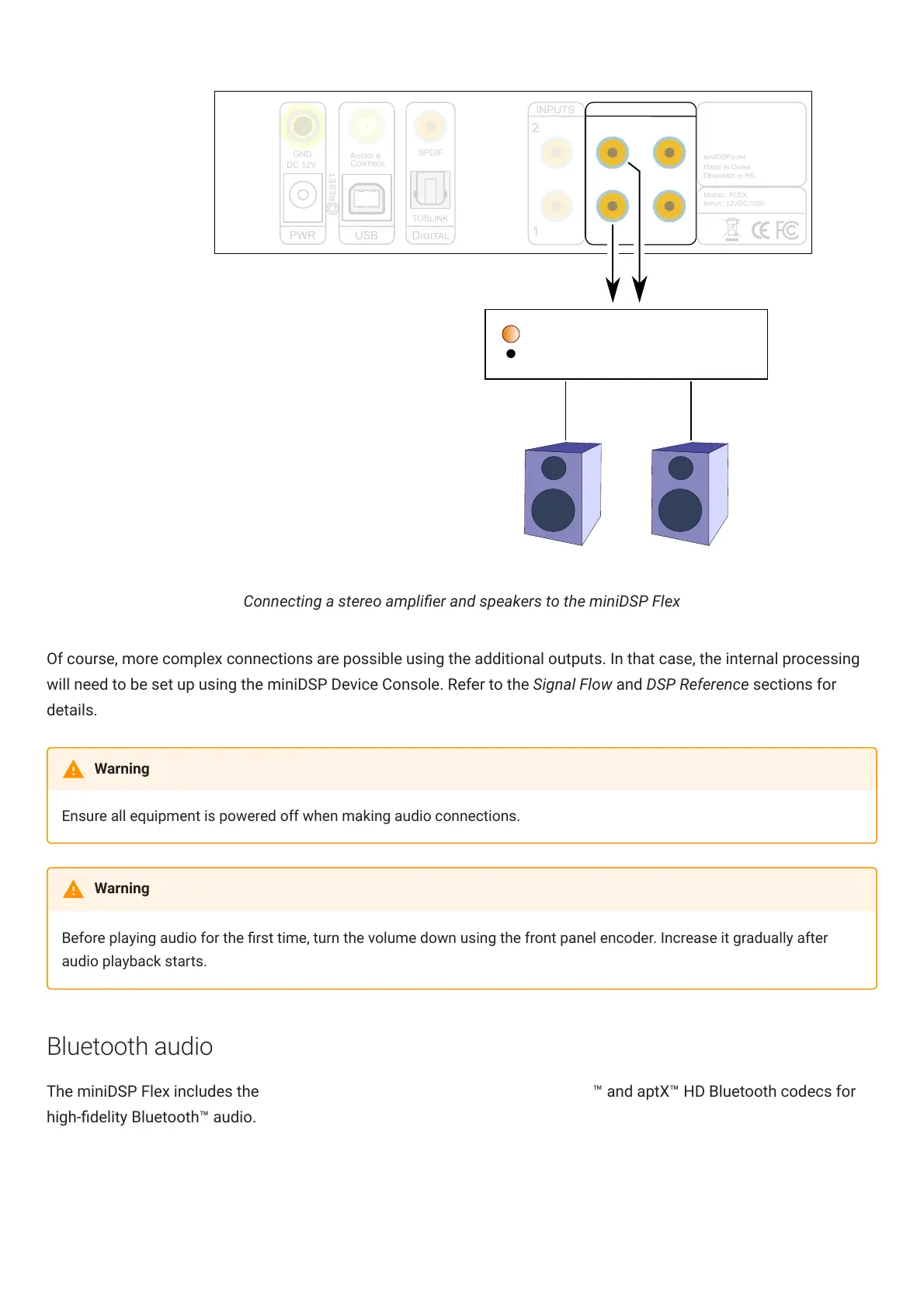
Connecting a stereo amplier and speakers to the miniDSPFlex
Of course, more complex connections are possible using the additional outputs. In that case, the internal processing
will need to be set up using the miniDSPDeviceConsole. Refer to the Signal Flow and DSP Reference sections for
details.
Ensure all equipment is powered off when making audio connections.
Before playing audio for the rst time, turn the volume down using the front panel encoder. Increase it gradually after
audio playback starts.
Bluetooth audio
The miniDSPFlex includes the LDAC (https://www.sony.net/Products/LDAC/) ™ and aptX™ HD Bluetooth codecs for
high-delity Bluetooth™ audio.
Warning
Warning



 To Next Page