Crossover
Crossovers "split" the frequency band to send to different drivers. In a two-way loudspeaker, for example, a low pass
lter is used to remove high frequencies from the signal sent to the woofer, and a high pass lter is used to remove low
frequencies from the signal sent to the tweeter.
When integrating a subwoofer, high pass lters are used on the speakers and a low pass lter on the subwoofer.
Crossover lters can also be used to limit low frequency content delivered to a speaker or subwoofer, to help protect it
from over-excursion.
Unlike conventional analog crossovers, the exibility of DSP allows a completely arbitrary mix of different lter slopes
and types. Filters can be set at any frequency or disabled completely. This allows maximum exibility in matching your
crossover to the acoustic characteristics of the loudspeaker drivers.
Overview
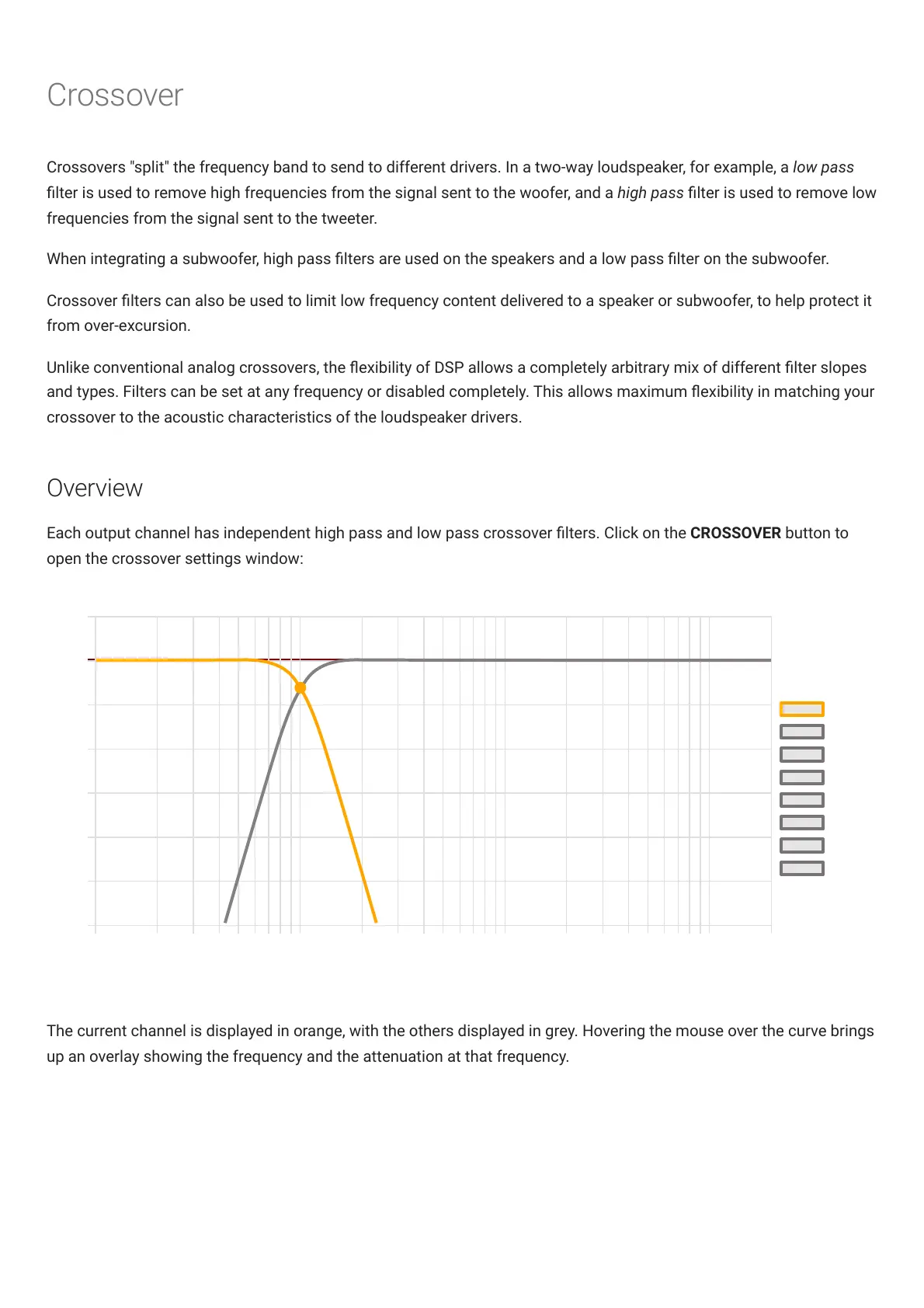
Each output channel has independent high pass and low pass crossover lters. Click on the CROSSOVER button to
open the crossover settings window:
The current channel is displayed in orange, with the others displayed in grey. Hovering the mouse over the curve brings
up an overlay showing the frequency and the attenuation at that frequency.



 To Next Page