Print or save - miniDSP Flex
https://docs.minidsp.com/product-manuals/flex/print_page.html
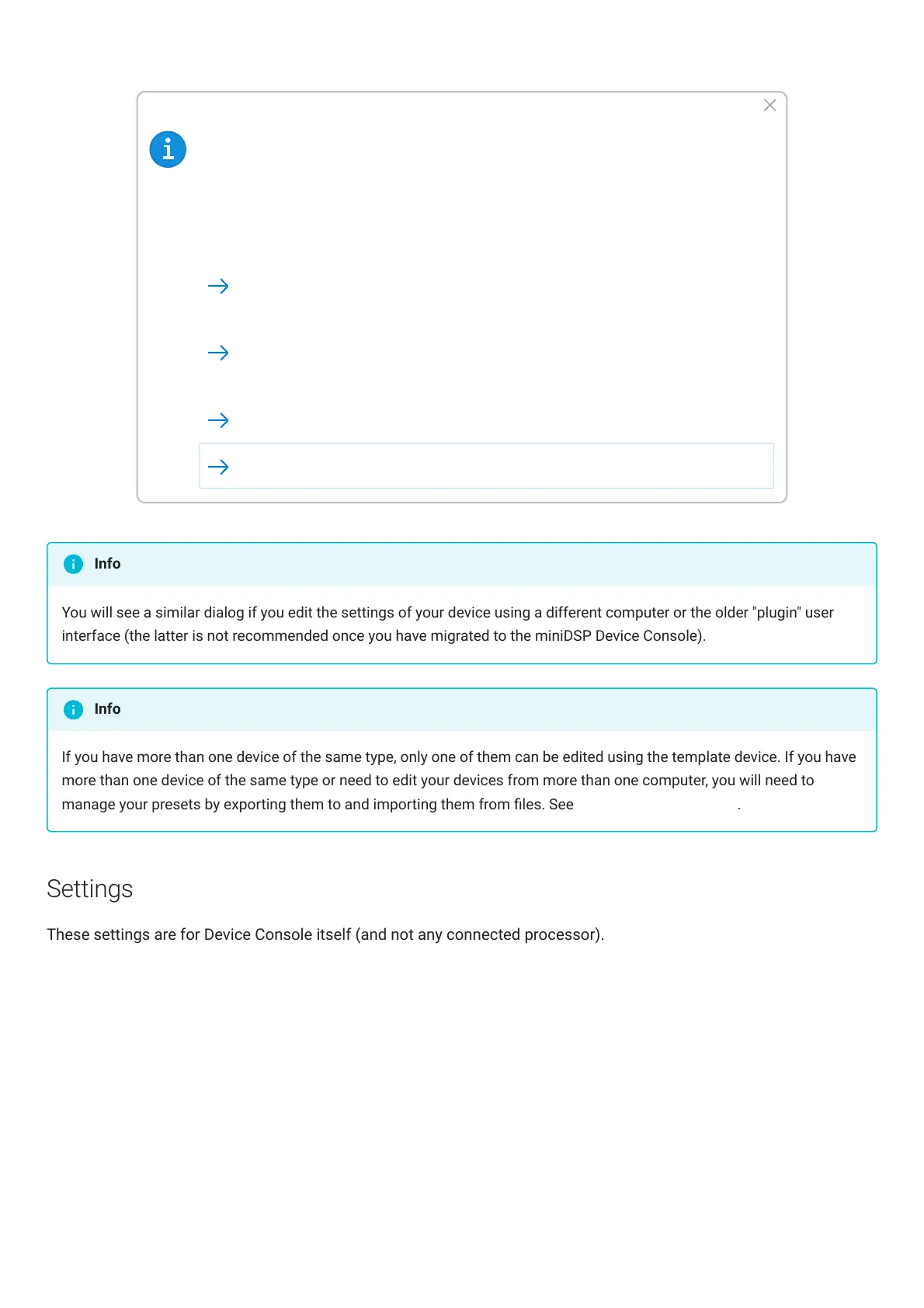
Settings have changed
Different settings have been found for Flex. Would you like to:
Possible reasons:
* The settings for Preset-1 in the template device has been changed since last time this
Flex was connected.
Apply the changes from Preset-1 in the template to the Flex
Continue and use current setting.
(Last Modified: 8/29/2022, 3:46:22 PM)
(Last Modified: 8/29/2022, 1:22:17 PM)
Initialize to default Settings
Disconnect
You will see a similar dialog if you edit the settings of your device using a different computer or the older "plugin" user
interface (the latter is not recommended once you have migrated to the miniDSPDeviceConsole).
If you have more than one device of the same type, only one of them can be edited using the template device. If you have
more than one device of the same type or need to edit your devices from more than one computer, you will need to
manage your presets by exporting them to and importing them from les. See Importing and Exporting.
Settings
These settings are for Device Console itself (and not any connected processor).
Info
Info



 To Next Page