Using template devices
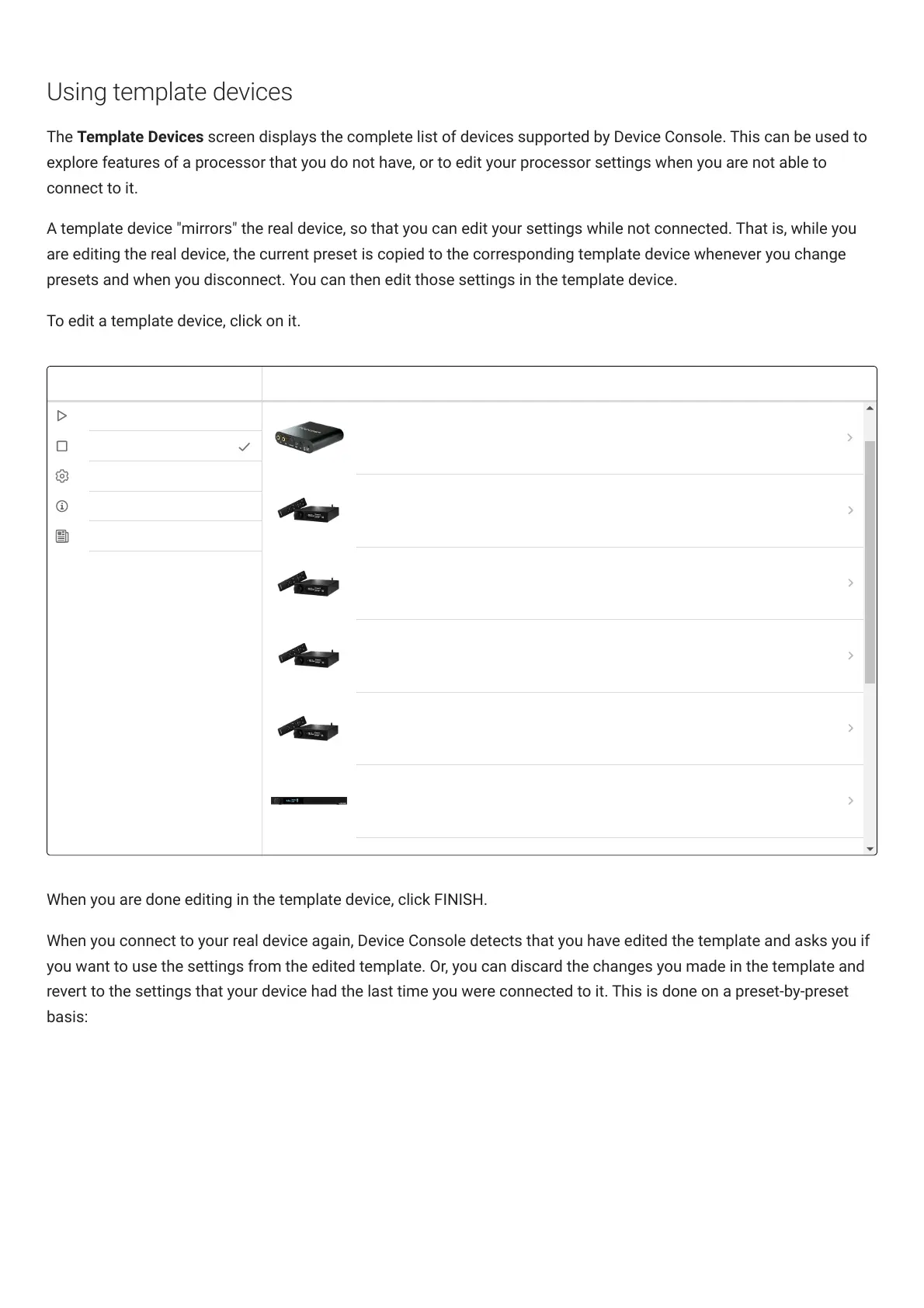
The Template Devices screen displays the complete list of devices supported by Device Console. This can be used to
explore features of a processor that you do not have, or to edit your processor settings when you are not able to
connect to it.
A template device "mirrors" the real device, so that you can edit your settings while not connected. That is, while you
are editing the real device, the current preset is copied to the corresponding template device whenever you change
presets and when you disconnect. You can then edit those settings in the template device.
To edit a template device, click on it.
When you are done editing in the template device, click FINISH.
When you connect to your real device again, DeviceConsole detects that you have edited the template and asks you if
you want to use the settings from the edited template. Or, you can discard the changes you made in the template and
revert to the settings that your device had the last time you were connected to it. This is done on a preset-by-preset
basis:



 To Next Page