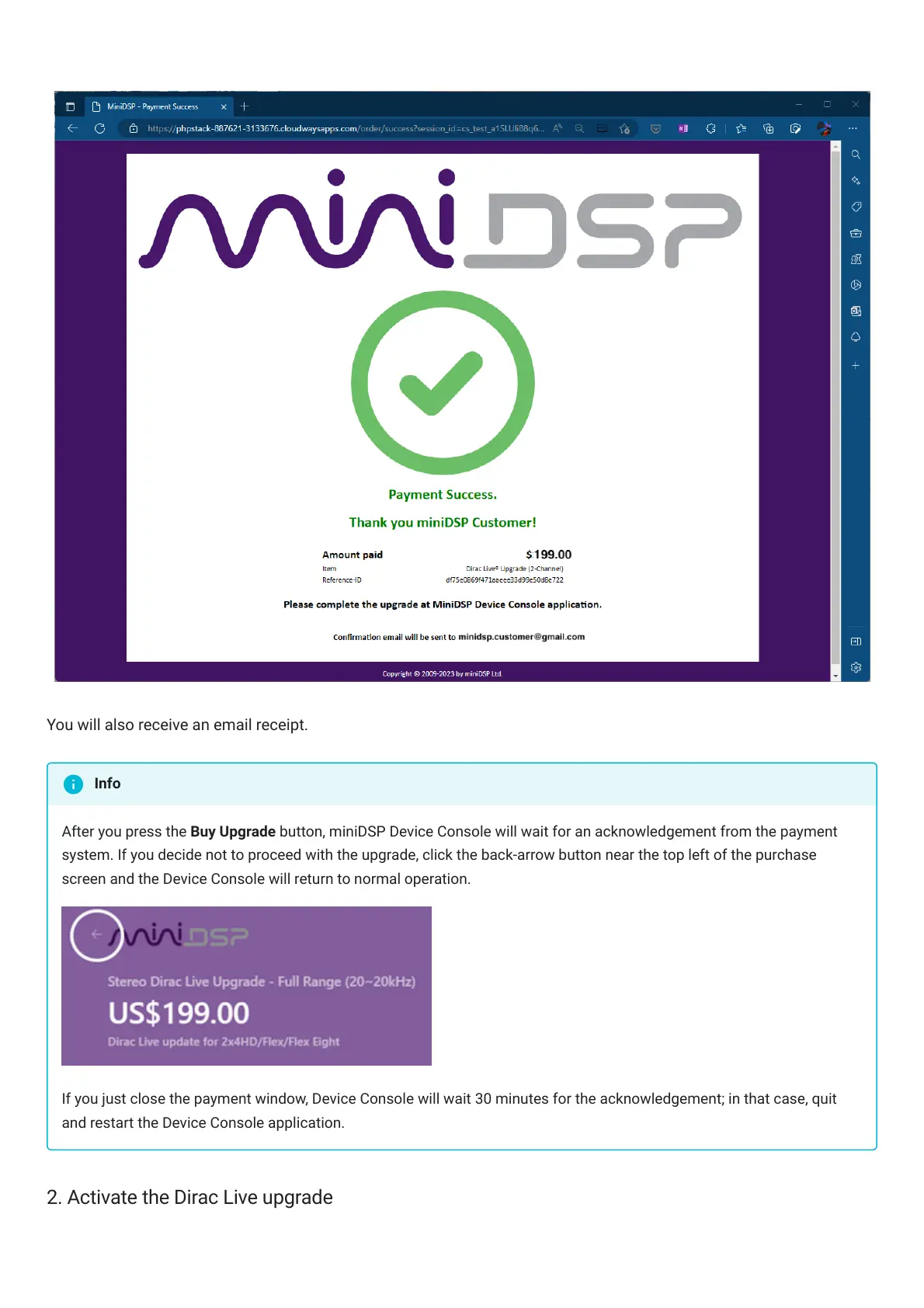
You will also receive an email receipt.
After you press the Buy Upgrade button, miniDSPDeviceConsole will wait for an acknowledgement from the payment
system. If you decide not to proceed with the upgrade, click the back-arrow button near the top left of the purchase
screen and the DeviceConsole will return to normal operation.
If you just close the payment window, DeviceConsole will wait 30 minutes for the acknowledgement; in that case, quit
and restart the DeviceConsole application.
2. Activate the Dirac Live upgrade
Info



 To Next Page