To play USB Audio from a computer, use the supplied cable to connect the USB 2.0 (Type B) port of the miniDSPFlex
to a free USB port on your computer. Alternatively, connect a network streamer to the USB port. For an example using
the Raspberry Pi, see this application note on our website:
Streaming to a miniDSP 2x4HD or DDRC-24 with a Raspberry Pi 3A+ (https://www.minidsp.com/applications/audio-
streaming/raspberry-pi-streaming)
macOS
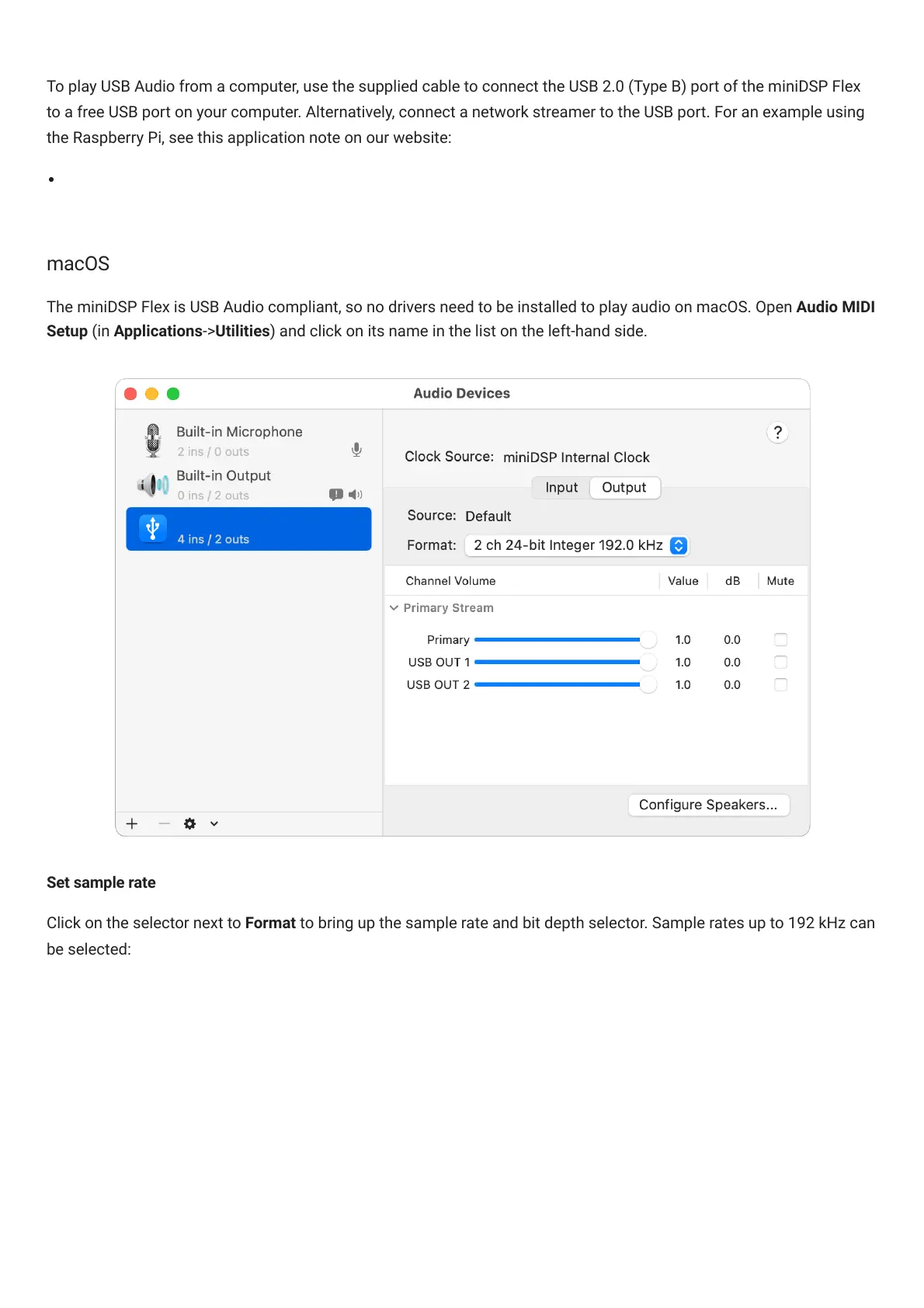
The miniDSPFlex is USB Audio compliant, so no drivers need to be installed to play audio on macOS. Open Audio MIDI
Setup (in Applications->Utilities) and click on its name in the list on the left-hand side.



 To Next Page