miniDSP UAC2 control panel
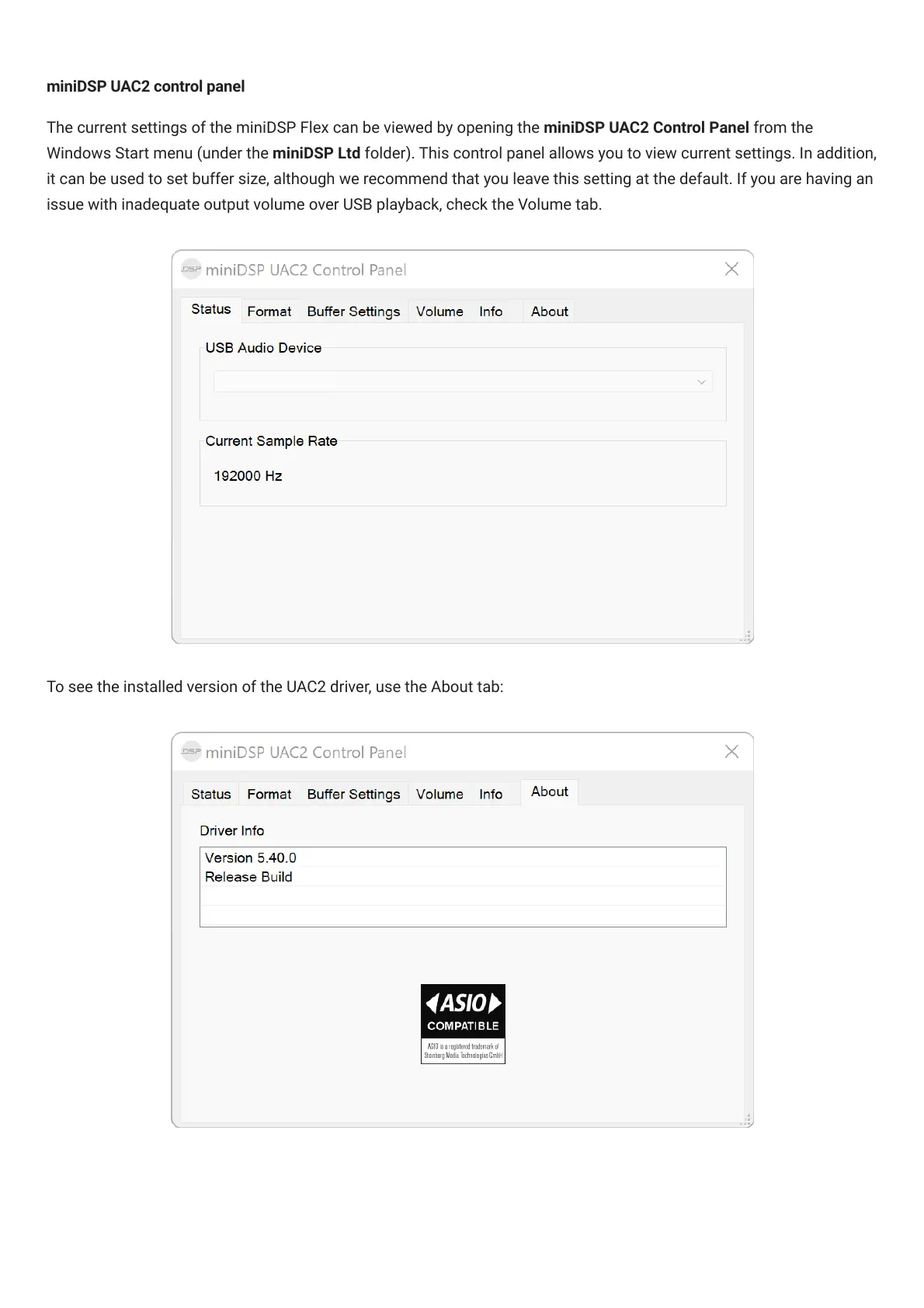
The current settings of the miniDSPFlex can be viewed by opening the miniDSP UAC2 Control Panel from the
Windows Start menu (under the miniDSP Ltd folder). This control panel allows you to view current settings. In addition,
it can be used to set buffer size, although we recommend that you leave this setting at the default. If you are having an
issue with inadequate output volume over USB playback, check the Volume tab.



 To Next Page