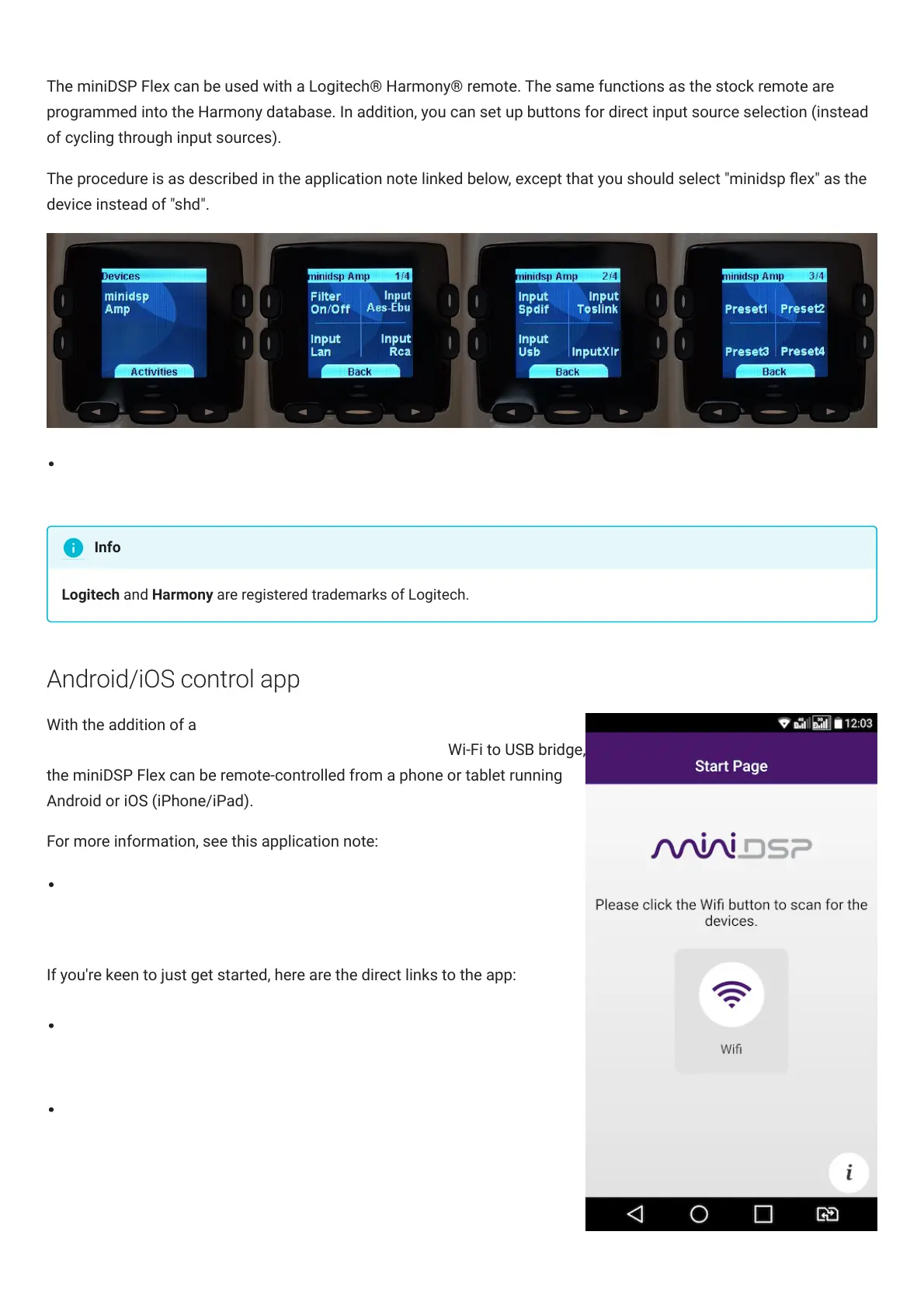
The miniDSPFlex can be used with a Logitech® Harmony® remote. The same functions as the stock remote are
programmed into the Harmony database. In addition, you can set up buttons for direct input source selection (instead
of cycling through input sources).
The procedure is as described in the application note linked below, except that you should select "minidsp ex" as the
device instead of "shd".
Using a Harmony Remote with the miniDSP SHD (https://www.minidsp.com/applications/audio-streaming/shd-
with-harmony-remote)
Logitech and Harmony are registered trademarks of Logitech.
Android/iOS control app
With the addition of a miniDSP Wi-DG
(https://www.minidsp.com/products/accessories/wi-dg) Wi-Fi to USB bridge,
the miniDSPFlex can be remote-controlled from a phone or tablet running
Android or iOS (iPhone/iPad).
For more information, see this application note:
Using Android / IoS app to control your miniDSP
(https://www.minidsp.com/applications/advanced-tools/android-ios-app-
control)
If you're keen to just get started, here are the direct links to the app:
Android version on Google Play store
(https://play.google.com/store/apps/details?
id=com.dsp4you.minidsp&hl=en)
iOS version on iTunes store (https://itunes.apple.com/us/app/minidsp-
control-app/id945240204?mt=8)
Info



 To Next Page