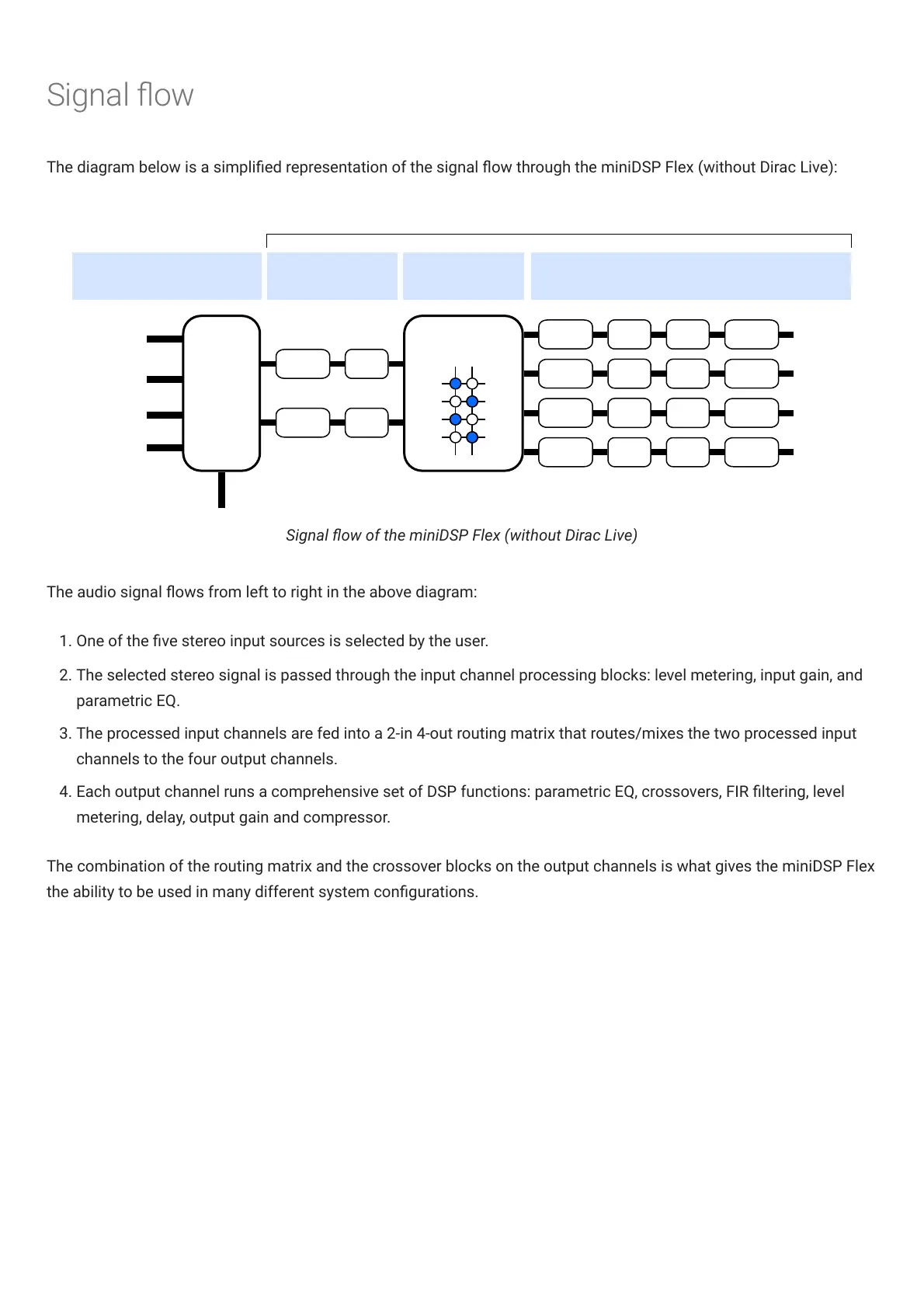
Signal ow of the miniDSPFlex (without DiracLive)
The audio signal ows from left to right in the above diagram:
1. One of the ve stereo input sources is selected by the user.
2. The selected stereo signal is passed through the input channel processing blocks: level metering, input gain, and
parametric EQ.
3. The processed input channels are fed into a 2-in 4-out routing matrix that routes/mixes the two processed input
channels to the four output channels.
4. Each output channel runs a comprehensive set of DSP functions: parametric EQ, crossovers, FIR ltering, level
metering, delay, output gain and compressor.
The combination of the routing matrix and the crossover blocks on the output channels is what gives the miniDSPFlex
the ability to be used in many different system congurations.



 To Next Page