Print or save - miniDSP Flex
https://docs.minidsp.com/product-manuals/flex/print_page.html
Switching between basic and advanced mode does not convert between Frequency/Gain/Q and biquad parameters. The
basic parameters and advanced biquad coecients for each lter are stored independently and the selected set is used
for processing.
Loading a biquad le
Multiple biquads can be set at once by loading a le containing biquad coecients. This example illustrates the
correct le format:
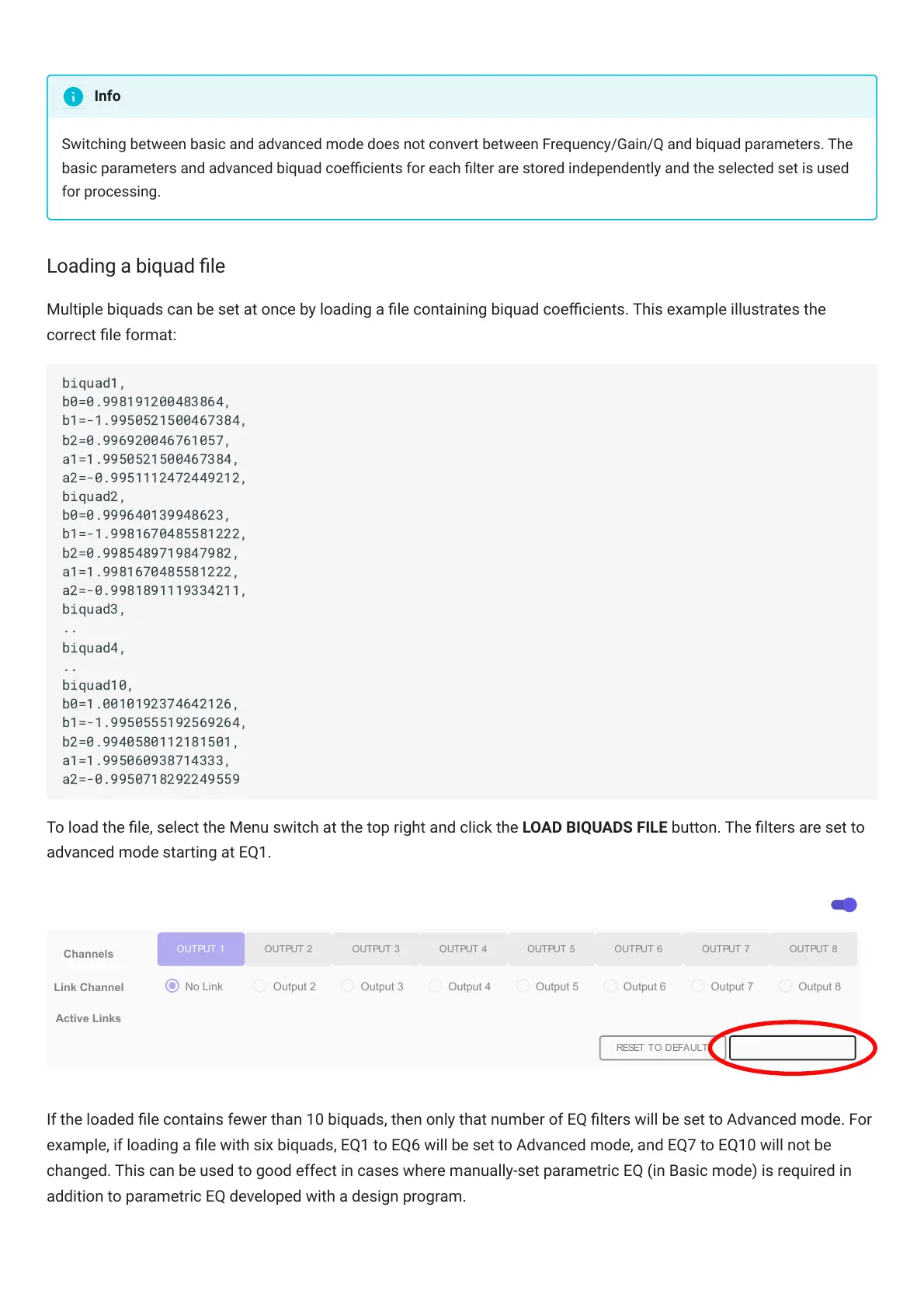
To load the le, select the Menu switch at the top right and click the LOAD BIQUADS FILE button. The lters are set to
advanced mode starting at EQ1.
Channels
OUTPUT 1 OUTPUT 2 OUTPUT 3 OUTPUT 4 OUTPUT 5 OUTPUT 6 OUTPUT 7 OUTPUT 8
Link Channel
No Link Output 2 Output 3 Output 4 Output 5 Output 6 Output 7
Active Links
RESET TO DEFAULT
Output 8
Menu
LOAD BIQUADS FILE
If the loaded le contains fewer than 10 biquads, then only that number of EQ lters will be set to Advanced mode. For
example, if loading a le with six biquads, EQ1 to EQ6 will be set to Advanced mode, and EQ7 to EQ10 will not be
changed. This can be used to good effect in cases where manually-set parametric EQ (in Basic mode) is required in
addition to parametric EQ developed with a design program.
Info
biquad1,
b0=0.998191200483864,
b1=-1.9950521500467384,
b2=0.996920046761057,
a1=1.9950521500467384,
a2=-0.9951112472449212,
biquad2,
b0=0.999640139948623,
b1=-1.9981670485581222,
b2=0.9985489719847982,
a1=1.9981670485581222,
a2=-0.9981891119334211,
biquad3,
..
biquad4,
..
biquad10,
b0=1.0010192374642126,
b1=-1.9950555192569264,
b2=0.9940580112181501,
a1=1.995060938714333,
a2=-0.9950718292249559



 To Next Page