EasyManua.ls Logo

miniDSP Flex - Page 70

miniDSP Flex
86 pages
Print Icon
To Next Page IconTo Next Page
To Previous Page IconTo Previous Page
Loading...
3/15/23, 9:45 AM
Print or save - miniDSP Flex
https://docs.minidsp.com/product-manuals/flex/print_page.html
Band Pass Filter (Low+High)
Frequency (Hz)
Output Level (dB)
20,000
10,000
5,000
2,000
1000
500
100
50
20
10
-20
5
0
-5
-10
-15
-30
-25
Output 1
Output 2
Output 3
Output 4
Output 5
Output 6
Output 7
Output 8
200
Click to hide
channels
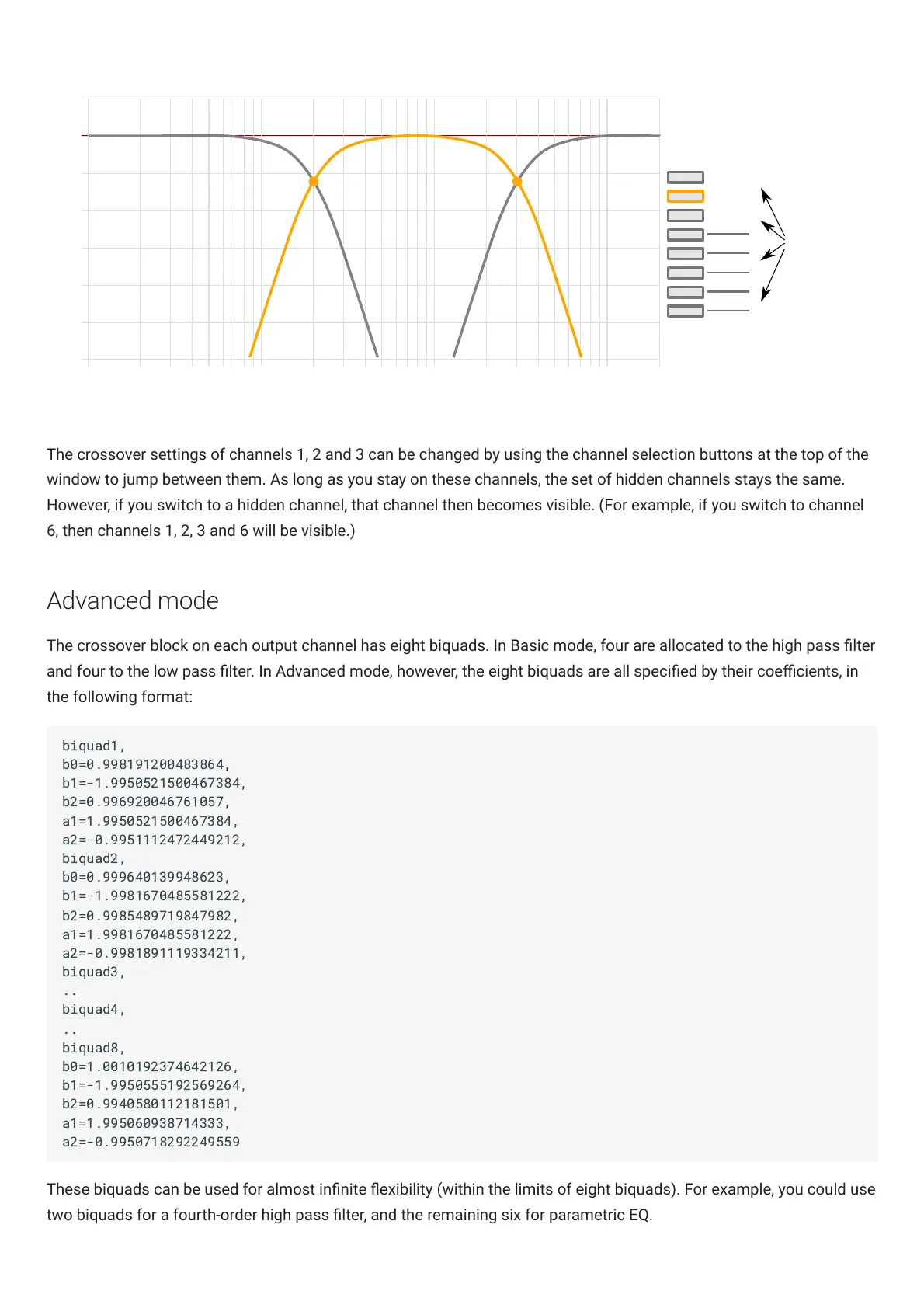
The crossover settings of channels 1, 2 and 3 can be changed by using the channel selection buttons at the top of the
window to jump between them. As long as you stay on these channels, the set of hidden channels stays the same.
However, if you switch to a hidden channel, that channel then becomes visible. (For example, if you switch to channel
6, then channels 1, 2, 3 and 6 will be visible.)
Advanced mode
The crossover block on each output channel has eight biquads. In Basic mode, four are allocated to the high pass lter
and four to the low pass lter. In Advanced mode, however, the eight biquads are all specied by their coecients, in
the following format:
These biquads can be used for almost innite exibility (within the limits of eight biquads). For example, you could use
two biquads for a fourth-order high pass lter, and the remaining six for parametric EQ.

biquad1,
b0=0.998191200483864,
b1=-1.9950521500467384,
b2=0.996920046761057,
a1=1.9950521500467384,
a2=-0.9951112472449212,
biquad2,
b0=0.999640139948623,
b1=-1.9981670485581222,
b2=0.9985489719847982,
a1=1.9981670485581222,
a2=-0.9981891119334211,
biquad3,
..
biquad4,
..
biquad8,
b0=1.0010192374642126,
b1=-1.9950555192569264,
b2=0.9940580112181501,
a1=1.995060938714333,
a2=-0.9950718292249559

Other manuals for miniDSP Flex

Related product manuals