Print or save - miniDSP Flex
https://docs.minidsp.com/product-manuals/flex/print_page.html
MenuEnable FIR
BACK
FIR Details (Input 1)
Channels
INPUT 1
INPUT 2
FILE MODE
MANUAL MODE
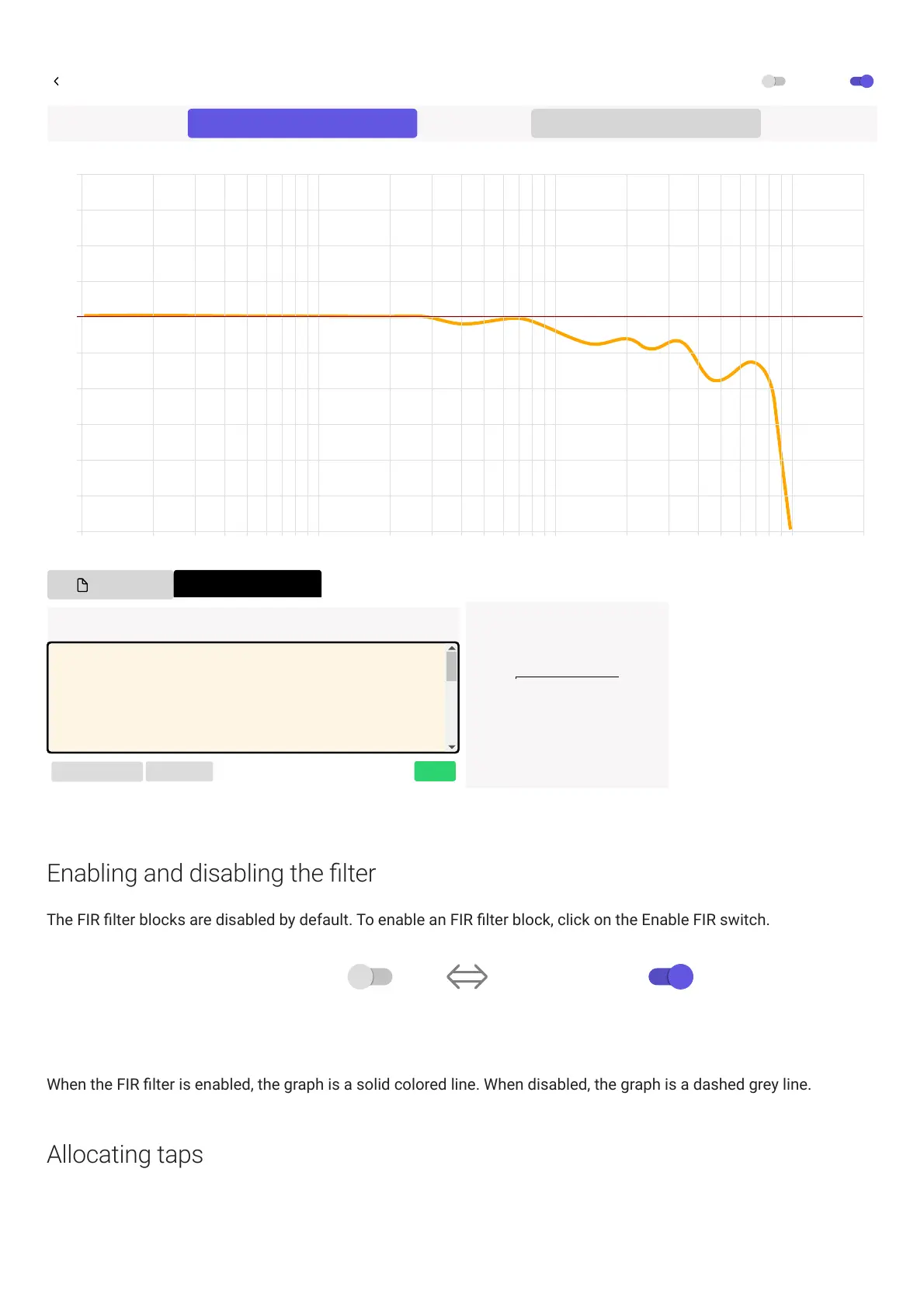
FIR - Frequency Response
Frequency (Hz)
20,00010,0005,0002,0001000500200100502010
Level (dB)
-20
-5
-10
-15
-25
20
10
15
-30
0
5
Aa
PROCESS INPUTS
CLEAR TAPS
APPLY
Taps Input Area Usage by Channel
Input 1 1024
Input 2 1024
Available 2048
Total 4096
Note: There must be at least 6 taps, and no more than 2048 Taps.
b0=1
b1=0
b2=0
b3=0
b4=0
b5=0
b6=0
b7=0
Enabling and disabling the lter
The FIR lter blocks are disabled by default. To enable an FIR lter block, click on the EnableFIR switch.
FIR filter is disabled FIR filter is enabled
Enable FIREnable FIR
When the FIR lter is enabled, the graph is a solid colored line. When disabled, the graph is a dashed grey line.
Allocating taps



 To Next Page