1699503426 | REV A | 05.2021
© Mitchell International
MD-500
|
User Manual
|
33
|
en-US
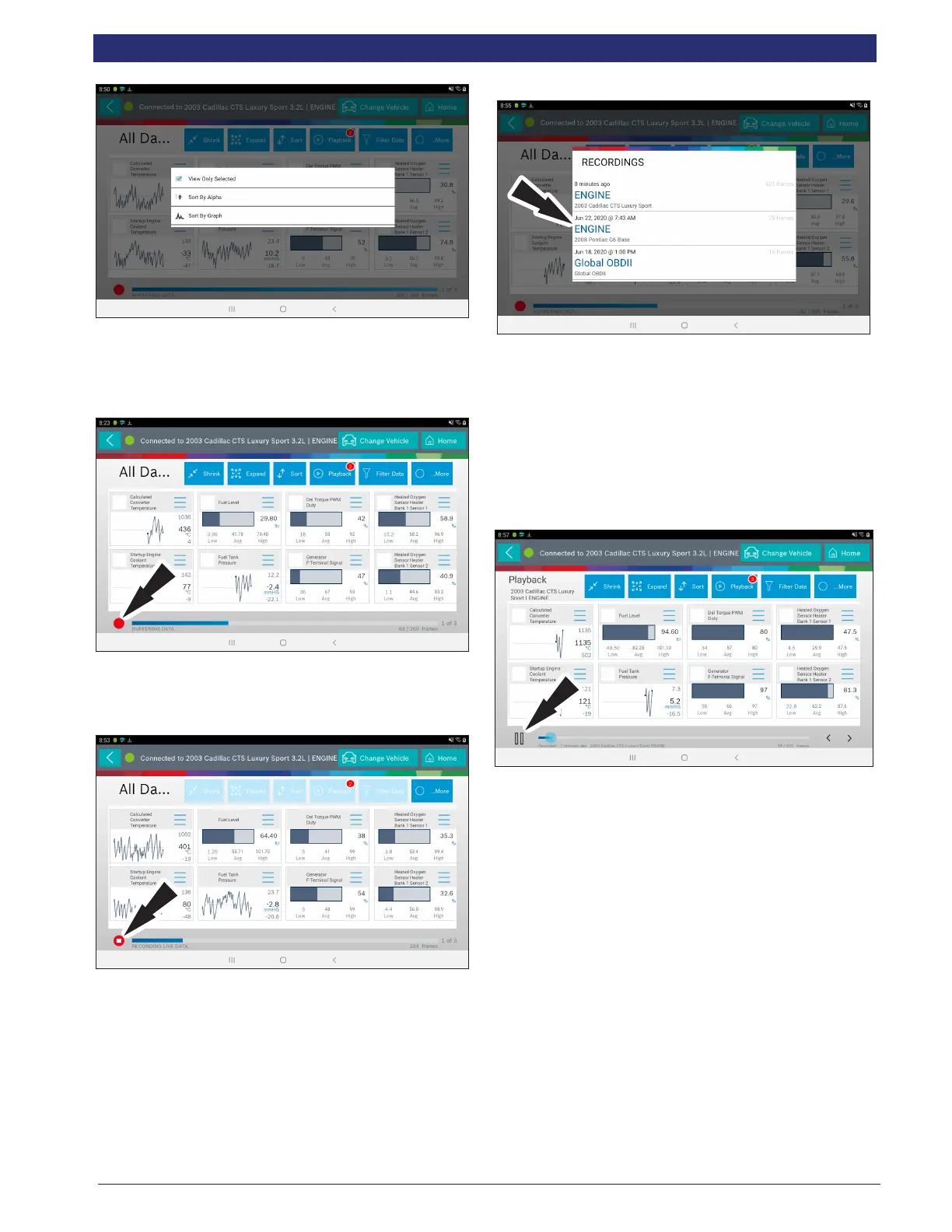
2. Data may be sorted alphabetically, or by graph.
Note: Sorting data items will reset the timeline frame counter, so sort
these items before recording data.
Recording
1. Select the red record button located at the bottom left of
screen.
• When recording the red record button will turn into a
check mark.
2. To stop recording select the check mark.
Recordings
1. Select Playback to view previously recorded data
streams.
• Recordings are listed from newest to oldest. When the
folder is full, the newest recording pushes the oldest
one out of the list.
• To view recordings, select the Recordings button near
the top of the display.
2. Select the desired recording.
Playback Instructions
To pause the display select Pause.
• To resume the recording, select Pause.
• To advance the recording frame-by-frame:
• Select “>”.
• Select either “<” or “>”.
• If replay is desired, click and drag the timeline marker
back to the beginning of the timeline and release.



 To Next Page