28
R
UNNING THE EX CONTROLLER DEPLOYMENT TOOL TO INSTALL THE MIVOICE BUSINESS VIRTUAL MACHINE
CHAPTER 4 SOFTWARE INSTALLATION
A confirmation message is displayed.
a. Click OK to confirm the deployment.
NOTE: Ignore the warning message about FQDN. For example, “FQDN coyote.acme.com is
not resolvable”.
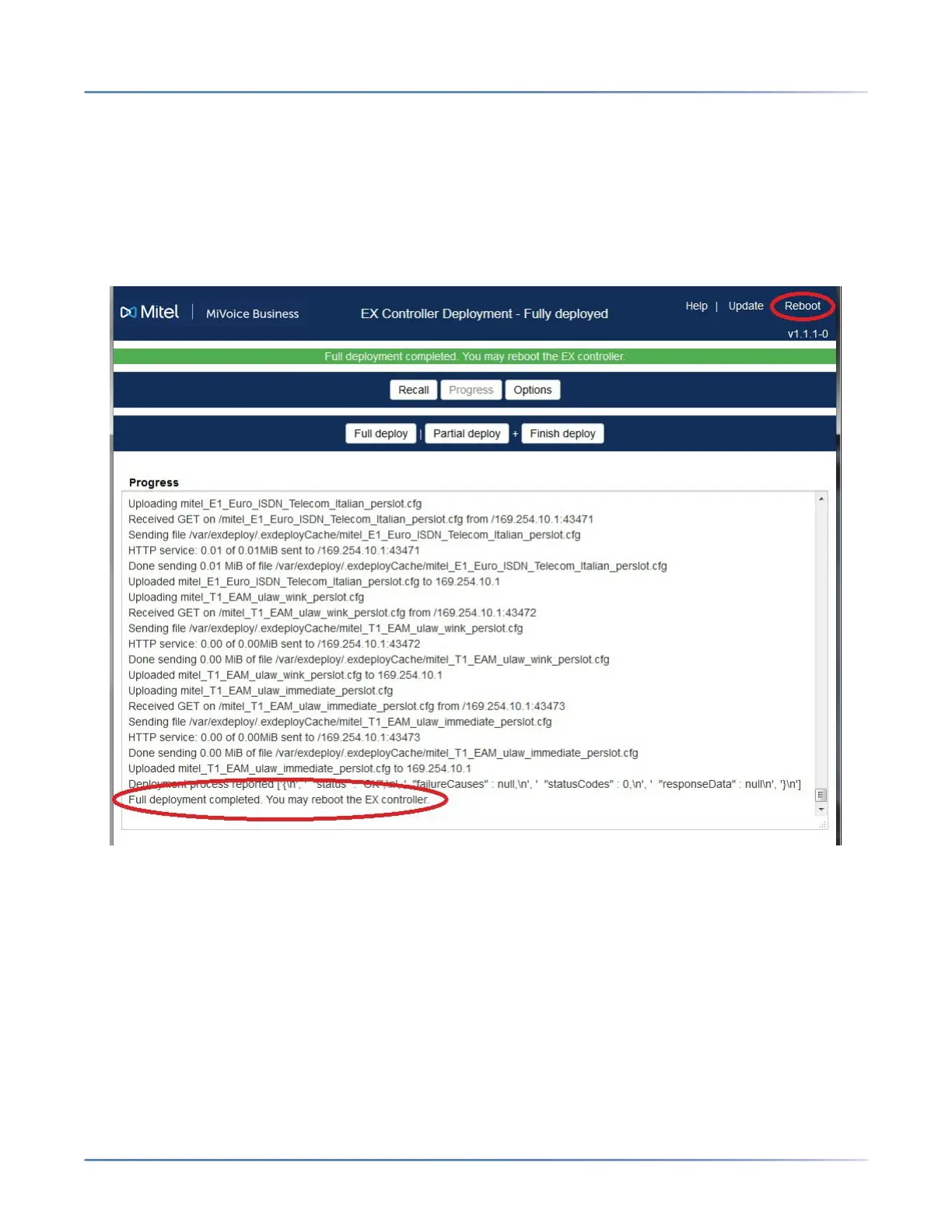
The system starts the full deployment process. It takes approximately 25 minutes to complete the
deployment. When the deployment is complete, the following message is displayed.
“Full deployment completed. You may reboot the EX controller.”
b. Continue with step 11.
9. If you want to deploy now but configure and enable the MiVoice Business virtual machine later,
click Partial deploy.
A confirmation message is displayed.
a. Click OK to confirm the deployment.
NOTE: Ignore the warning message about FQDN. For example, “FQDN coyote.acme.com is
not resolvable”.
The system starts the partial deployment process. It takes approximately 25 minutes to complete
the deployment.
b. After the partial deployment, if required, power off the EX Controller, and finish the deployment
later.
咨询订购:400-010-8885、 Support@mitel.com.cn



 To Next Page