USER GUIDE
Mitel 5634 VoWi-Fi Handset
Invitation Received during an Ongoing Call
If a user receives a PTT invitation during an ongoing call, the call is disconnected and the PTT call is
started automatically if the following conditions are true:
•
The handset is configured to answer invitations automatically.
•
The invitation has higher priority than the call priority.
•
The user does not reject the invitation within 10 seconds.
When the invitation is received, a warning signal notifies the user before disconnecting the current call
in order to connect the PTT call.
Depending on the priority of the invitation, the ongoing call might be disconnected immediately or
after 10 seconds.
If the user rejects the invitation, it is possible to re-join the PTT later. For details, refer to the 4.7.3 Re-
join a PTT Call Session, page 21.
4.7.2
Decline a PTT Invitation
Most incoming PTT session invitations can be declined, if not configured to be automatically accepted.
Press Close to reject the invitation. The handset returns to the previously shown screen. Even if the PTT
session invitation was rejected, it can be rejoined later, as long as the session remains active. For the
details, refer to the 4.7.3 Re-join a PTT Call Session, page 21.
4.7.3
Re-join a PTT Call Session
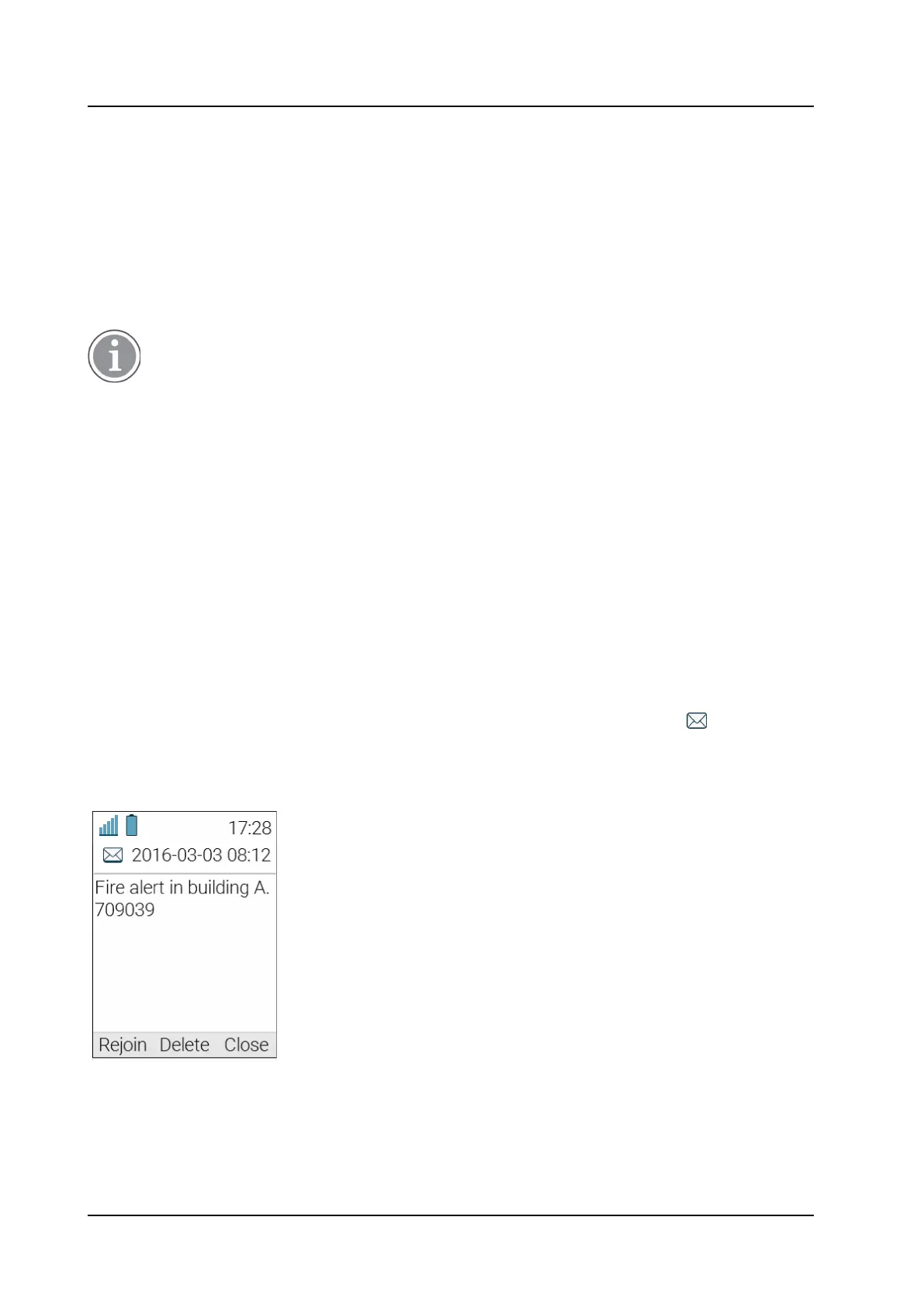
If a PTT session invitation was rejected or ignored, or if the session was disconnected, it is possible to
re- join the call session by doing the following:
1.
In the Messaging menu, select Inbox.
2.
Find and open the rejected PTT session invitation (indicated by the Message icon ).
3.
Press Rejoin to get back to the call session.
Figure 6. Re-join a PTT call session window



 To Next Page