Mitel 5634 VoWi-Fi Handset Maintenance
11
Maintenance
This chapter describes how to maintain handsets, with a focus on battery replacement and charging, as
well as it gives recommendations on how to keep the handset charged longer.
11.1
Maintenance of Batteries
11.1.1
Low Battery Indication
If the battery level is low, charge the battery or change it to a fully charged one as soon as possible.
The warning signal when the battery is low can be set to one of the three different modes:
Sound repeatedly, Sound once, or Sound off. For the details, refer to the
Mitel 5634
VoWi-Fi Handset Configuration Guide
.
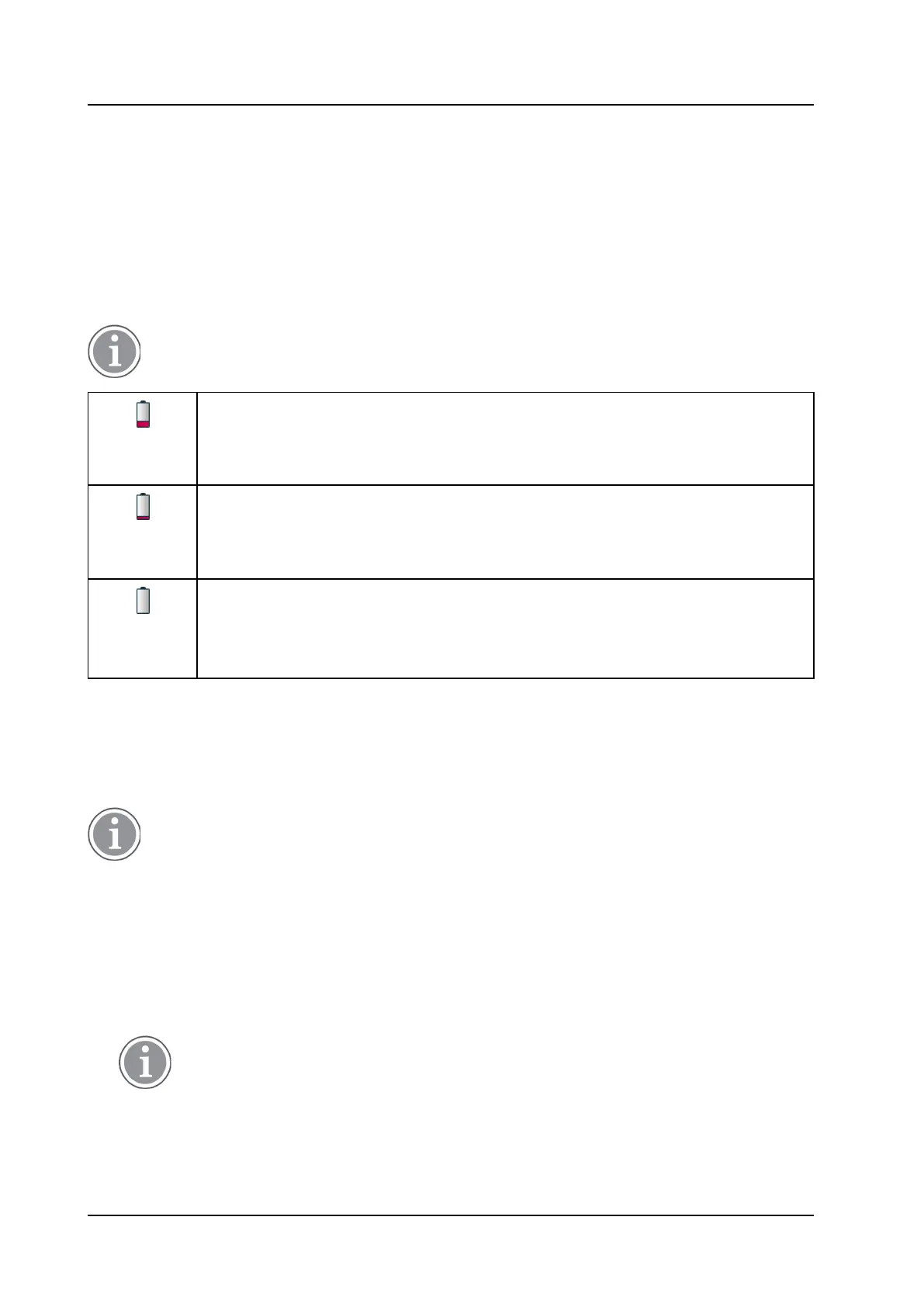
The Low battery
icon is displayed when the battery has 25 to 10% remaining capacity.
A low battery level is also indicated by a warning signal that sounds every minute and
the
Battery low. Charge now. notification.
The Very low battery icon is displayed when the battery has 10 to 7% remaining
capacity.
A very low battery level is also indicated by a warning signal that sounds every
minute and the Battery very low. Charge now. notification.
The Empty battery icon is flashing when the battery has 7% or less remaining
capacity. An empty battery also indicated by a warning signal that sounds every
second and the
Battery empty. Shutting down. notification.
11.1.2
Charging Methods
The handset has a rechargeable battery that can be charged separately from the handset. To charge it,
use the Battery pack charger. If you want to charge the handset together with battery, do it either with a
Desktop charger or using a Charging rack.
Use manufacturer-provided chargers only.
Charge the Handset
1.
Place the handset in the Desktop charger or in a Charging rack. Push the handset into the charger
to fully insert it. If the handset is correctly inserted, the charging screen (screen saver) appears
showing the owner ID, current time and the white battery icon indicating the ongoing charging.
2.
When the green battery icon appears on the screen, the battery is fully charged.
3.
To remove the handset from the charger, tilt the handset towards you and lift it upwards.
It is not recommended to lift the handset upwards before tilting it towards you.



 To Next Page