USER GUIDE
Mitel 5634 VoWi-Fi Handset
3.
Select the message from the list and press View to display the message in full.
If required, use navigation keys to scroll up and down a long text message while discussing it with
the called party.
5.7.2
Add Contact from a Message
To save the sender's phone number from a message, do the following:
1.
In the Messaging menu, select Inbox.
2.
Select the message and press View to open it.
3.
Press More.
4.
In the pop-up menu, select Save number.
5.
Select Work number, Mobile number, or Other number.
6.
Add a name and press OK.
7.
Press Save. The number is saved in the contact list.
5.8
Interactive Messaging
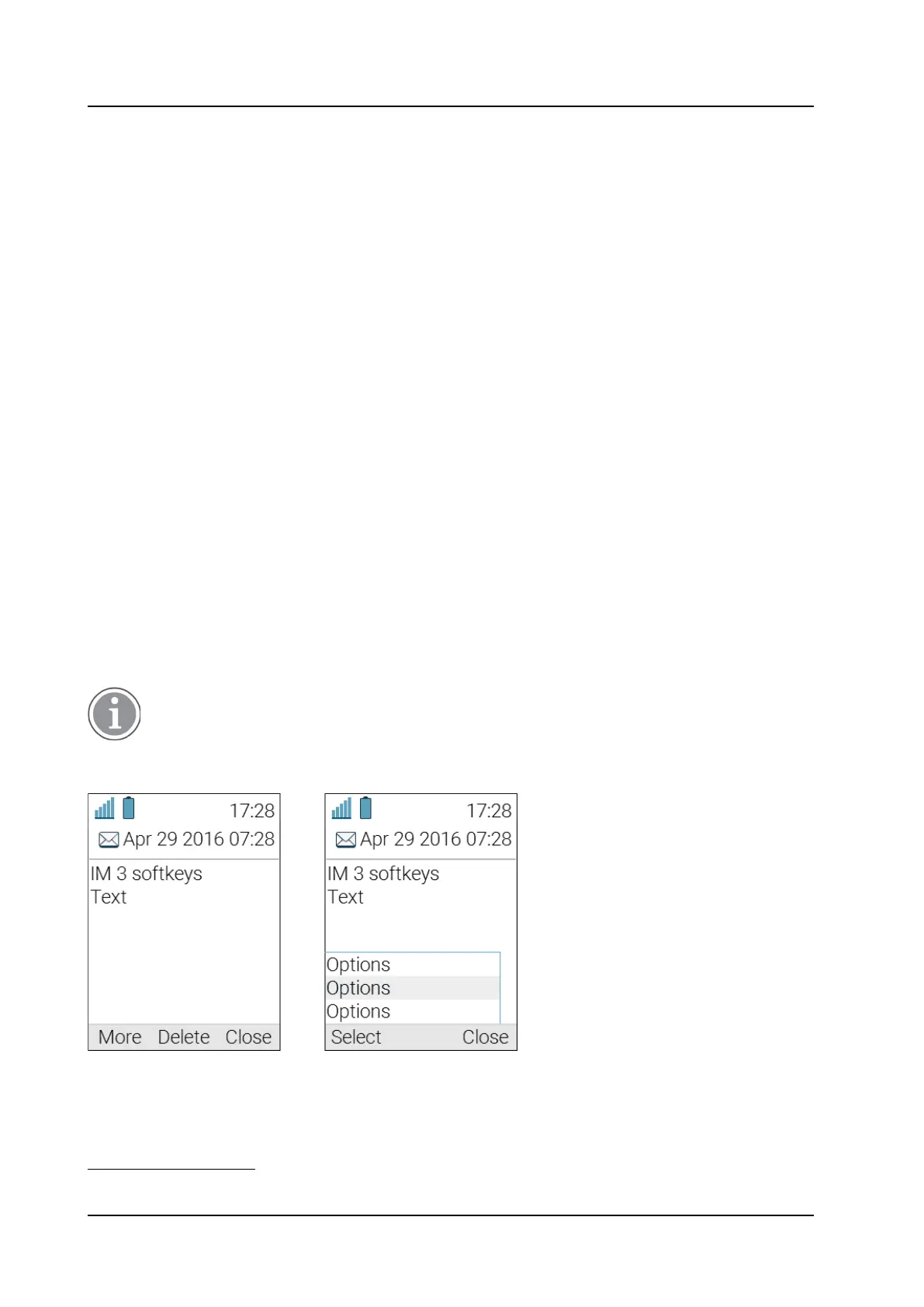
Interactive Messaging (IM) is a function that extends basic messaging, making it possible to interact
with a server application in the system. An example can be machinery or equipment that can be
accessed from the handset or a personnel calling application. A list of actions can be included in the
message sent from the application to the handset. A typical IM received on the handset is shown below
in the Figure 7.
Example of an Interactive Message
, page 29.
An incoming IM is indicated the same way as an ordinary message and is saved along with other
messages in the Inbox.
The indication of an IM can differ from an ordinary message depending on configuration.
The application that sends the IM can determine the signal volume.
Figure 7. Example of an Interactive Message
When an IM has been read, the IM may display several options.
9
9.
The options depends on the configuration in the client application.



 To Next Page