UC360 Administration and User Guide
Saucer Icon
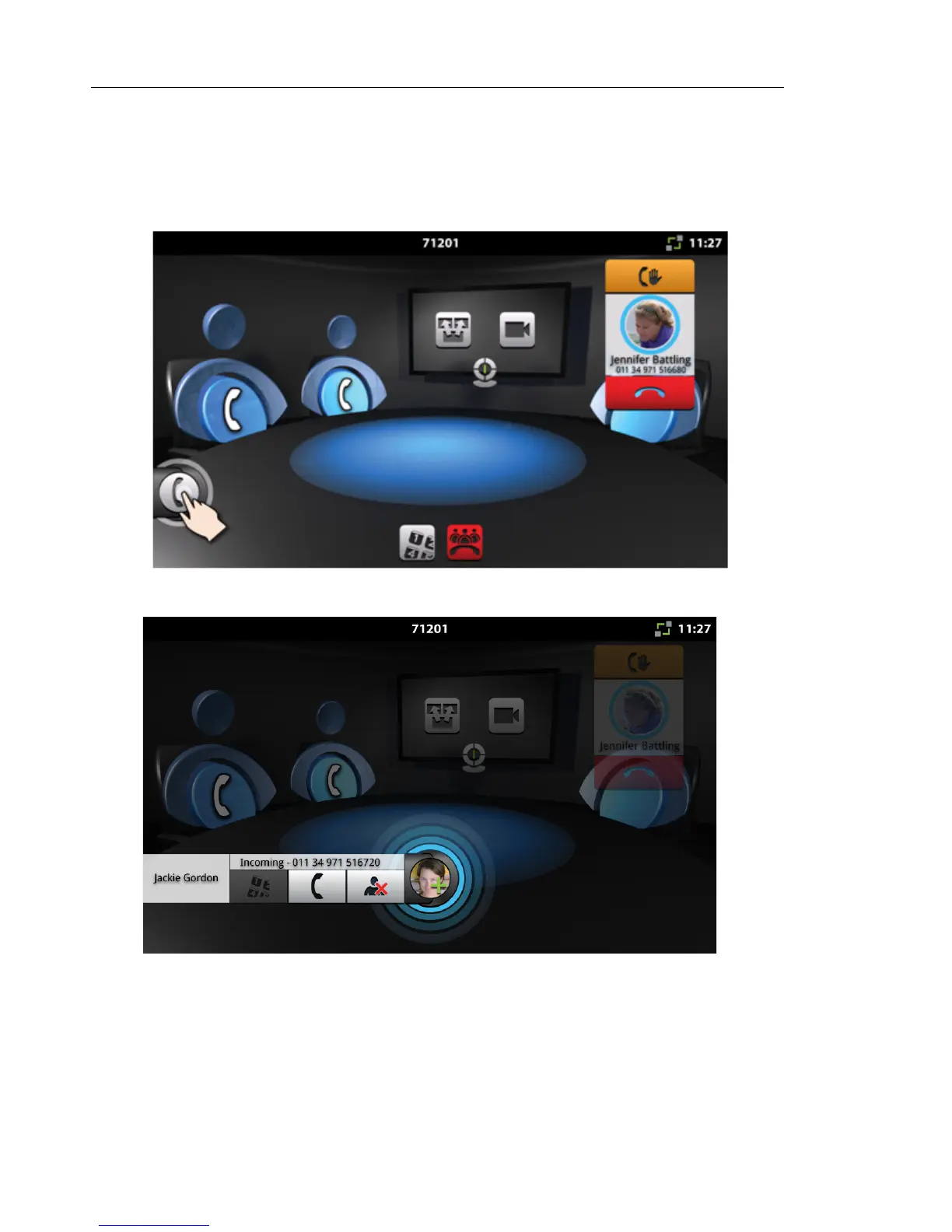
You make a consultation call by pressing the Saucer icon. It is the icon in the lower left of the
Conference App main window. It is hidden until a call is made. In the example below, one call
has already been made, so the Saucer icon is visible and contracted.
When you receive an incoming call, the call appears on the call fly-out bar.
Everything in the background of the Conference App is blurred and you can use only the controls
on the call fly-out bar.



 To Next Page