UC360 Administration and User Guide
Multiline Support
In order to support the multi-line conference, you need to program the multi-call feature in the
MCD.
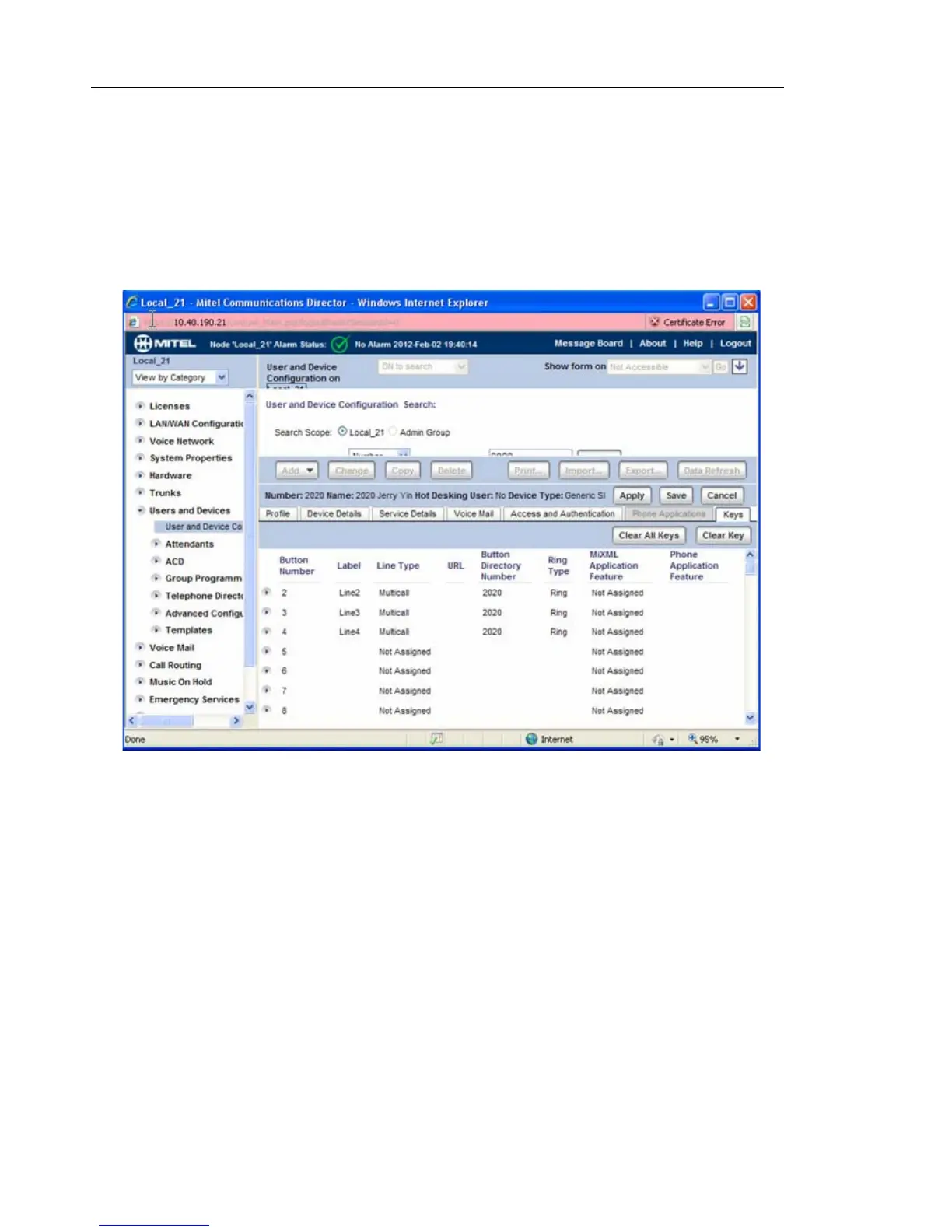
• Click the "keys" tab in the user account window.
You will see the window like this:
If the keys are not programmed, you need program at least four lines so that the UC360 can
support conference calls. You need to program the following fields:
• Label: Any string
• Line Type: Multicall
• Button Directory Number: Same as your DN
• Ring Type: Ring



 To Next Page