Introduction
This chapter describes how to launch Settings and configure advanced settings for the UC360.
Refer to the following documents for more information:
• UC360 Installation Guide for instructions on physically connecting the UC360 Collaboration
Point
• UC360 Engineering Guidelines for information on various configuration settings
Launching Settings
1. Press to display the Menu bar
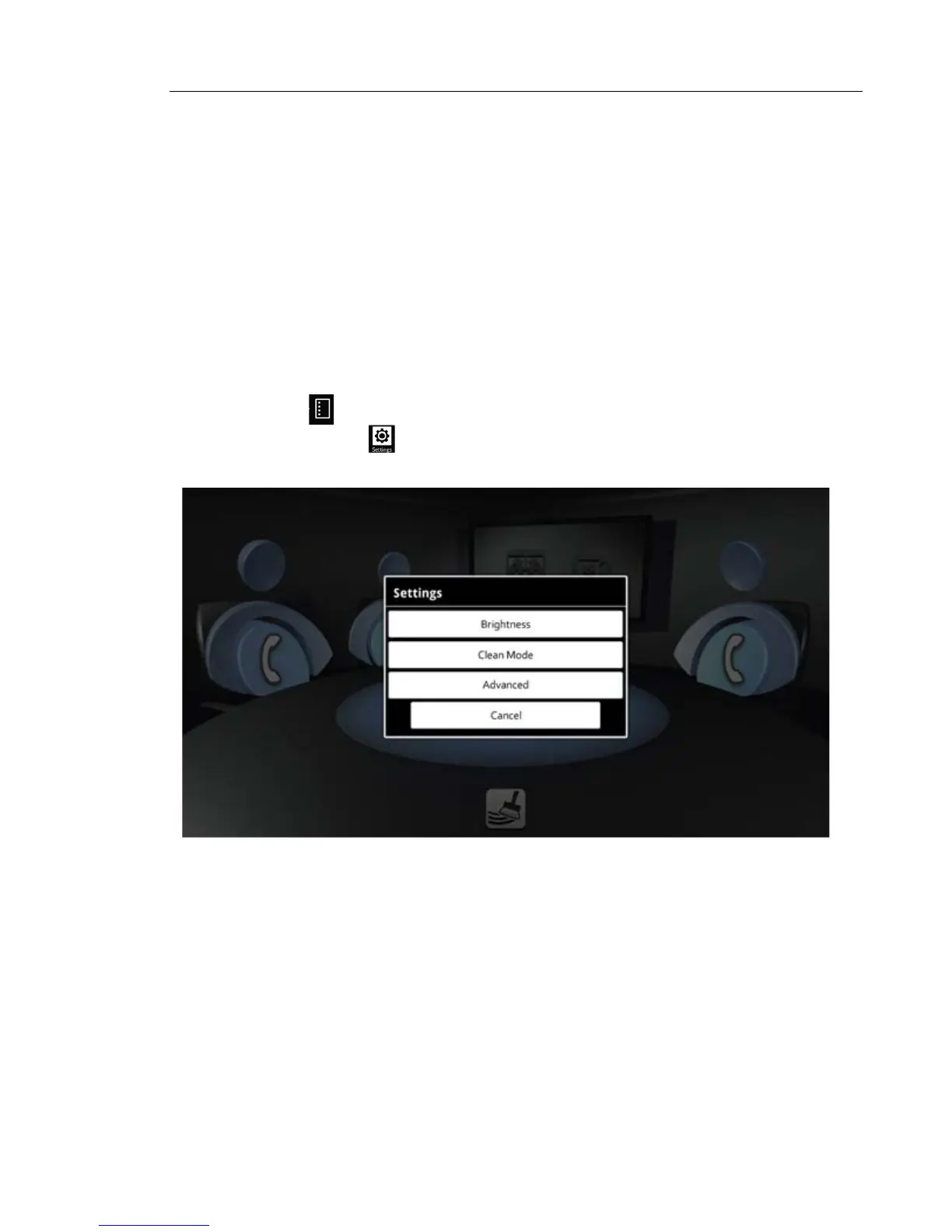
2. Press Settings
The following screen is displayed:
For the User settings, see “Adjusting Brightness” on page 13 and “Using Clean Mode” on
page 14.
For Advanced settings, see “Advanced Settings” on page 54 on the next page.



 To Next Page