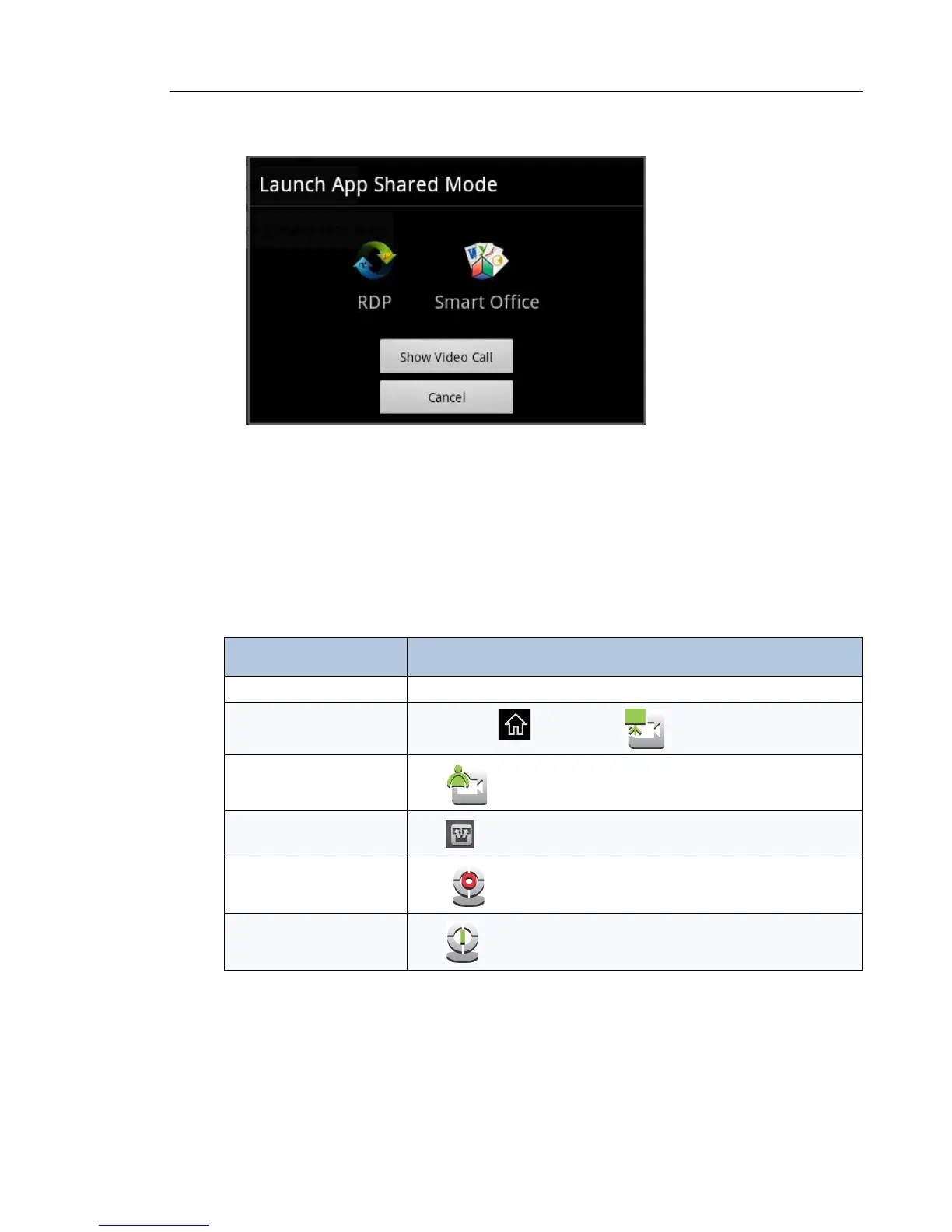
The Launch App Shared Mode screen is displayed.
You have the option of “Using Remote Desktop (RDP)” on page 42 or “Using SmartOffice” on
page 45. See either of these topics for more information.
Once your presentation is displayed, you have the option of toggling between your
presentation/application and video.
Tips on Presentation Sharing and Video
Task Press ...
Navigate on your desktop Use the external mouse and keyboard or the UC360 touch screen
Switch from presentation
sharing to video
Press Home and then tap on the touch screen
Switch from video to
presentation sharing
Tap
on the touch screen
End Sharing Session
Tap on the touch screen and tap S t o p S h a r i n g
Show Your Camera
Tap
Turn off Your Camera
Tap



 To Next Page