UC360 Administration and User Guide
Sharing Presentations
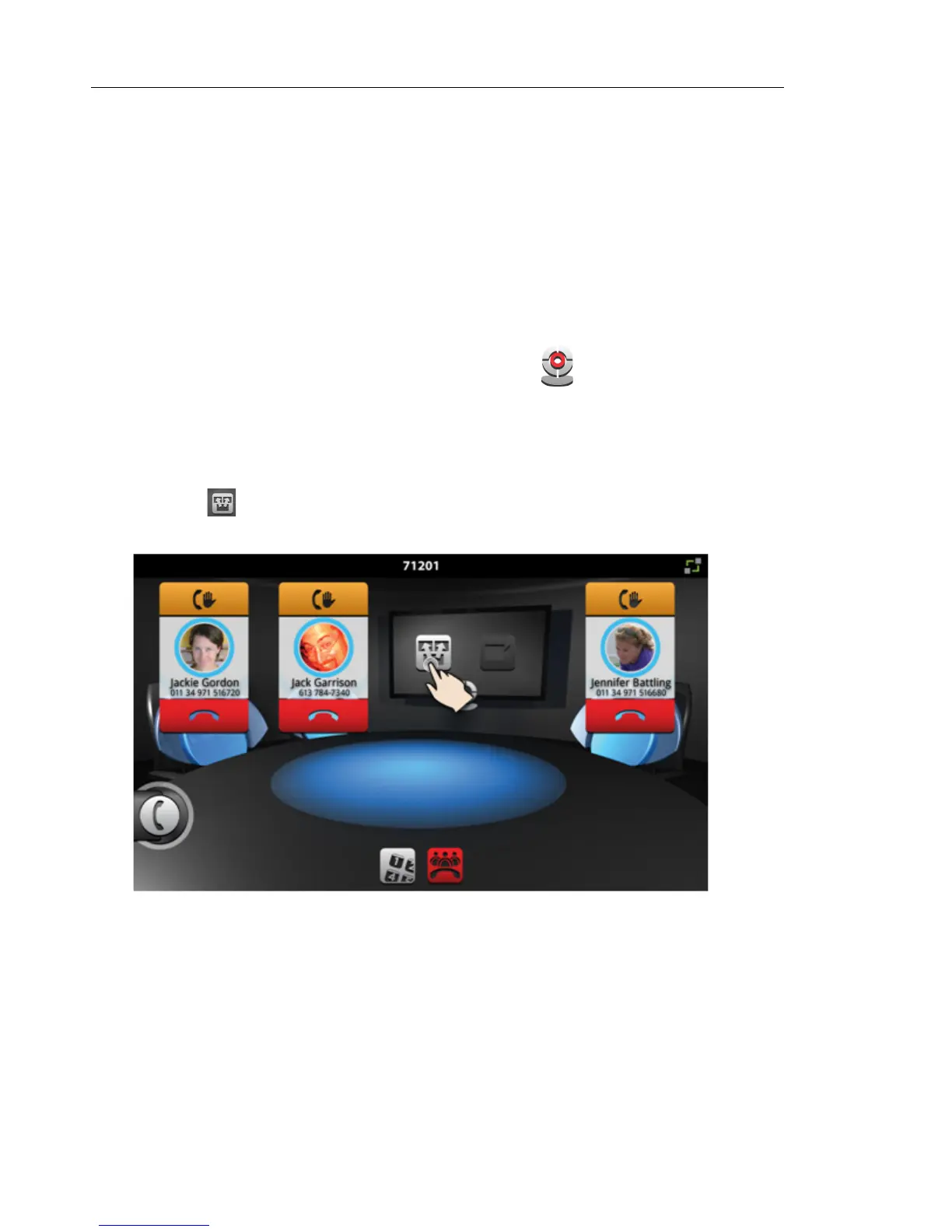
In a conference call, you can share a presentation in the room on the HDMI monitor and with
the remote participants (if they are video-enabled).
Before your conference call, turn on the camera and adjust it. This option is only available with
Video with Remote Collaboration
To adjust the camera
• Before a video conference call, tap the Camera icon on the touch screen.
You will see yourself on the screen. Check that the camera is positioned at the optimum
angle to encompass the best view of the room.
To display your presentation
• Tap on the UC360 screen



 To Next Page