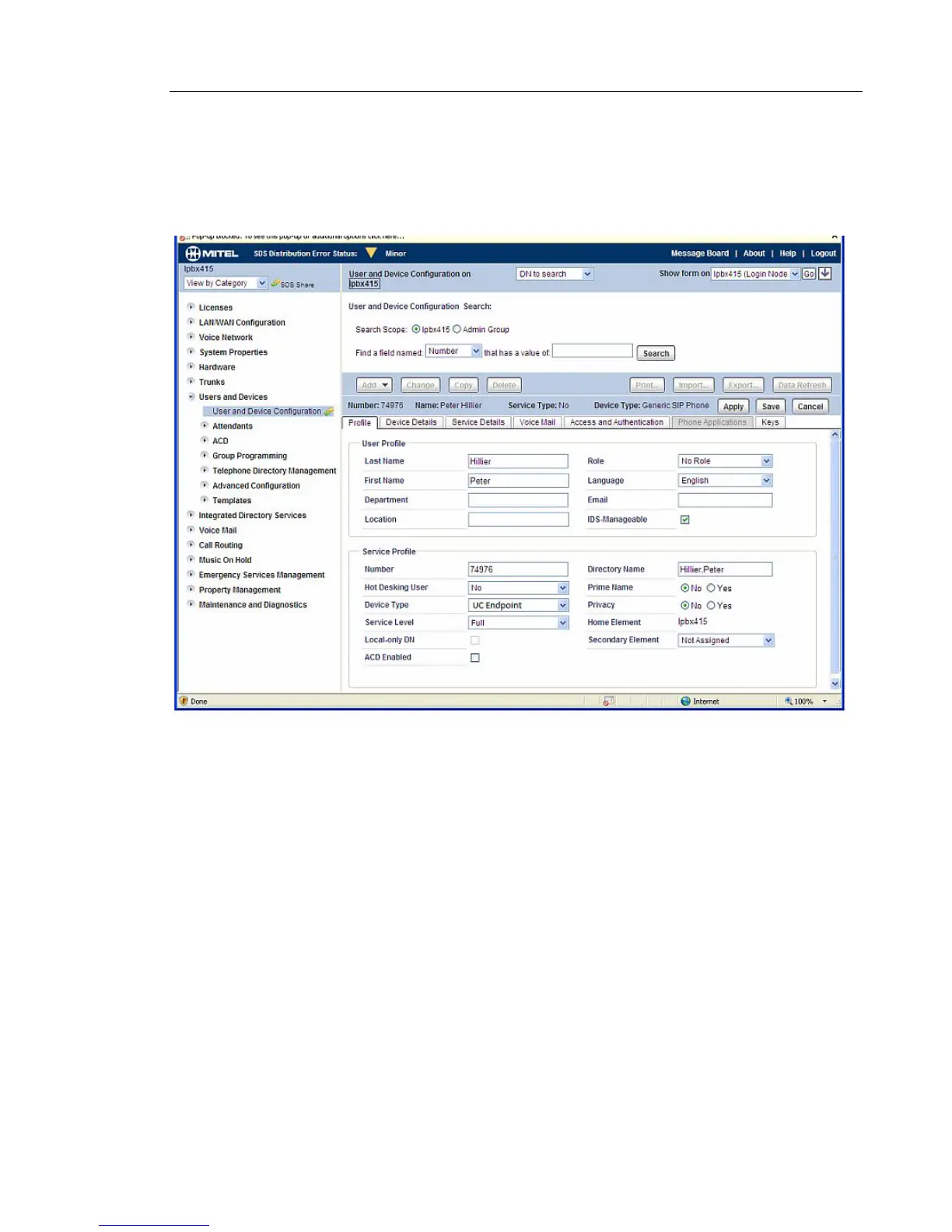
User and Device Configuration
Configure the UC360 as a UC Endpoint in the MCD.
• First, create a user account and assign the correct device type for the UC360. See the
example below.
Fill these fields:
•Last Name:
• First Name:
• Number: The DN number. This number should be same as the one configured in "Login
Name" under "SIP Setting" in UC360.
• Device Type: UC Endpoint
• Then click Save button.



 To Next Page