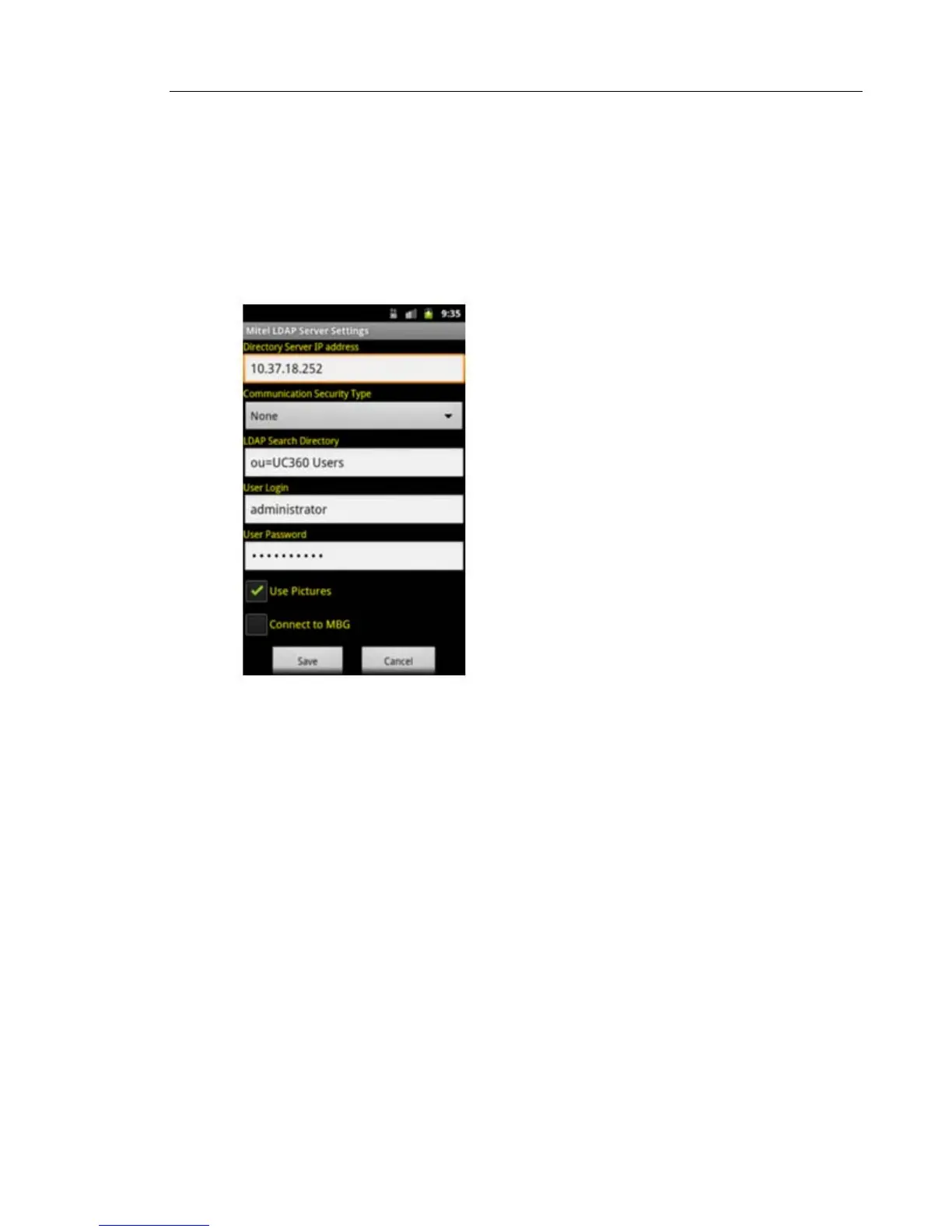
LDAP Search Directory
The LDAP Search directory field can be programmed using LDAP attributes to search for the
specific directories or using wildcard * to search for all directories. See the examples below.
• Search for the list in directory UC360 Users - Use ou=UC360 Users
• Search for the list in directory NA -> Users Accounts - Use ou= User Accounts, ou=NA
• Search for the list in all directories - Use *
LDAP Server Updates
This option allows the UC360 to get contacts list updates from Active Directory. You have the
following choices to get the updates.
Get updates now
• From the LDAP Server Updates menu, press Get updates now.
The Contacts list will be updated right away.
Schedule updates
• From LDAP Server Updates menu, press Schedule updates.
This allows you to schedule the date/time for getting updates automatically from Active
Directory.
Use the Clear button to clear out the current settings in order to schedule a new date and
time.



 To Next Page