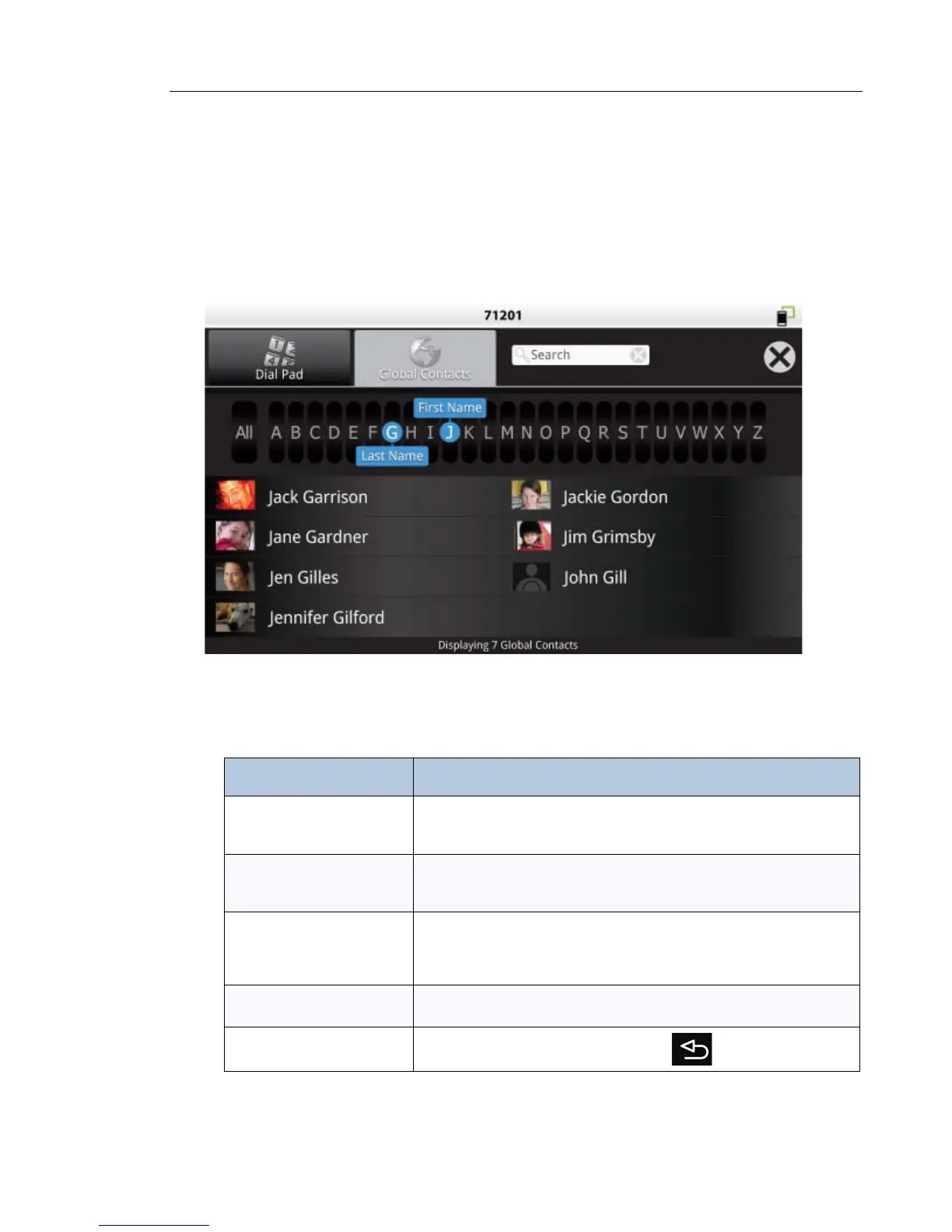
About Contacts
Contacts lets you easily access and search contacts in the corporate directory. The Contacts
app automatically displays when you start a call.
• Tap a phone
The Contacts App is displayed.
Finding Contacts
Task Action
Navigate by first name Drag First Name to the desired letter or tap the space above the
desired letter
Drag Last Name to All
Navigate by last name Drag Last Name to the desired letter or tap the space below the
desired letter
Drag First Name to All
Navigate by first/last name Drag First Name to desired letter or tap the space above the desired
letter
Drag Last Name to the desired letter or tap the space below the
desired letter
Search all contacts Press All
Flick through contacts
Close Contacts app
Tap the X in top menu or press the back key



 To Next Page