UC360 Administration and User Guide
Calling a Contact Number
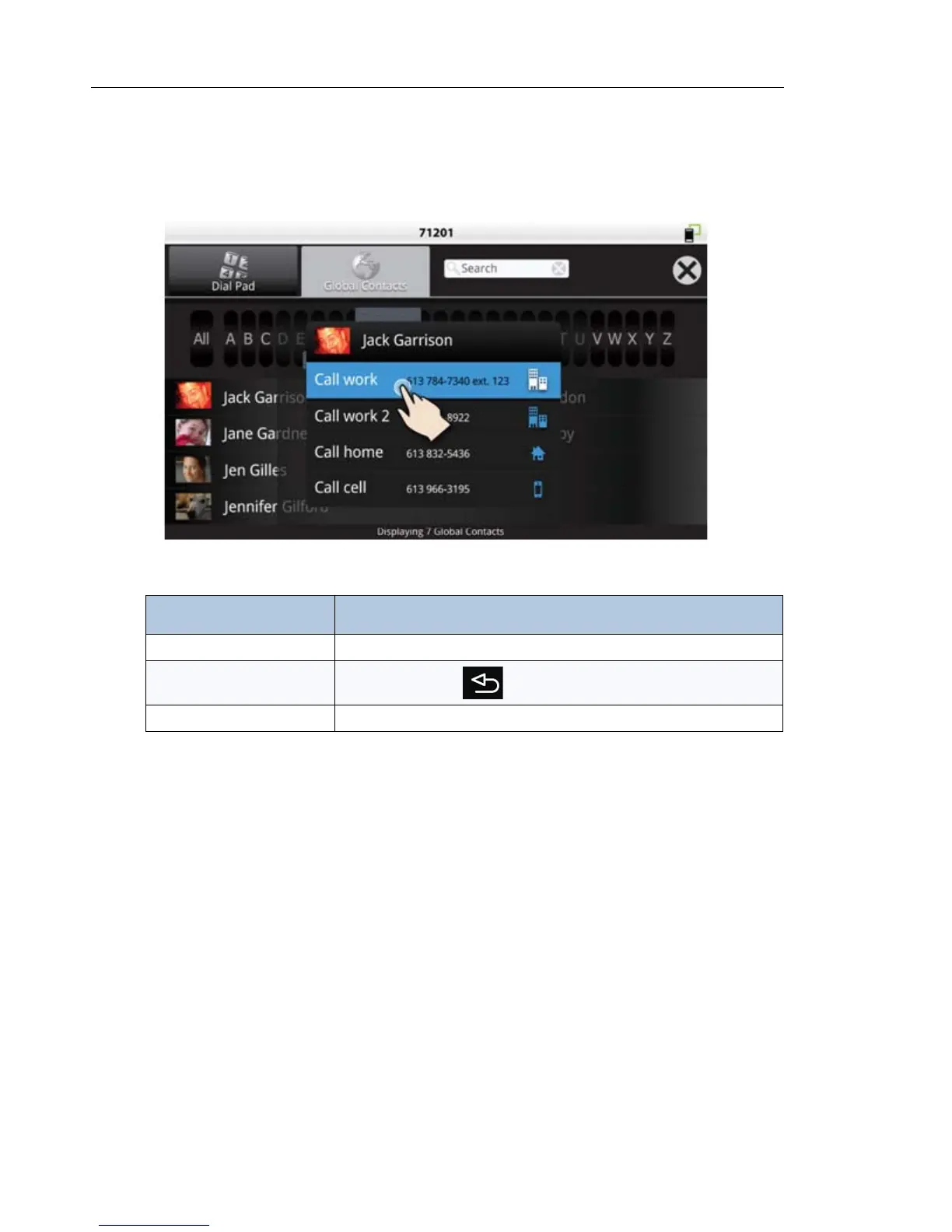
Once you tap a contact name, the following screen pops up.
Task Action
Call the contact Tap the number to call. Several may be listed: cell, work, home, pager.
Go back to Contacts list
Press the back key or tap X on the pop-up window
Close Contacts app Press X in top menu



 To Next Page