Using SmartOffice
Picsel® SmartOffice™ suite provides access to MS Office applications, including PDF and
Microsoft 97-2010 Word, Excel and Power Point file formats.You can use SmartOffice to access
any of your presentations on a USB flash drive or SD card, as well as access to the Dropbox™
and Google® Docs.
Launching SmartOffice
You can launch SmartOffice in a variety of ways, depending on your use:
Non-shared Use
• Press to display the Menu bar, then press App
Shared Use
• Tap on the UC360 screen
• Or press Menu, then Share App
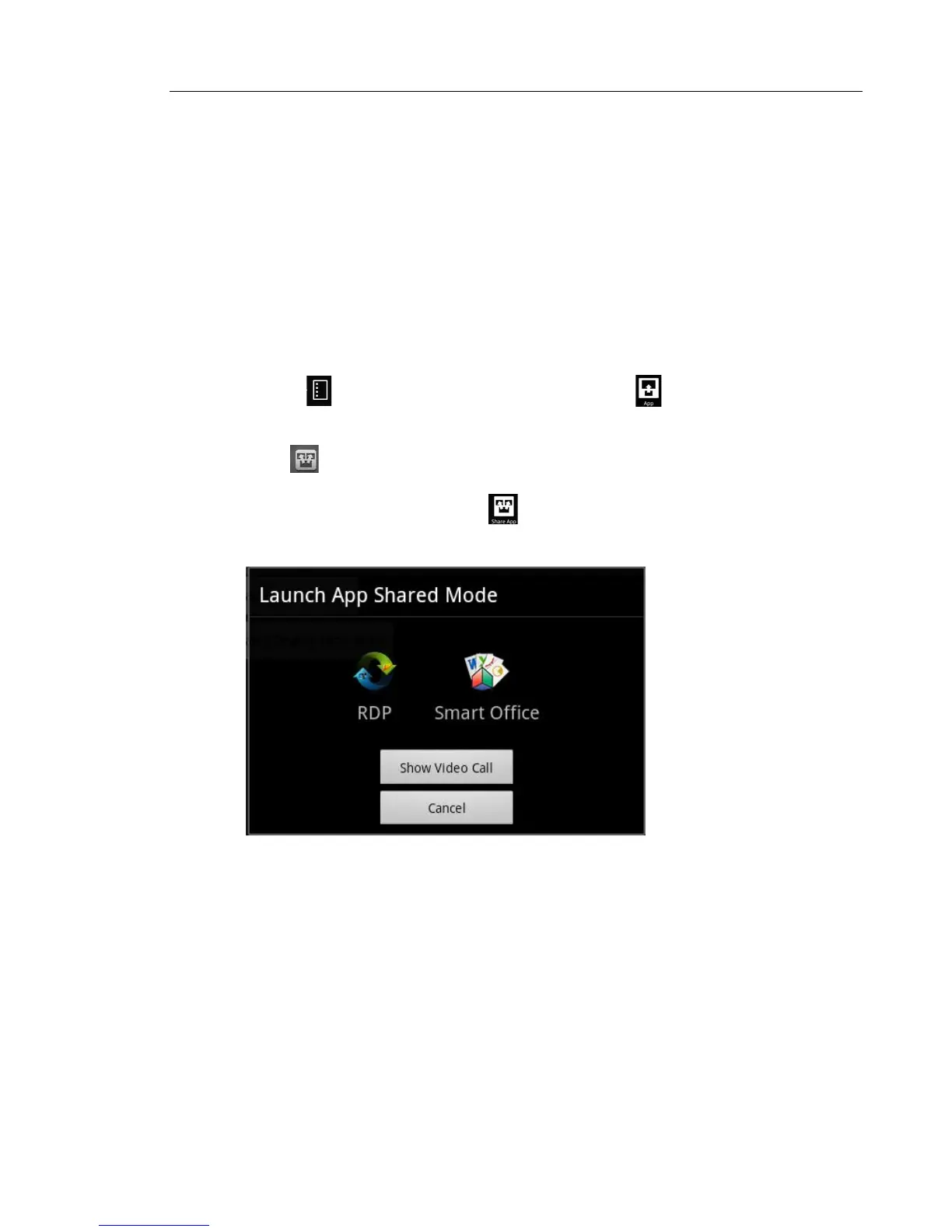
The Launch App Shared Mode or Non-Shared Mode screen is displayed.



 To Next Page