UC360 Administration and User Guide
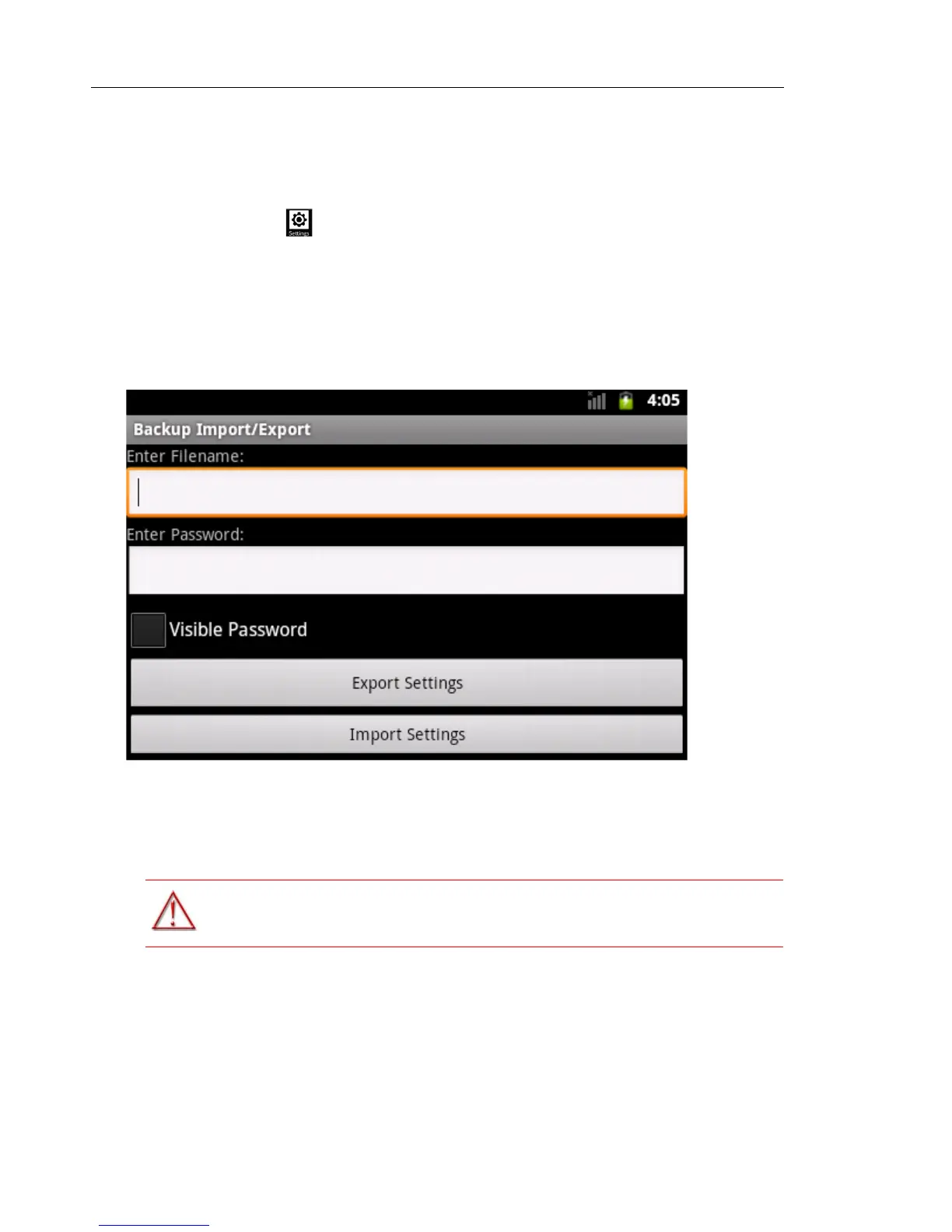
Backup Import/Export
To use the Backup Import/Export setting:
1. Press Settings
2. Press Advanced
3. Press System Settings
4. Press Backup Import/Export
5. Insert the SD card
This option opens a new Export/Import Backup window.
This window has two options:
• You can export/save a backup of the current settings to a file on the SD card.
• You can import/load an existing backup of settings from a file on the SD card.
Unmount SD Card
1. Press Settings -> Advanced -> Enter password -> Storage
2. Press Unmount SD card, then press OK
3. Remove the SD card
WARNING:MAKE SURE YOU UNMOUNT THE SD CARD BEFORE REMOVING IT.



 To Next Page