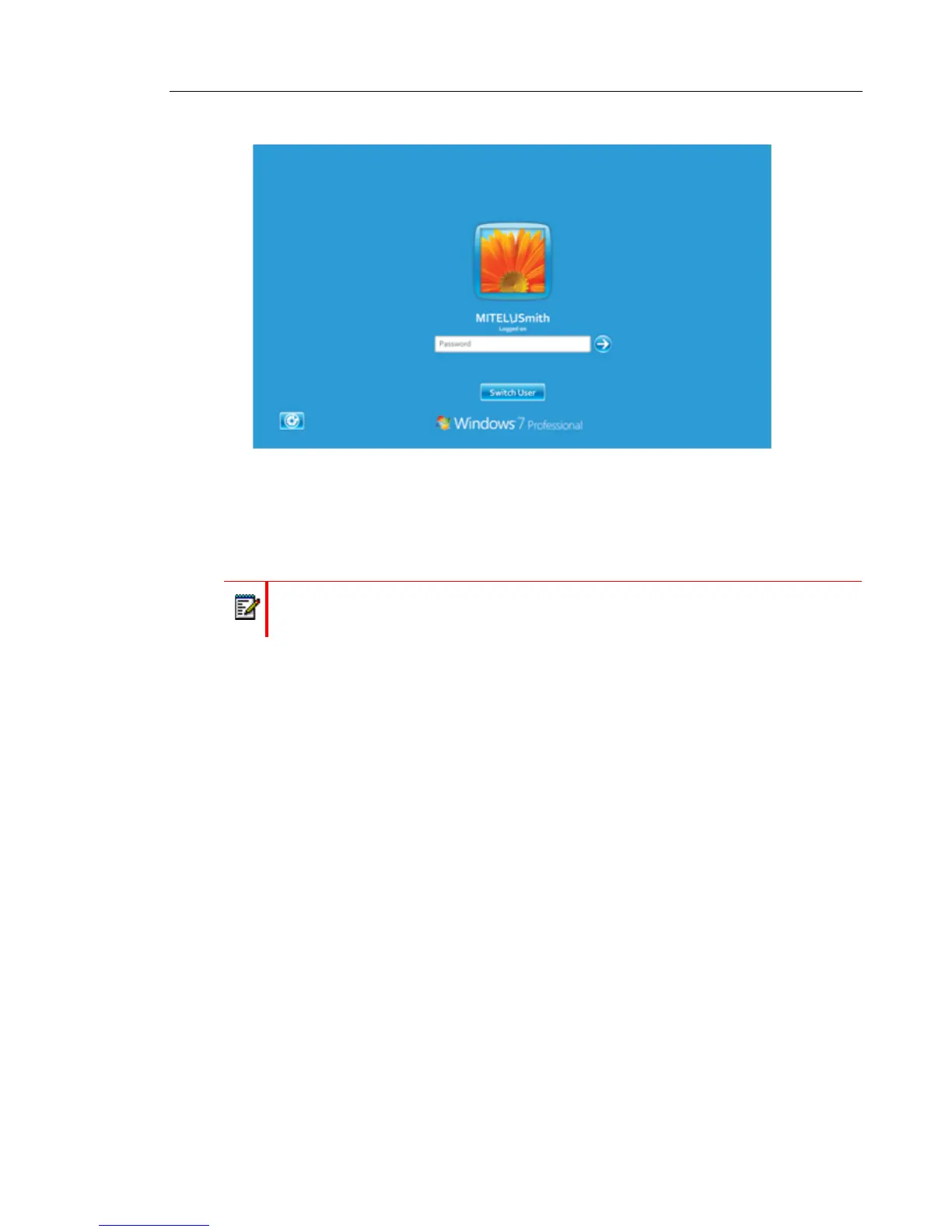
Your Windows login screen is shown.
• Enter your username and password using the on-screen keyboard or the external keyboard
and mouse. You will be connected to your desktop.
• Navigate to the application that you want to share with your conference participants.
Note: When you are in a video call, you will no longer see your video participants. The
desktop pre-empts any video images. They also cannot see you.



 To Next Page