The address may be checked directly on the control board or by means of the user terminal, following the steps indicated under
the following sections.
17.2.4 Addressing of the control board - From the board
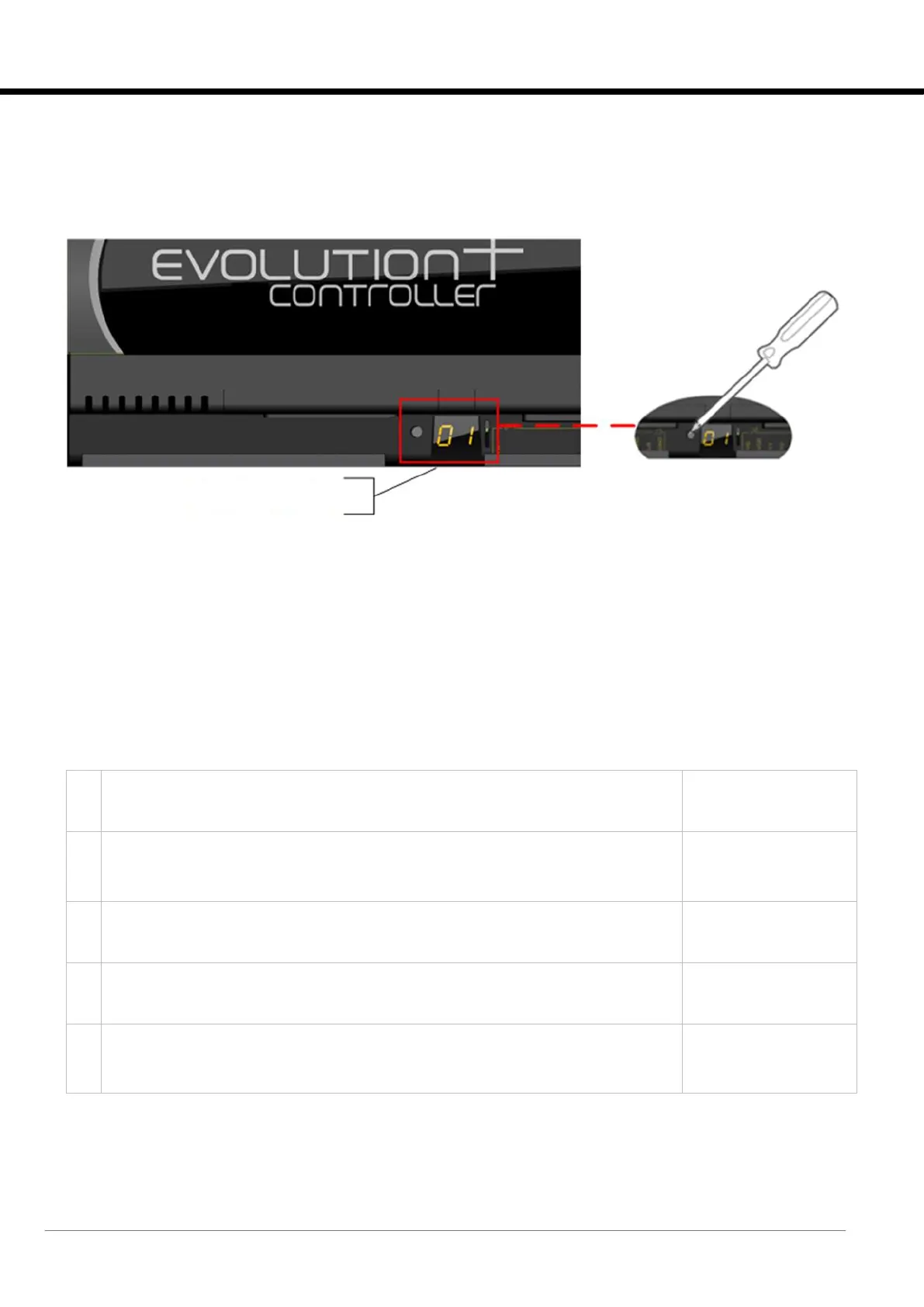
The control board address is displayed by 7-segment screen in the following image:
Figure 17-1: addressing of the pCO5+ control board.
In order to display the current address, press the button on the left of the display briefly (for no more than 2 seconds) using, for
instance, the tip of a screwdriver (Ø < 3mm). After 5 seconds from releasing the button, the address display turns off.
In order to change the board address, follow the process below:
1. Press the button with a screwdriver for at least 3 seconds. The saved address starts flashing.
2. Press the button repeatedly, or press and hold it to scroll through automatically, to find the required address.
3. Wait for at least 10 seconds. The display starts flashing quickly to indicate that the new address has been saved.
In order to cancel the operation, turn off the control within 7 seconds of pressing the button last.
4. Turn off and restart the EVOLUTION+ controller in order to activate the new address.
17.2.5 Addressing of the control board - from the user terminal
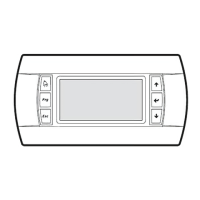
Press and hold [UP]+[DOWN]+[ENTER] at the same time for at least 3 seconds to enter
configuration mode. A mask is displayed with the cursor flashing in the top left corner.
Press [ENTER] once to modify the address of the terminal (display address setting). The
cursor will move to the terminal address field. Press [UP] or [DOWN] to select the value 0
and then press [ENTER] again to confirm.
The value will be saved in the permanent memory of the terminal.
Turn the board off and then on again by pressing and holding [ALARM]+[UP] at the same
time. Wait until the board address setting mask appears, then release the keys.
After the appearance of the mask shown at the side, press [UP] or [DOWN] to set the
desired address and then press [ENTER] again to confirm.
The value will be saved in the permanent memory of the controller.
Turn off and restart the EVOLUTION+ controller in order to activate the new address.






 To Next Page