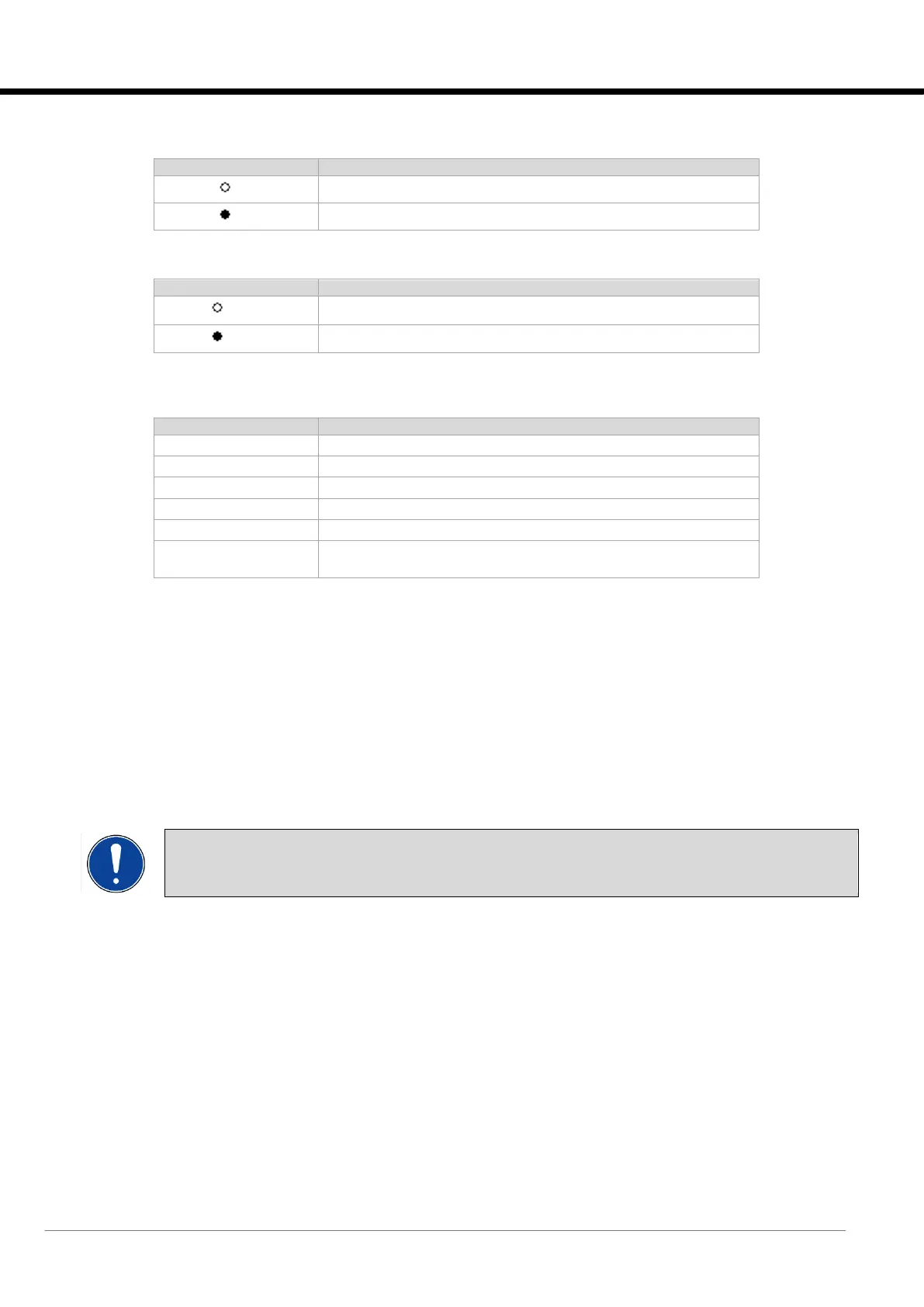
Zone 5: average pressure status:
The unit is not using the average pressure of the LAN for adjustment.
The unit is using the average pressure of the LAN for adjustment.
Zone 6: local pressure status:
The unit is not using the local pressure for adjustment.
The unit is using the local pressure for adjustment.
Zone 7: adjustment status:
The unit has reached the required target pressure.
The unit is adjusting to reach the required target.
The unit is waiting for the startup time before modulation of the fans.
The unit has reached the minimum speed.
The unit is in alarm mode because expansion is offline or because
the pressure transducer is not working or is disconnected.
2.5 Parameter changing masks
2.5.1 Access to parameter changing
The settable parameters can be distinguished according to the modification access mode, into three groups:
• parameters that can be reached using the “User” group menus with the “User” password.
• parameters that can be reached using the “Service” group menus with the “Service” password.
• parameters that can be reached using the “Factory” group menus with the “Factory” password.
The following parameters are added, which do not require passwords:
• parameters can be reached using the "Setpoint" menu.
• parameters can be reached using the "Clock" menu.
OBLIGATION:
The “Factory” and “Service” groups must be accessed only by authorised personnel.
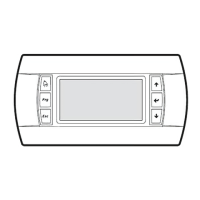
• To access the "Main" group, press [PRG]. The various menus and sub-groups can be viewed in this group.
• Press [UP] or [DOWN] to move from one mask to another inside the same menu.
• To access the parameter, press [ENTER]. To change the parameter value, press [UP] or [DOWN]. To confirm the
change, press the [ENTER] key again.
• To return to the menu selection list, press the [ESC] key.
Below are the masks of the menus used to set the parameters. The following is displayed:
• the description of the content of each mask;
• the identification numbers of the parameters in the masks ("Par No" column).






 To Next Page