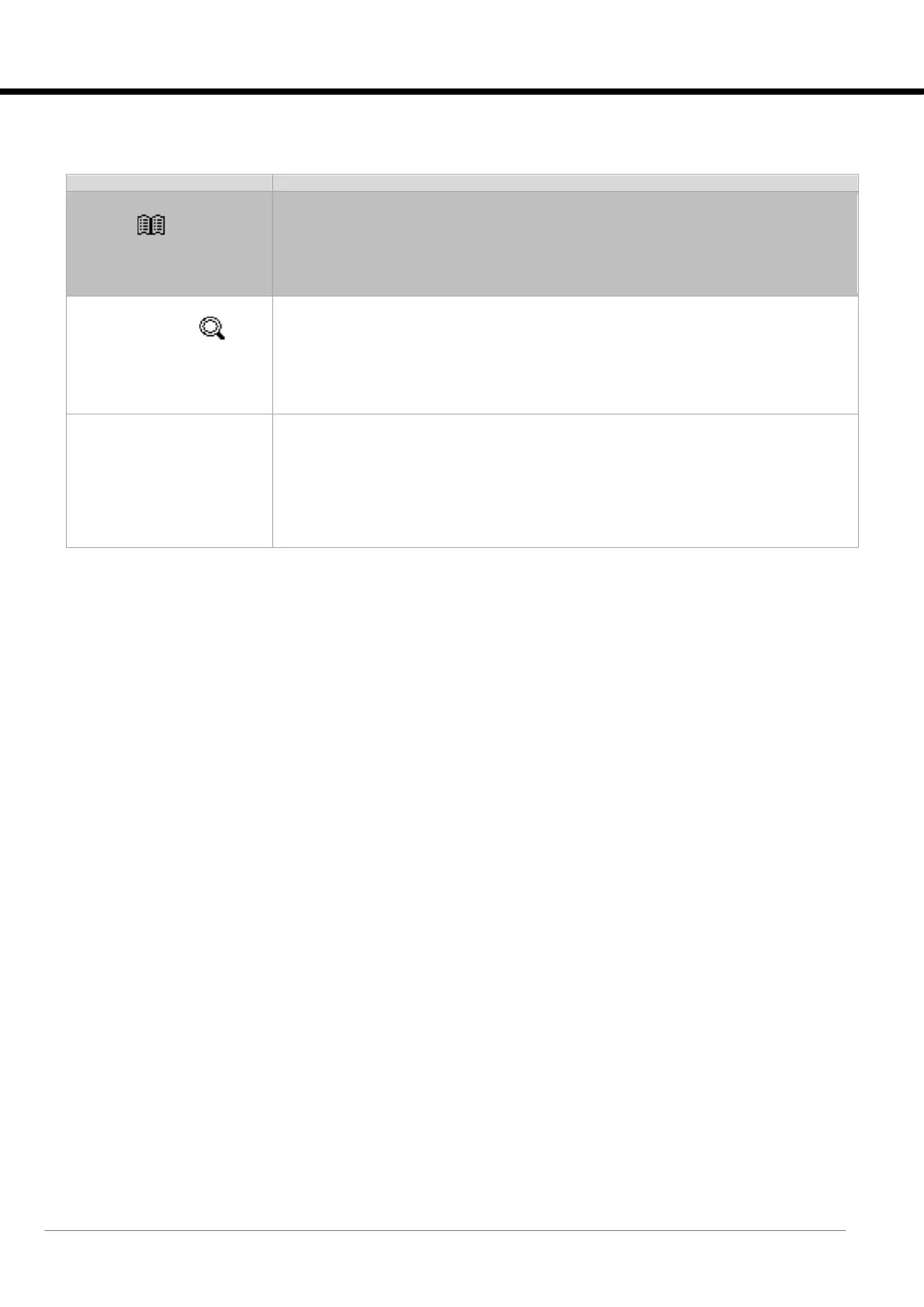
Selection of the alarm type from the display history.
It is possible to select from Compressor, Circuit, Unit, and System alarms.
For a description of the Location field, please refer to the “Events” chapter.
Mask displaying the event history. The following details are given for each one:
• date and time;
• event number, event code, activation or deactivation event: SET, RESET;
• event description;
• type of reset: AUTO (automatic), MAN (manual);
• event location: Compressor, Circuit, Unit, Plant
• type of event block action: Compressor, Circuit, Unit, ChilledWater, Humidifier, El. Heater,
Function.






 To Next Page