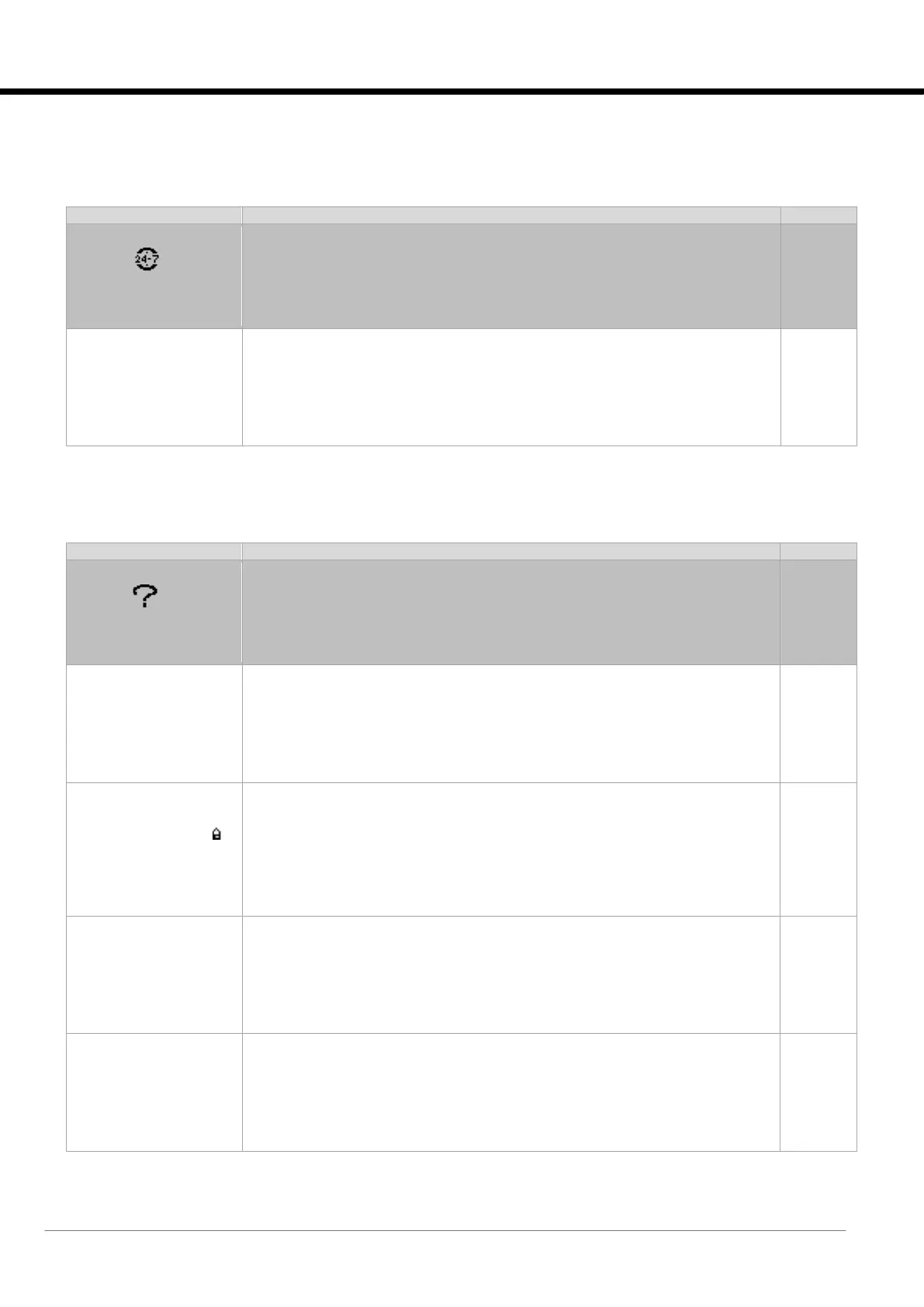
2.5.22 [P32] Scheduler Menu
Accessible from: “User” group.
Access mask to the “Scheduler” menu (Time bands manager).
Scheduler
--------------- P32.01
Scheduler enable:
N
2.5.23 [P--] Info Menu
Accessible from: “User” group.
Access mask to “Info” menu (Information).
Info – Pwd change
Insert a new
User password:
0000
Sets a new “User” password.
Attention: the value set in this field is the one and only to access the “User” group.
Info – About
Evolution+
Code ME 38.00 EN
HW pCO5+ S
NAND 50MB
Flash 2MB + 7MB + 4MB
Ram 2048KB
Boot 05.01 Bios 06.52
This mask contains the reference information of the software [Code ME 38.00 EN].
The closed padlock symbol shows that the board is provided with its proprietary
software.
The hardware information is also shown, namely the size (S, M, L), the memories
(NAND, Flash and RAM), and finally the versions of the basic software of the
controller (Boot and Bios).
Info
Select language:
ENGLISH
Select language
Allows you to select the language of the interface.
Info
Reset to default value
KIPlink Supervisor
ReadOnly password: N
Resets the password for read-only use of the KIPlink.






 To Next Page