© MOBATIME 14 / 52 800693.16
3 Control of the clock using keyboard or pushbuttons
The clock is adjusted and controlled using two pushbuttons located at the
upper side of the clock frame. If you use a keyboard for setting the stopwatch, use the
pushbuttons PB1 and PB2 for the clock setting.
Abbreviations used for the key strokes
PB1L, PB2L pushing the pushbutton for more than 1 second
PB1S, PB2S pushing the pushbutton for less than 1 second
Function of the pushbuttons in the “Clock“ mode
PB1S time correction to the whole minute (±30 sec)
PB2S changeover of the displayed items
Time -> date -> temperature -> stopwatch -> time
PB1L entry into the time and date setting mode
PB2L entry into the clock menu
3.1 Setting of time and date
The setting of time and calendar date takes place in following steps: year – days
– months – hours – minutes. The entry into the time and date setting
mode occurs by pushing the PB1L pushbutton.
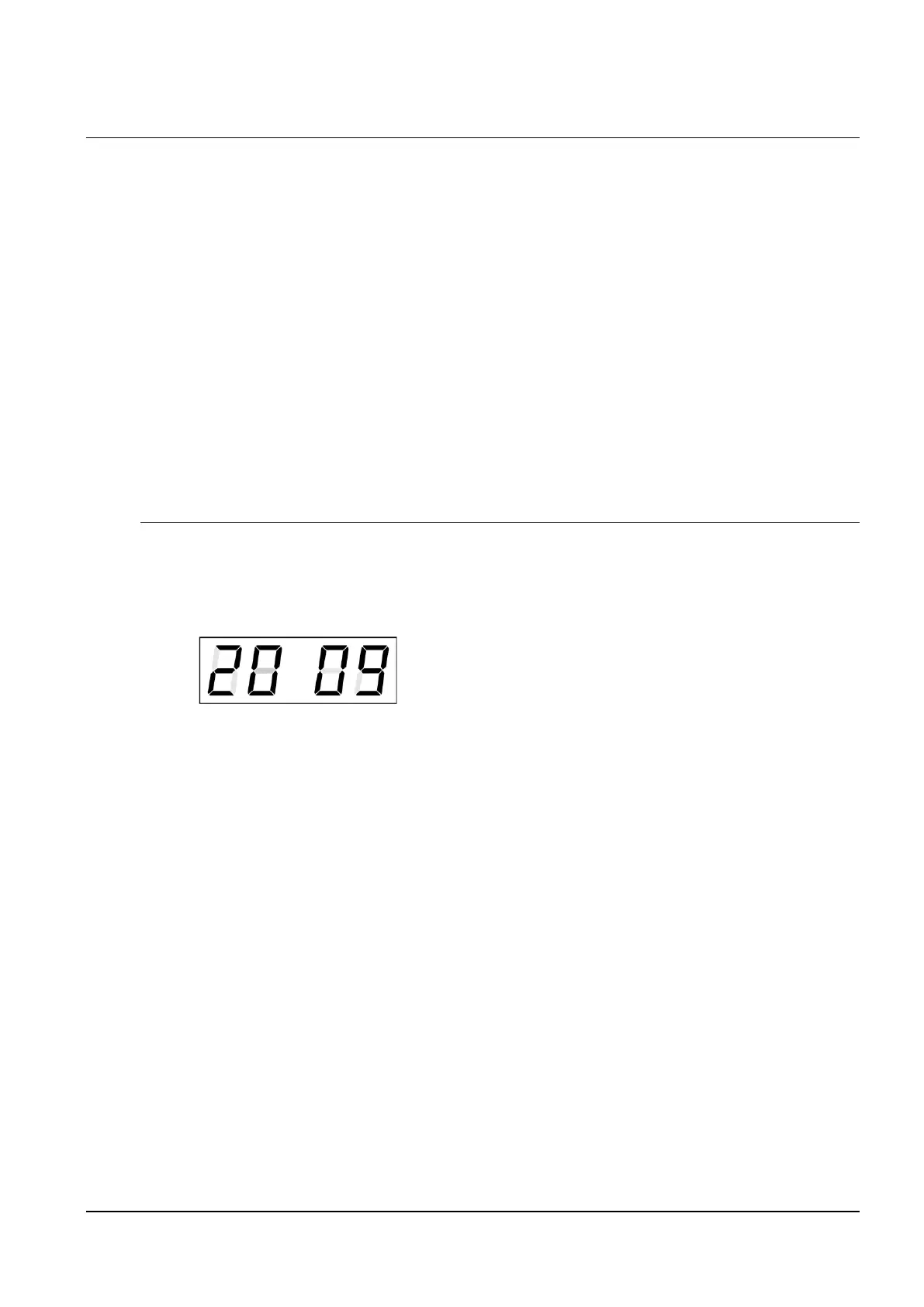
The display shows the following:
The item to be adjusted
is now blinking.
Move to another item by pushing the PB1S pushbutton. After having adjusted the
minutes and by pushing PB1S, the entered values are stored (the seconds are set to
zero) and the operation of the clock resumes. The clock returns into normal working
mode.
Note: When the time zone of displayed time and date (menu item P7) is set to the
values U1 – U7 or U, the entered time and date is taken as UTC.
Function of the pushbuttons in the “Time and date setting“ mode.
PB1S advancement to another item to be set up
PB2S increase of the item to be set up by 1
PB2L continuous increase of the current item



 To Next Page