© MOBATIME 15 / 52 800693.16
3.2 Menu for the setting of the clock parameters
The entry into the parameter setup menu is done by pushing the PB2L button.
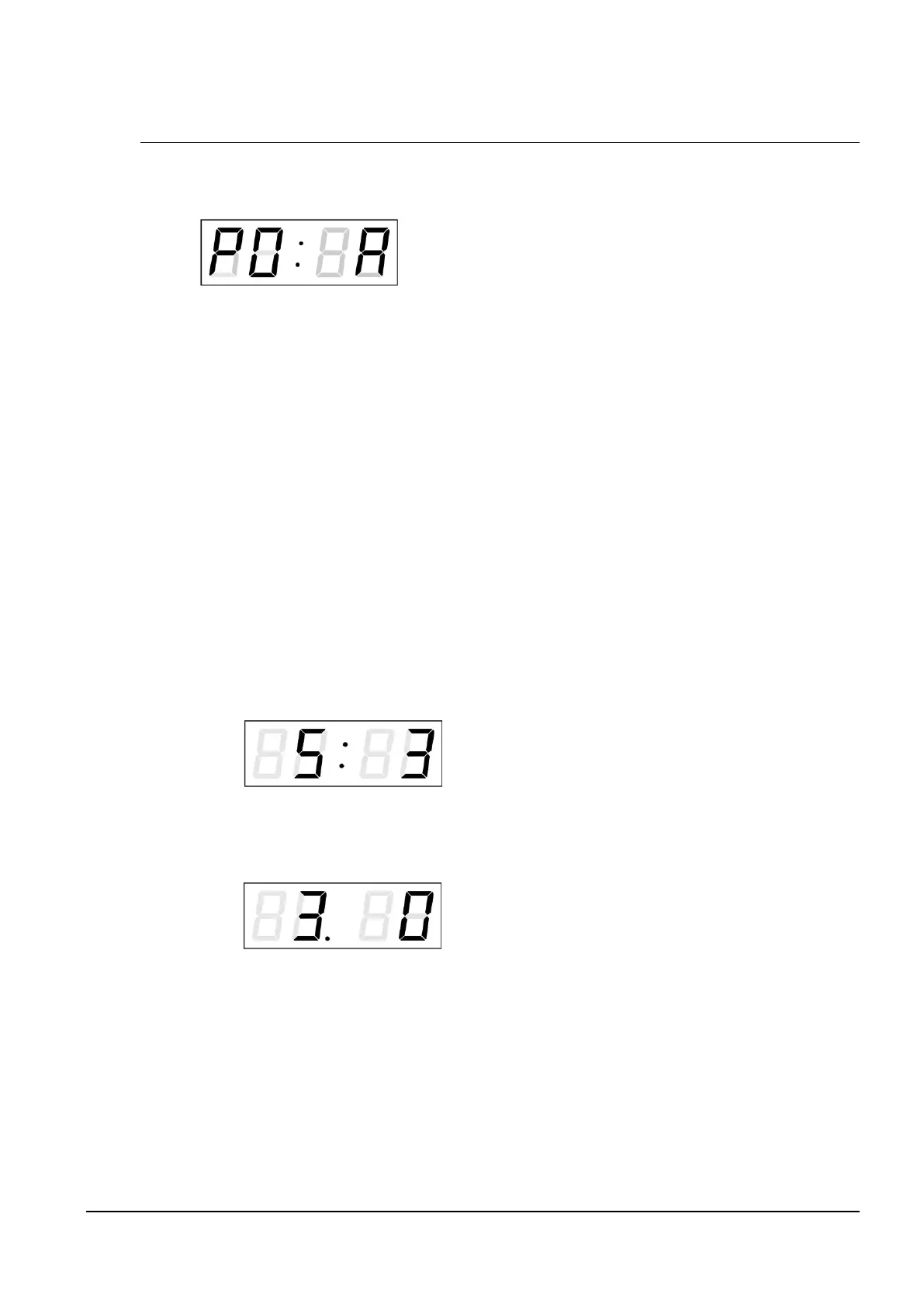
The display shows the following:
The item to be adjusted
is now blinking
The options for the parameter setup are shown in the clock menu table (chapter 5).
Function of the pushbuttons in the setup menu mode
PB1S storage of the current item and move to another menu item
PB1L storage of values and return into normal display mode, or entry
into the submenu, where it is permitted by the program
PB2S increase of the current item by 1
PB2L continuous increase of the current item
PB1L+PB2L return into normal display mode, without storage of the data
3.2.1 Submenu for user-specific setting of time constants for data switchover
In menu item P2 (time constants for automatic switching over of values), set the
value U, then enter the submenu by pushing PB1L. The item to be set is blinking.
By pushing the PB2S button, the adjusted value is increased in steps of 1, by
pushing the PB2L button, the value will be continuously increased.
The display shows the following:
Enter the time constant for the display of
time in seconds. Push the PB1S button
and enter the constant for date display
in seconds.
Push the PB1S pushbutton.
The display shows the following:
Enter the time constant for the display
of temperature in seconds. Push the
PB1S pushbutton and enter the constant for
stopwatch display in seconds.
By pushing the PB1L button are the entered values stored and the clock returns
to the menu item P2.
3.2.2 Offset setting for time synchronization
Clocks can run with a defined offset to synchronization source.
In menu item P4 (synchronization source), push PB1L to go to the time
synchronization offset setting submenu.
The setting unit is 1/100 second.
Setting range -9.99 to +9.99.
Push PB1L to save the setting and return to menu item P4.
Push together PB1L and PB2L to return to P4 without storage of the data



 To Next Page