© MOBATIME 22 / 52 800693.16
4.2.4 Manual setting of the IP address of the clock
Choose the item P20 in the main menu and push the SET button to enter the
submenu for setting the IP address. The item to be set is blinking.
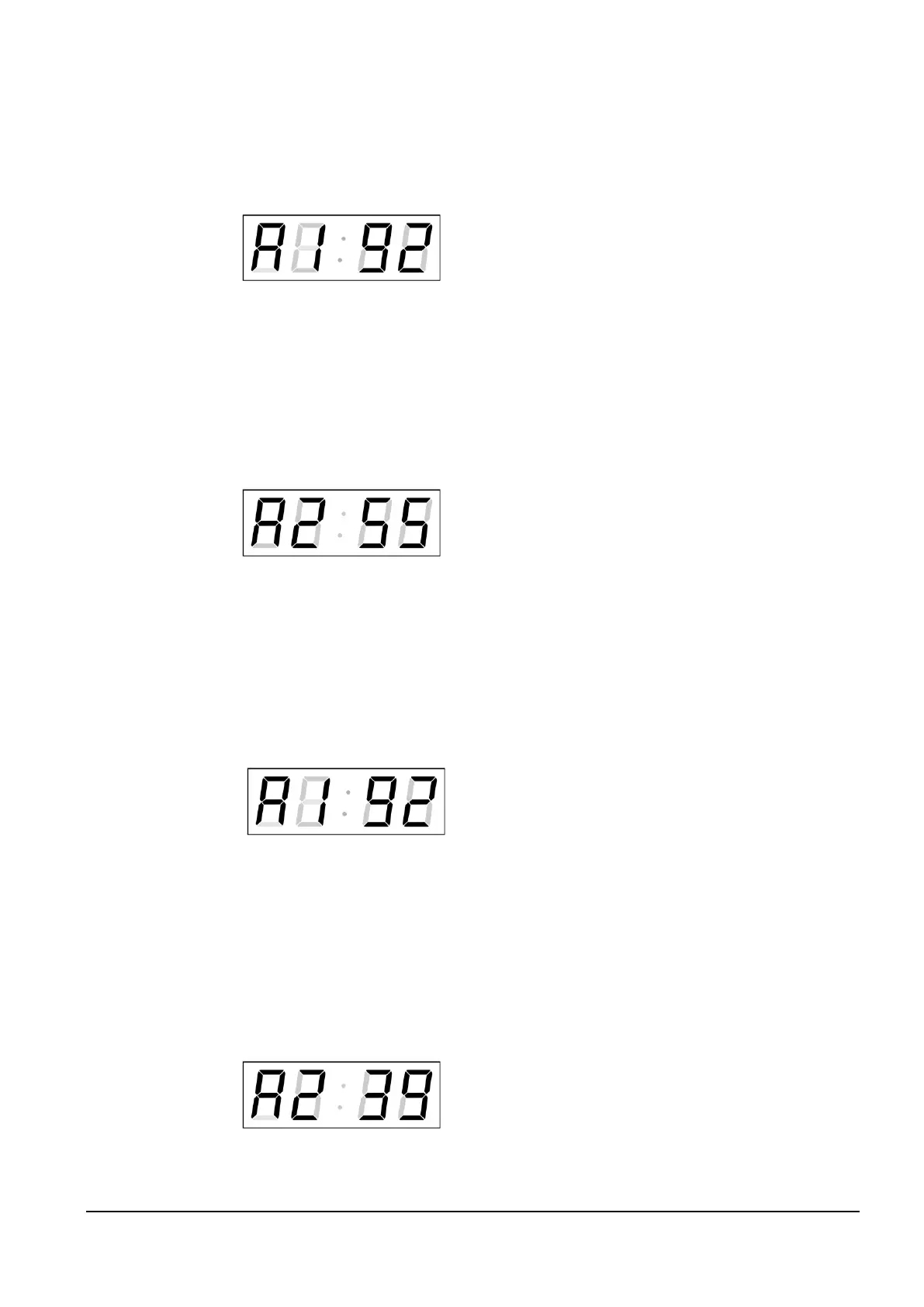
The display shows the following:
Enter four octets of the IP address step
by step. Switch to another octet by
pushing the << and >> buttons. Octets
are marked by letters A, b, C and d.
By pushing OK, the entered values are stored and the clock returns to the menu
item P20. By pushing ESC the clock returns to P20 without storing.
4.2.5 Manual setting of the subnet mask
Choose the item P21 in the main menu and push the SET button to enter the
submenu for setting the subnet mask. The item to be set is blinking.
The display shows the following:
Enter the four octets of the subnet mask
step by step. Switch to another octet by
pushing the << and >> buttons. Octets
are marked by letters A, b, C a d.
By pushing OK, the entered values are stored and the clock returns to the menu
item P21. By pushing ESC, the clock returns to P21 without saving.
4.2.6 Manual setting of default gateway IP address
Choose the item P22 in the main menu and push the SET button to enter the
submenu for setting the default gateway IP address, the item to be set is blinking.
The display shows the following:
Enter the four octets of the gateway IP
address step by step. Switch to another
octet by pushing the << and >> buttons.
Octets are marked by letters A, b, C
and d.
By pushing OK, the entered values are stored and the clock returns to the menu
item P22. By pushing ESC, the clock returns to P22 without saving.
4.2.7 Submenu for setting the multicast group address
Choose the menu item P23 and then enter the submenu by pushing the SET
for
setting the multicast group address. The item to be set is blinking.
The display shows the following:
Enter the four octets of the IP address step by
step. Switch to the next digit or octet respectively
by pushing the >> button. Octets are marked by
the letters A, b, C and d.
By pushing OK, the entered values are stored and the clock returns to the menu
item P23. By pushing ESC, the clock returns to P23 without saving.



 To Next Page