© MOBATIME 20 / 52 800693.16
Function of the pushbuttons in the “Time and date setting“ mode
The + pushbutton increase of the value adjusted, in steps of 1
The – pushbutton decrease of the value adjusted, in steps of 1
Holding down the + button continuous increase of the value set up
Holding down the – button continuous decrease of the value set up
ESC return into normal display mode, without storage of the
data
>> move to next parameter
<< move to previous parameter
CLR entry of zero or minimum value
OK storage of values set up and return into normal working
mode, followed with seconds reset
Pushbuttons 0–9 entry of the corresponding numerical value
4.2 Menu for the setting of the clock parameters
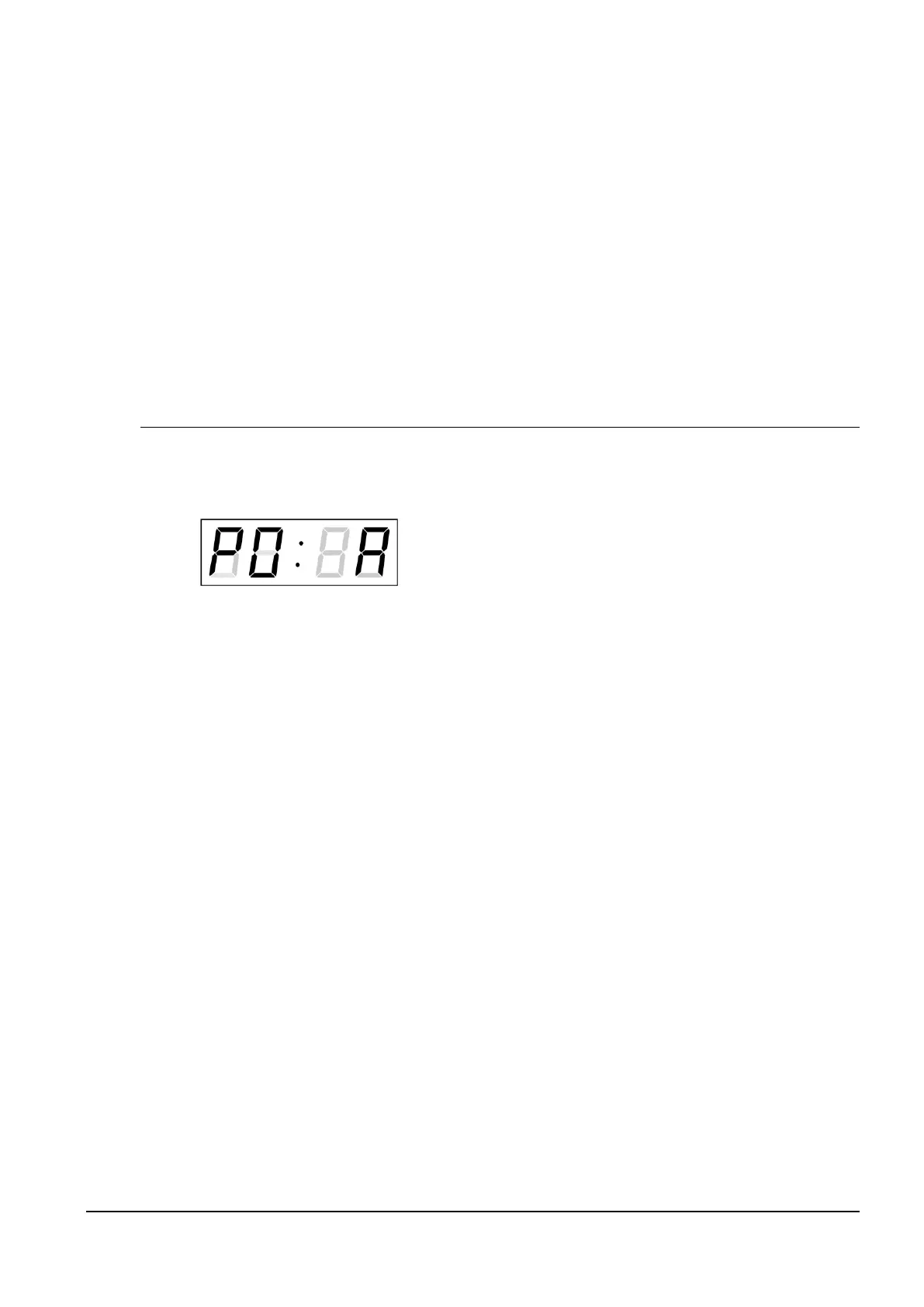
The entry into the menu for the setting of the clock parameters is done by pushing the
MENU button.
The display shows the following:
The item to be set is blinking.
The options for the parameters to be set up are shown in the menu table on page
(chapter 5).
Function of the pushbuttons in the “MENU“ mode
>> move to next menu item
<< move to previous menu item
The + button increase of the value adjusted,
in steps of 1
The - button decrease of the current value,
in steps of 1
Holding down the + button continuous increase of the value set up
Holding down the – button continuous decrease of the value set up
ESC return into the normal working mode,
without storing the modified items
OK storing of the modified items and return
into the normal working mode
SET enter the sub-menu, where it is possible
Pushbuttons 0–9 entry of the corresponding numerical value
Note: During entering the numbers in the octets of the IP addresses the editing to the
next digit moves automatically.
4.2.1 Submenu for user-specific setting of time constants for data switchover
In menu item P2 (time constants for automatic switching over of values) set value
U, then enter the submenu by pushing the SET button. The item to be set is
blinking.The display shows the following:



 To Next Page