© MOBATIME 23 / 52 800693.16
4.2.8 Submenu for the setting of the NTP unicast synchronization
Choose the menu item P24 and then enter the submenu by pushing the SET for
setting the parameters of the NTP unicast synchronization. The item to be set is
blinking.
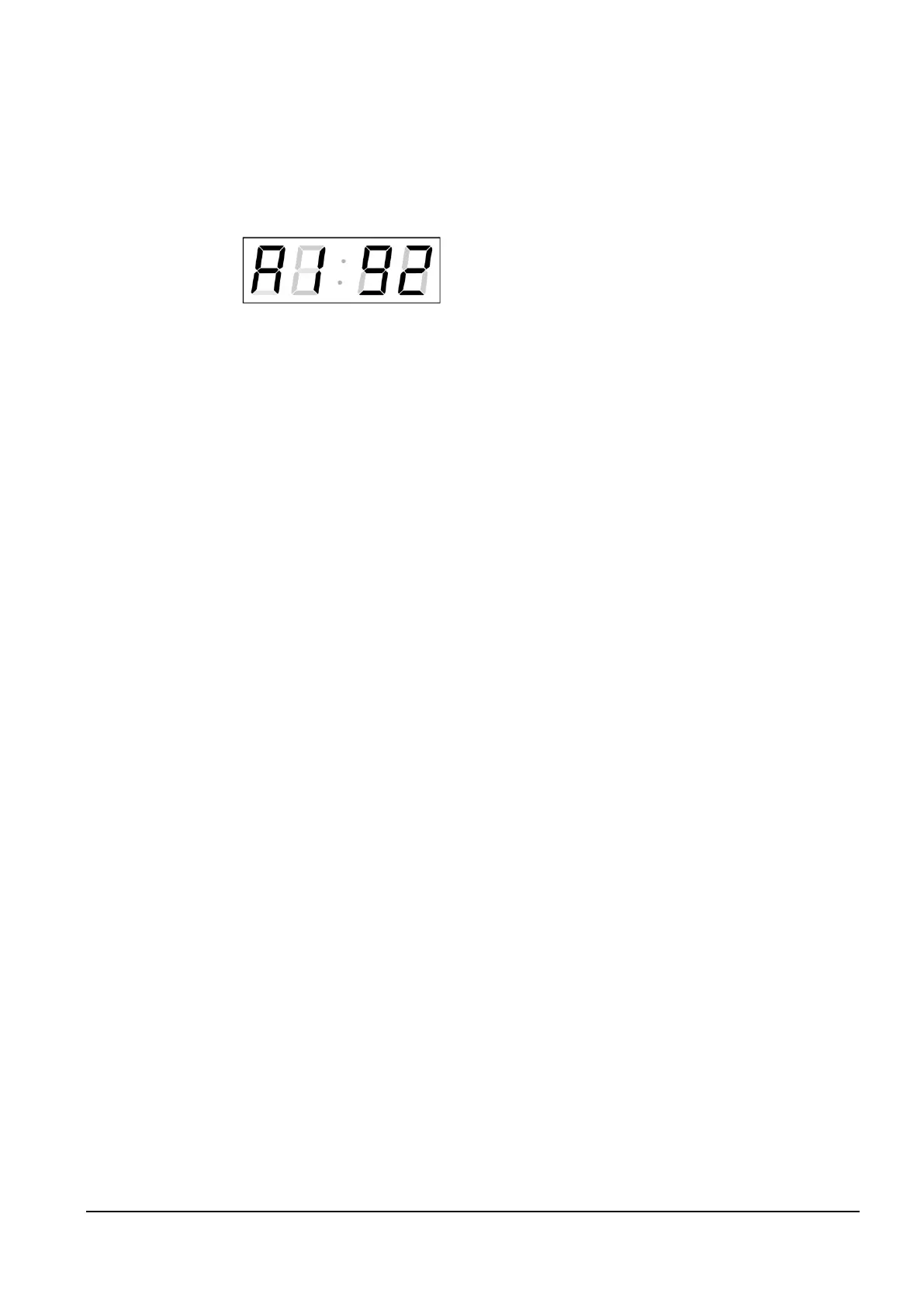
The display shows the following:
Set the four octets of the NTP server’s IP address
step by step. Switch to the next digit or octet
respectively by pushing the >> button. Octets are
marked by letters A, b, C and d.
After the last octet setting, set the constant x which determines the interval of
synchronization in seconds.
By pushing OK, the entered values are stored and the clock returns to the menu
item P24. By pushing ESC, the clock returns to P24 without saving.
Note: Through the setup menu is possible to set only one NTP server IP address.
If more than one NTP server addresses were previously configured (using telnet
or MOBA-NMS tool), after opening the P24 submenu the IP address of currently
active NTP server is displayed. When the IP address was modified and the
configuration is saved using the setup menu, the IP address is stored to the
definition of the first NTP server, the other NTP server addresses are cleared
including those defined by the NTP server domain names.
4.2.9 Submenu for displaying IPv6 addresses
Choose the menu item P25 and then enter the submenu by pushing the SET for
display IPv6 address. In the submenu, select the desired IP address to display
and push the SET button to display the first part of the IPv6 address.
IPv6 address consists of 8 parts. Navigate between the individual parts of the
IPv6 address by pushing the >> or << button. The parts are differentiated by the
decimal dots on the last three digits. Decimal dots display binary order of each
IPv6 address (0-7).
Push ESC to return to P25.
Example of IPv6 address display 2001: 0db8: 0000: 0012: f68e: 38ff: fee8: 4a13
2001
– first part of IPv6 address (000b)
0db8. – second part of IPv6 address (001b)
000.0 – third part IPv6 address (010b)
001.2. – fourth part of the IPv6 address (011b)
f6.8e – fifth part of the IPv6 address (100b)
38.ff. – sixth part of the IPv6 address (101b)
fe.e.8 – seventh IPv6 address (110b)
4a.1.3 – eighth part of iPv6 address (111b)



 To Next Page