1-4 Packet Reference Manual
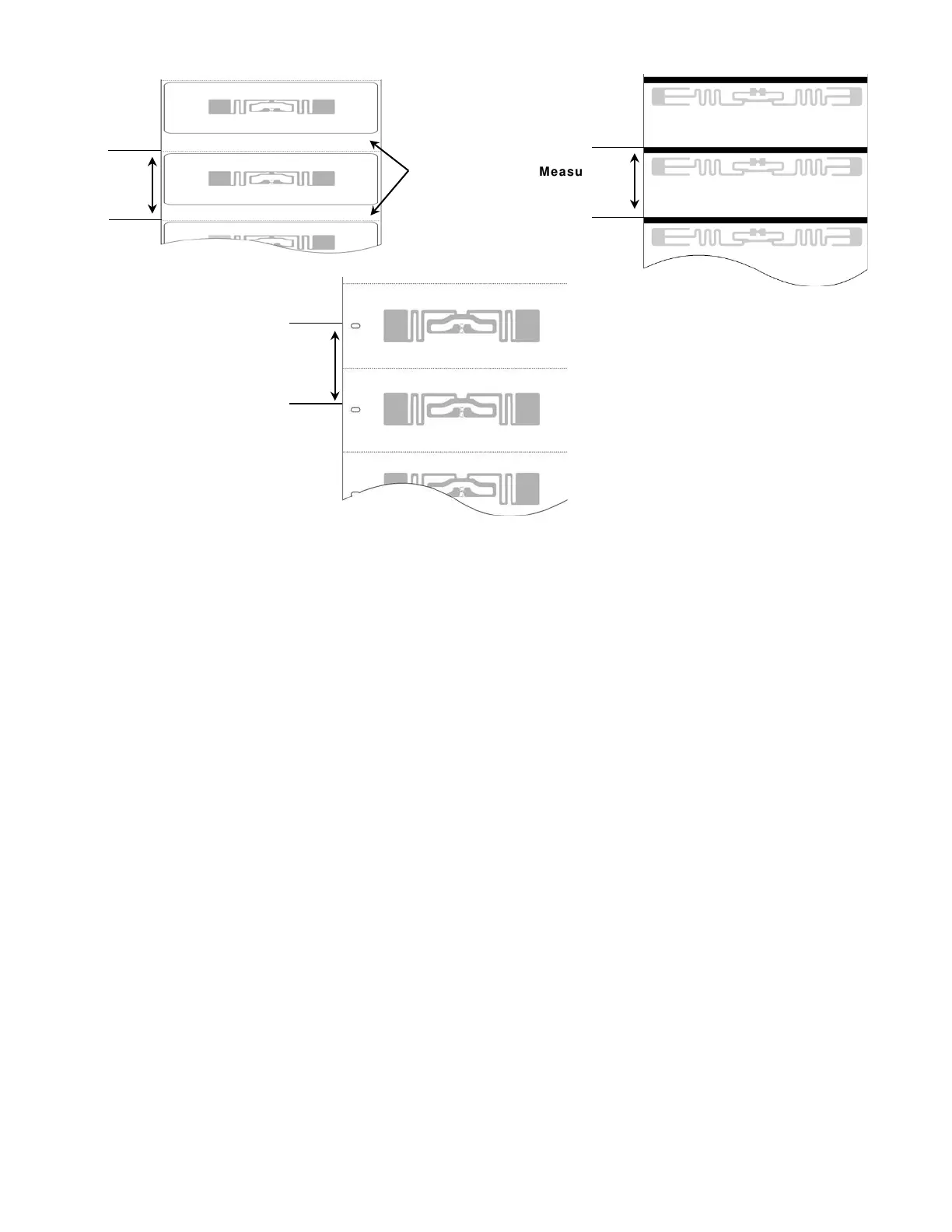
2. Enter the label length for parameter f6. length in the format header. See “Defining the
Format Header” for more information.
3. Determine your label width. Measure the width of the printable area of your supply. Do not
include the liner (backing paper) in this dimension.
Enter the label width for parameter f7. width in the format header. See “Defining the Format
Header” for more information.
distance
distance
in the gap!
distance



 To Next Page