Getting Started 1-5
Determining the Print Area
The bottom (or leading edge) is the edge that exits the printer first. The 0,0 point is at the
bottom left corner of the label. The print area is left-justified.
For ease of tearing, use 3-inch long by 1-inch wide supplies that are less than 5 mils thick. For
peel mode, the minimum supply length is 1.50 inches.
For continuous (non-indexed) supplies, the minimum feed length is 0.32 inches.
Unit of
Measure
Max. Supply
(Wid x Len)
Max. Print Area
(Wid x Len)
Min. Supply
(Wid x Len)
Min. Print Area
(Wid x Len)
English
450 x 1600 409 x 1599 75 x 50 75 x 50
Metric
1143 x 4064 1040 x 4061 191 x 127 191 x 127
Dots (203)
914 x 3248 830 x 3246 152 x 101 152 x 101
1350 x 3600 1227 x 3597 225 x 150 225 x 150
Note: You can create longer images if you reallocate memory to increase your image buffer.
See "Defining the Memory Packet" in Chapter 2 for more information.
Non-Print Zones
The following non-print zones are recommended for this printer:
Left and Right 0.050 inches on either edge of the label.
Top and Bottom 0.020 inches at the top and bottom of the label.
Use the following formulas to convert inches to dots and metric:
Dots = inches x 203 (or 300 dots per inch)
Metric (1/10mm) = inches x 254
English (1/100 inch) = 100 x (dots/203) or (dots/300)
Dots = Metric (1/10 mm) x 799/1000 (or 1181/1000)
300 dpi depends on your printer.
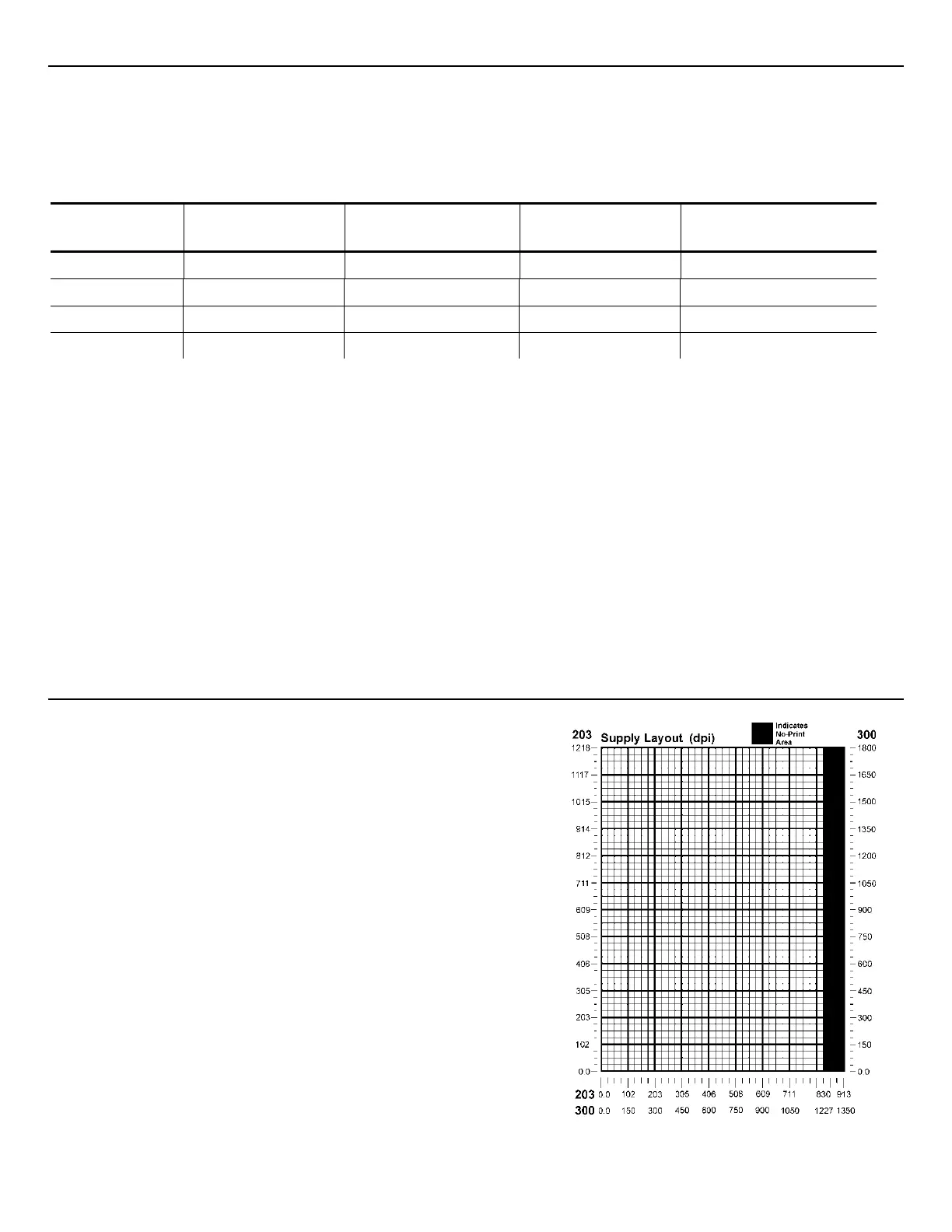
Using Supply Layout Grids
A supply layout grid contains measurement markers.
These markers help you accurately position information
on your label.
Decide whether you want to design formats using
English, Metric, or Dot measurements. Choose from the
following grids:
English The English grid is measured in 1/100 inches.
Metric The Metric grid is measured in 1/10 millimeters (mm).
Graphic The printer uses dots to print images on a label.
The printhead has 203 dots per inch (dpi) or an
optional 300 dots per inch printhead.
Choose English or Metric units when designing formats
to use with different printers. English or Metric units
allow more direct use of formats on printers with
different density printheads.
If you want to use the supply layout grids, a copy of
each is in Appendix D, “Format Design Tools.”



 To Next Page