2-20 Packet Reference Manual
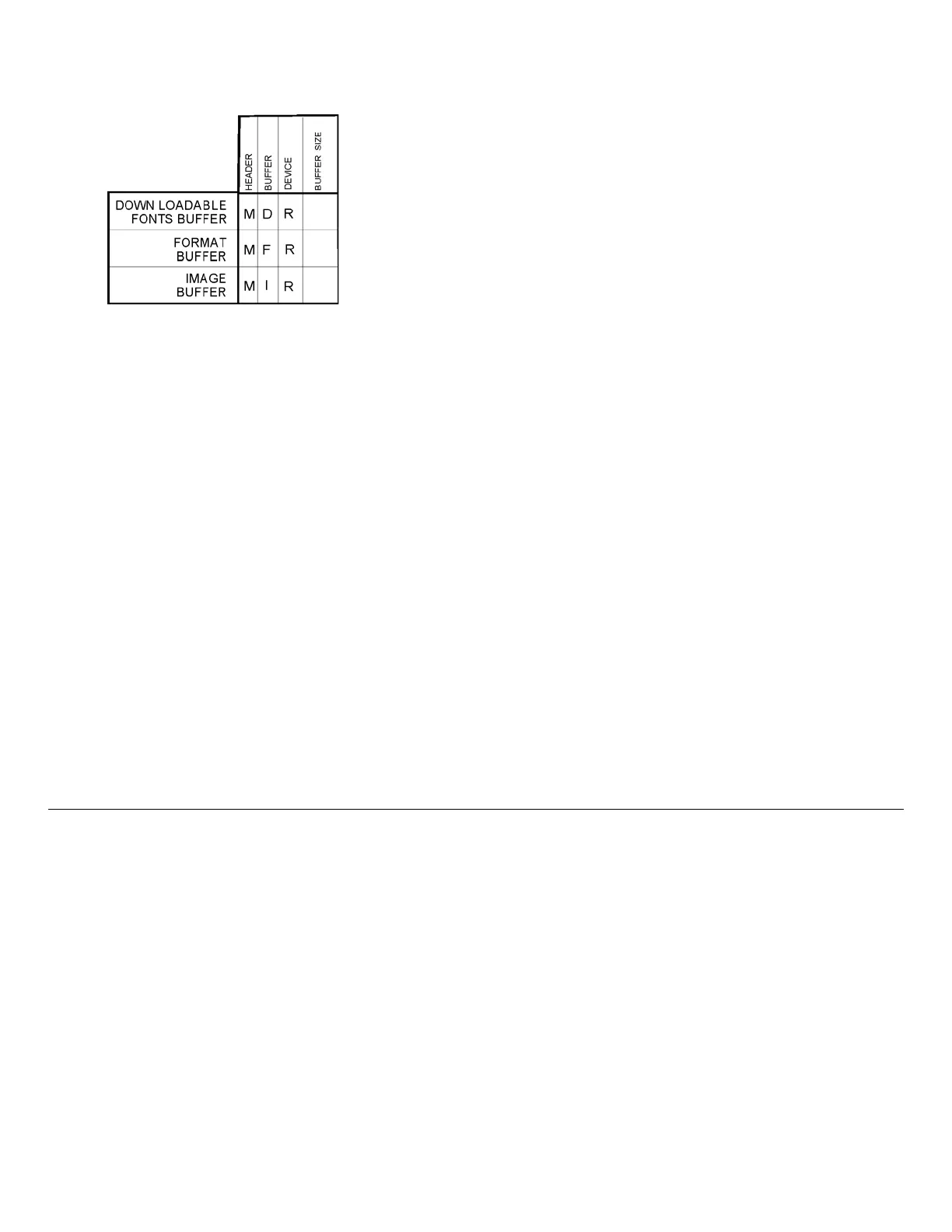
Buffer Worksheet
Make copies of this page to use as a buffer worksheet.
Buffer Allocation Considerations
Keep these items in mind when allocating memory.
♦ Do not allocate more memory than what is available.
♦ Free memory from one buffer before you add it to another buffer.
♦ Reallocate all the buffers if you need to reallocate any buffer.
♦ Send all buffer (re)allocations in one packet. The printer evaluates each individual buffer
allocation separately. If one buffer allocation is invalid, the entire packet is invalid. If you
define a buffer size that exceeds the maximum value, an error occurs. However, no
information is lost.
♦ Whenever the printer accepts a memory configuration packet, it takes effect immediately,
causing a printer reset. Any information contained in the buffers is lost. Resend your formats,
batches, graphics, or fonts to the printer.
♦ If you remap your image buffer, make sure the length and width specified in your format
header are not too large for the current image buffer. In other words, if you remap for a
4 x 4 inch label, you cannot print a 4 x 6 inch label without receiving an error, until you
change your format header or increase your image buffer.
Memory Considerations with Downloaded TrueType Fonts
Save the fonts to flash memory for optimal performance with downloaded fonts. No memory
configuration packets are necessary since flash memory cannot be reallocated.
About Flash Memory
Items stored in flash memory are saved when the printer is turned off. Flash memory cannot be
reallocated.
Flash memory can contain formats, fonts, graphics, ADK scripts, and check digits. Store formats
in flash if you need to use the printer offline (not connected to a host). When formats, graphics,
and check digits are saved in flash (a copy is automatically placed in RAM). Any of these
packets saved in flash cannot exceed the memory available in RAM. For this reason, we
recommend only storing fonts or ADK scripts in flash memory. (Fonts and ADK scripts
saved in flash are not copied into RAM.)
Before you send packets to flash memory, it must be formatted first.



 To Next Page