3-26 Packet Reference Manual
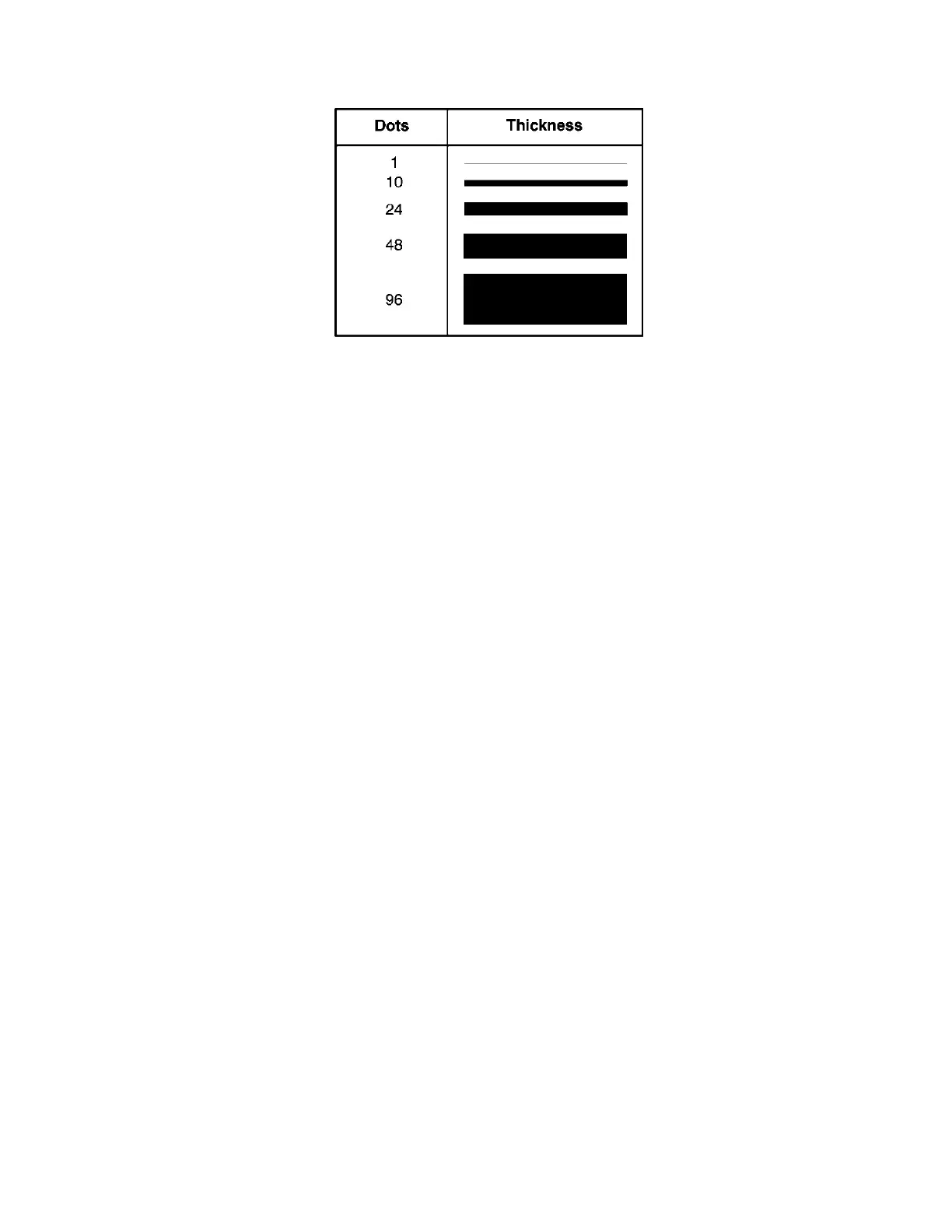
L7. thickness Using the chart below for reference, write the line thickness (1 to 99)
in box L7. 2 is the default. Line thickness fills upward on horizontal
lines, or to the right on vertical lines. Measured in dots.
L8. “pattern” Line pattern. Enter "".
Example L,S,110,30,110,150,10,"" |
Defines a horizontal line field as a segment starting at row 110, column 30 and ending at row
110, column 150. The line thickness is 10 dots.



 To Next Page