Moneris® Go Plus: Using Your Terminal 43
10. The customer passes the terminal back to you, as directed by the
application.
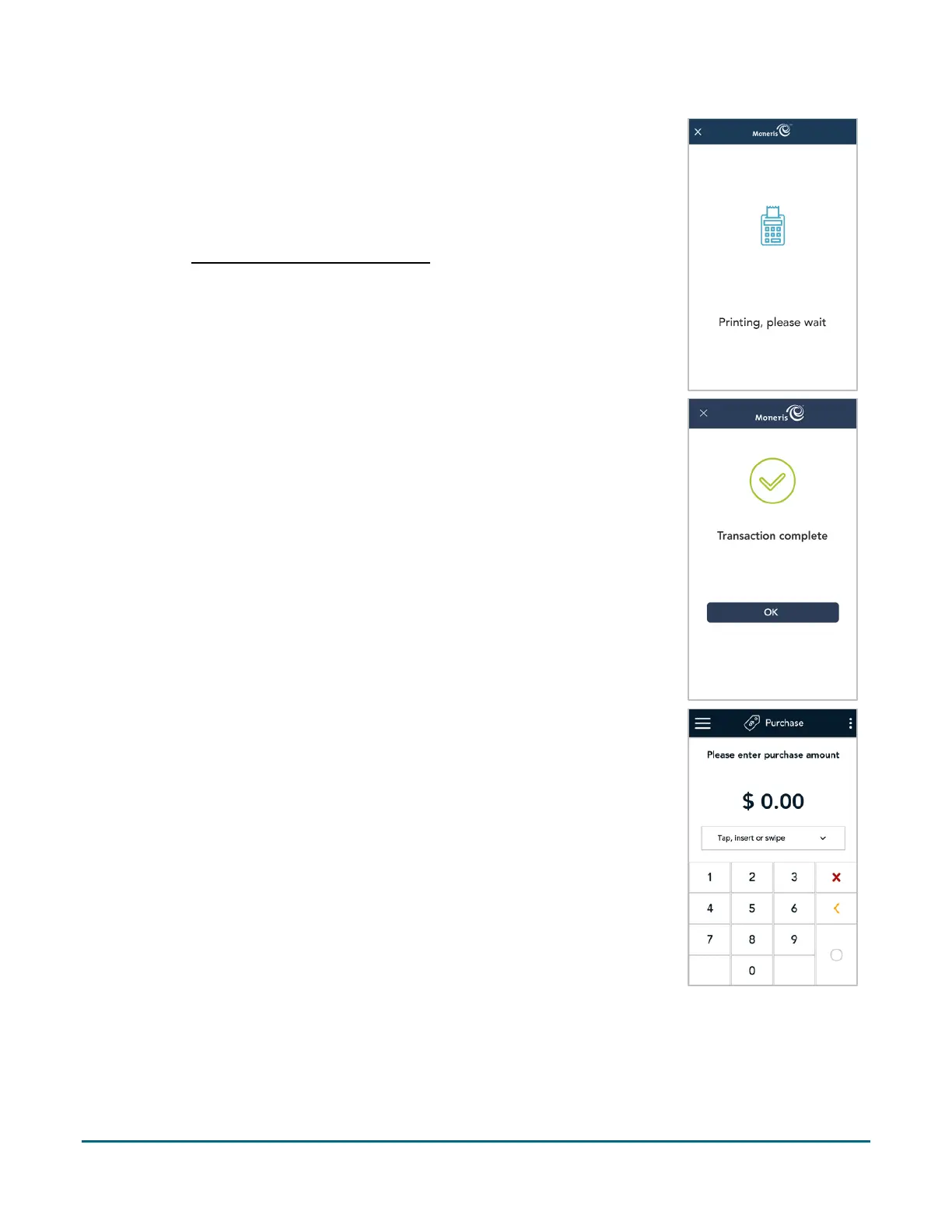
11. The application prints receipts if requested.
If the customer requested a printed receipt, give them the cardholder
copy.
If you enabled merchant receipt printing
, keep the merchant copy for
your records.
12. When the “Transaction Complete” prompt appears, tap OK to return to
the default screen.
13. The default transaction screen appears.
The application is ready to process your next transaction.



 To Next Page