____________________________________________________________________
_______________________________________________________________________
MN0090-05 Page 44 of 68 18008
MPT-90 PRODUCT MANUAL This document contains U.S. export controlled technical data as regulated by the U.S. Export Administration Regulations 15 CFR Parts 730-774, export, disclosure or transfer contrary to U.S. law is prohibited.
5.0 MOOG PTZ WEB INTERFACE INTERNAL WEB GUI
5.1 CONNECTING THE MPT-90 TO A COMPUTER
1) Connect the RJ45 connector labeled “Ethernet Com. to your computer
or Ethernet Switch
2) The MPT-90’s default IP address is 192.168.1.10. Make sure your
computer is on the same subnet; change your private IP address if
necessary.
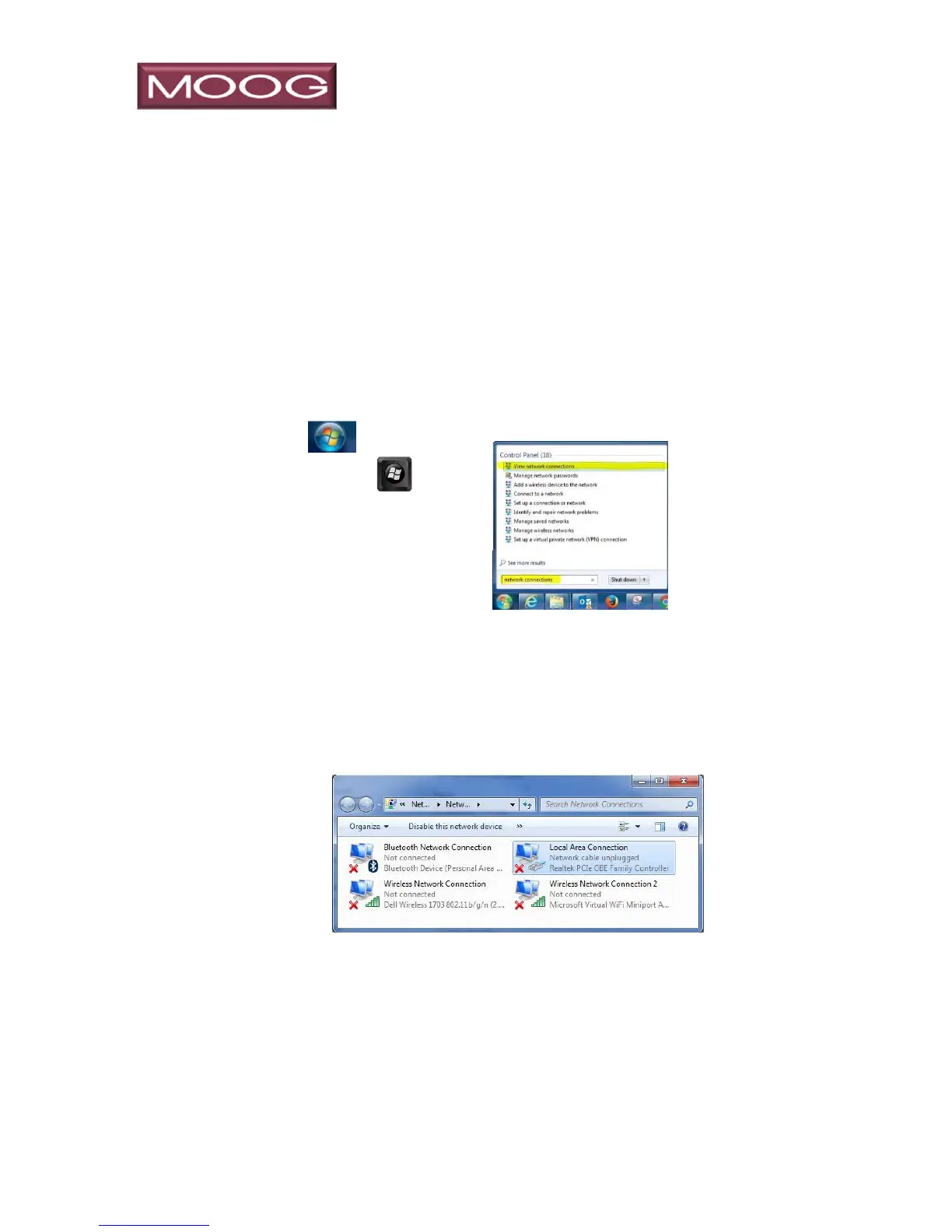
3) Click or press the
Windows key on
your keyboard and type
“network connections”.
4) Right click on “Local Area Connection” and select “Properties” to open
Local Area Connection Properties. Note that in Windows 8 or 10
naming may be different, such as Ethernet.


 To Next Page